Creating a 3D model used to take time, patience, and a good understanding of complicated design software. Even a simple object could require several steps, from building its shape to adding textures and adjusting small details. But AI is making this creative process much easier.
One platform bringing this change to the 3D design space is Tripo AI. It helps users turn simple text descriptions, photographs, and reference images into 3D models. Instead of building everything from scratch, creators can start with an idea and let AI handle much of the initial modelling work.
Whether someone wants to create a character for a game, design a product concept, or experiment with digital artwork, Tripo AI offers tools that make getting started easier.
What Is Tripo AI?
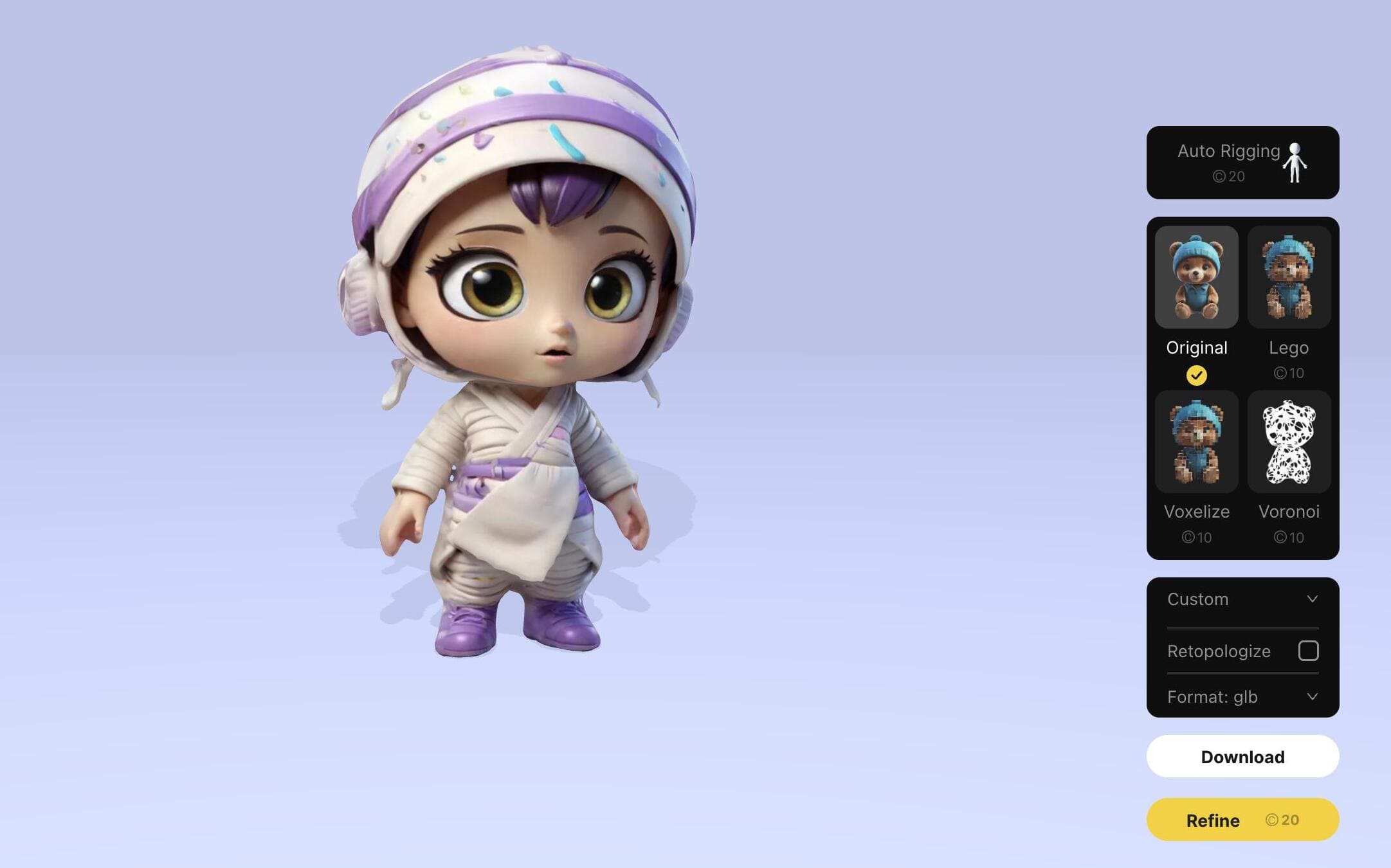
Tripo AI is an artificial intelligence-powered 3D modelling platform designed to turn creative ideas into digital 3D objects. It allows users to generate models using written prompts or visual references.
The interesting part is that users do not always need to know traditional 3D modelling techniques before getting started. They can describe an object, upload an image, and use the generated result as a starting point for their project.
The platform also provides additional tools for improving models, including AI texturing, model segmentation, retopology, rigging, and animation.
For beginners, this can make the first step into 3D design feel less intimidating. Experienced designers can also use it to explore ideas and speed up parts of their creative workflow.
How Does Tripo AI Work?
Tripo AI uses AI technology to understand text descriptions and visual references and convert them into three-dimensional models.
The process is relatively straightforward. Users provide an input, choose their preferred generation settings, and let the platform create a model.
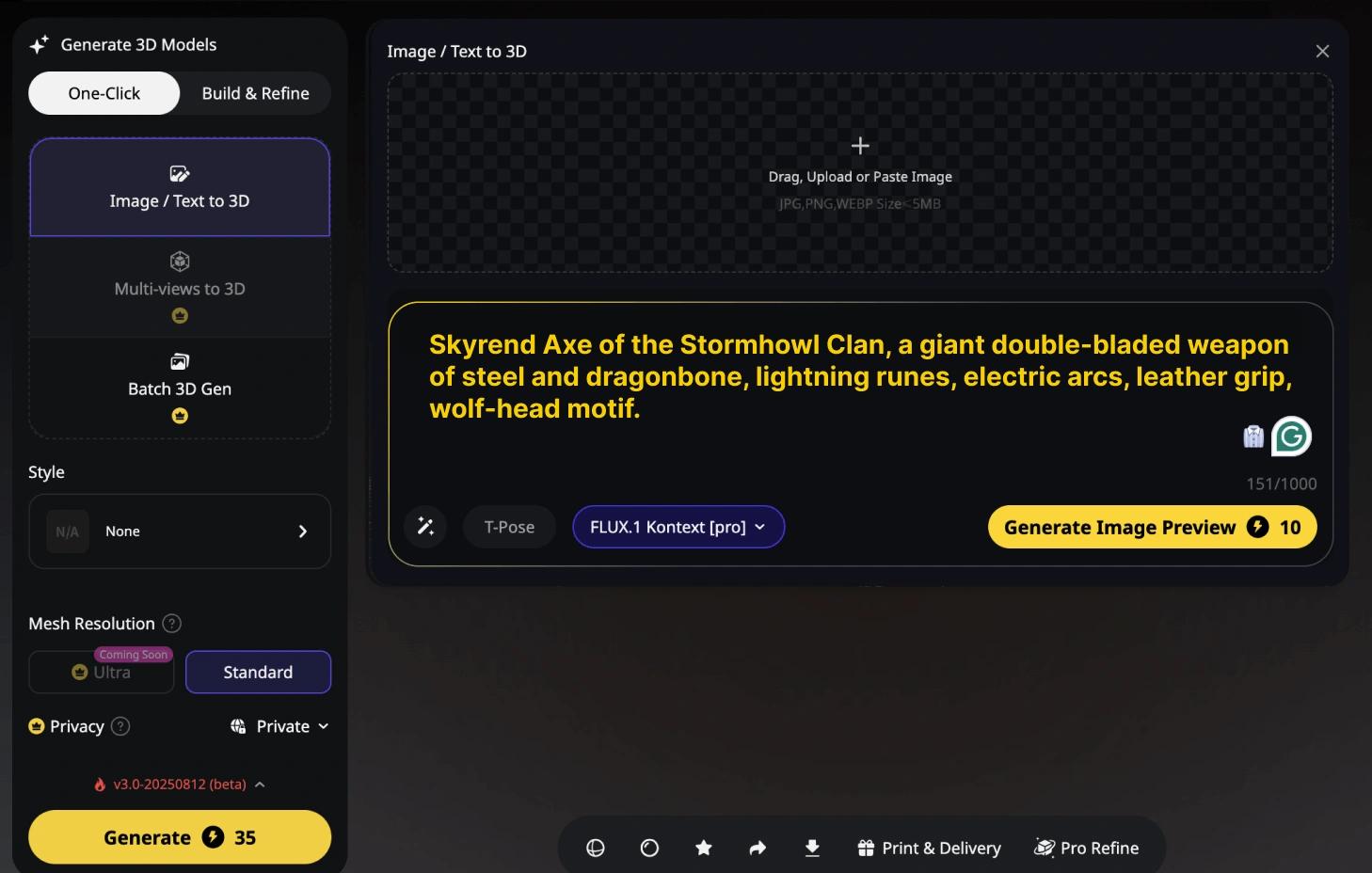
Here is a simple look at how the process works:
Choose an idea: Decide what kind of object, character, or design you want to create.
Add your input: Enter a written description or upload a reference image.
Generate the model: Allow the AI system to process your request.
Preview the result: Rotate and inspect the model from different angles.
Make improvements: Adjust textures, geometry, or other available details.
Export your work: Download the finished model in a supported format for further use.
The biggest advantage is that users can get an initial 3D design without manually creating every part themselves.
Main Features of Tripo AI
Tripo AI is not limited to generating basic 3D objects. Its tools cover several stages of the creative process, which makes it useful for different types of projects.
1. Text-to-3D Model Generation
Sometimes, you have a clear picture in your mind but do not know how to build it in 3D software. This is where the text-to-3D feature becomes useful.
Users can describe what they want in ordinary language, and Tripo AI uses that description to generate a 3D model.
For example, someone could enter a prompt such as:
A small futuristic robot with a silver body, glowing blue eyes, rounded arms, and a friendly appearance.
The AI then creates a model based on the description.
Why this feature is useful:
Helps turn creative thoughts into visual models.
Makes early design experiments easier.
Saves time during initial concept development.
Allows users to explore different design variations.
Helps beginners experiment with 3D creation.
2. Image-to-3D Conversion
Not everyone finds it easy to explain a design through words. Sometimes, showing a picture is much simpler.
Tripo AI allows users to upload an image or sketch and use it as a reference for generating a 3D model. This can be helpful when working with product concepts, characters, illustrations, or everyday objects.
For better results, it is worth choosing a clear image with good lighting and a visible subject. A crowded background or unclear object can make it harder for AI to understand the required shape.
Some practical uses include:
Turning product photographs into 3D assets.
Creating models from character illustrations.
Converting concept art into digital objects.
Exploring physical objects in a 3D environment.
3. AI Texturing
A model may have the right shape but still look unfinished without suitable colours, materials, and surface details.
Tripo AI includes AI texturing tools that help add visual details to generated models. Users can improve the appearance of objects by applying materials and textures that better match their creative ideas.
For example, a basic 3D chair can be given a wooden finish, while a robot can receive a metallic appearance.
This is particularly useful for people who want their models to look more complete without spending too much time on manual texturing.
4. Model Segmentation
Working with a complex 3D object can become difficult when every part is connected.
Model segmentation helps divide a model into separate sections, making individual components easier to manage and refine.
For example, a robot model may contain separate sections for its head, arms, legs, and body.
This feature can be useful for:
Editing individual components.
Working with complex designs.
Preparing models for further development.
Making selected parts easier to manage.
5. Retopology and Smart Mesh
A visually attractive model is not always ready for professional use. Its geometry also matters, especially when it needs to work in games, animation, or real-time applications.
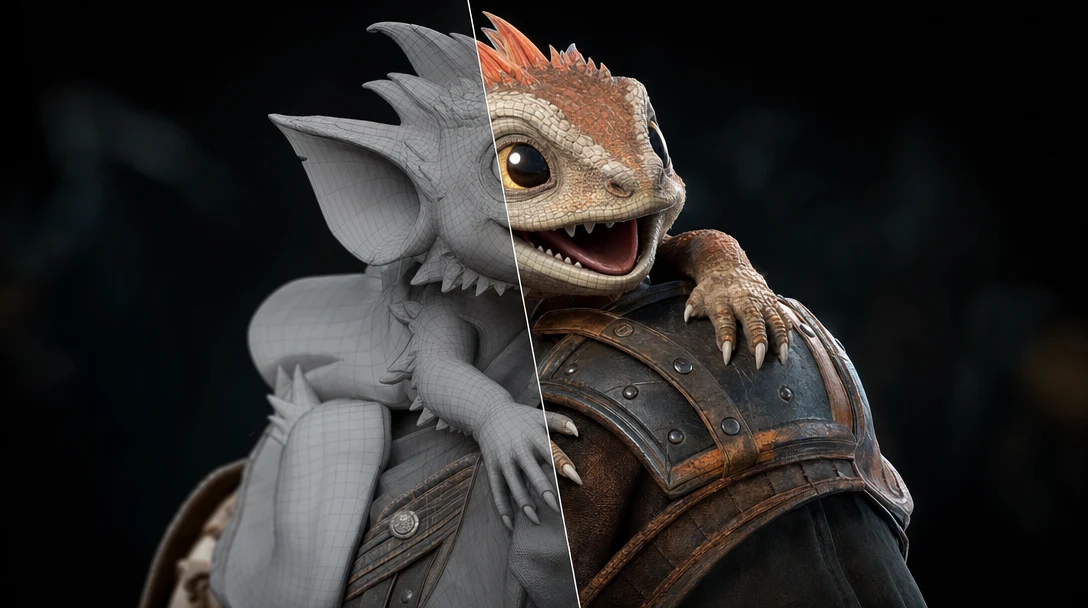
Tripo AI offers retopology and Smart Mesh tools to help create cleaner geometry and adjust polygon structures.
These tools can make models more suitable for different creative workflows, depending on the selected settings.
6. 3D Rigging and Animation
A character model becomes much more interesting when it can move.
Tripo AI provides automatic rigging features that help add skeletal structures to supported character models. These structures make it possible to prepare models for animation.
This can be helpful for:
Game character development.
Animated digital characters.
Creative storytelling projects.
Character movement experiments.
Animation production workflows.
Tripo AI Features at a Glance
Here is a quick comparison of the platform's main capabilities and their practical uses.
Feature | What It Does | Best For |
Text-to-3D | Creates models from prompts | Idea development |
Image-to-3D | Converts images into models | Visual references |
AI Texturing | Adds surface details | Realistic designs |
Segmentation | Separates model components | Model editing |
Retopology | Improves mesh structure | 3D production |
Rigging | Adds skeletal structures | Character animation |
Who Can Benefit from Tripo AI?
One of the interesting things about AI-based 3D design is that it is no longer limited to professional artists.
Different people can use these tools depending on what they want to create.
1. Game Developers
Game developers can use AI-generated models to explore characters, objects, props, and environmental assets. It can help speed up early development and concept testing.
2. Digital Artists
Artists can experiment with different shapes, characters, and visual styles without manually building every model from the beginning.
3. Product Designers
Product designers can turn early concepts into 3D visual references. This makes it easier to explore shapes and communicate ideas before moving into detailed production.
4. Animation Creators
People working with animation can use generated character models and available rigging features as starting points for creative projects.
5. Beginners and Students
Students who are learning about 3D design can experiment with different ideas and understand how objects look in a three-dimensional space.
How to Create Your First 3D Model with Tripo AI
Getting started does not have to be complicated. A simple project is often the best way to understand how the platform works.
Follow these basic steps:
Step 1: Open the Platform
Visit Tripo AI and open its 3D creation workspace.
Step 2: Choose Your Input Method
Decide whether you want to create a model using a text description or an existing image.
Step 3: Describe Your Idea
If you are using text-to-3D, write a clear description. Include the object's shape, colour, material, style, and important details.
Step 4: Generate Your Model
Select the available generation settings and start the process.
Step 5: Review the Result
Check the model from different angles. Look at its proportions, surface details, and overall appearance.
Step 6: Improve the Design
Use available editing tools such as texturing, segmentation, or retopology if your project requires them.
Step 7: Export the Model
Download the result in a supported file format and continue working with it in compatible software.
Tips for Getting Better Results with Tripo AI
AI-generated designs can be impressive, but the quality of the final result often depends on the input.
A little planning before generating a model can make a noticeable difference.
Here are some simple tips worth following:
Write detailed prompts: Avoid descriptions that are too short or confusing.
Choose clear reference images: Good lighting and a simple background can help.
Mention materials: Specify whether an object should look like wood, metal, glass, or plastic.
Describe important parts: Explain the object's shape, proportions, and main components.
Try different variations: Do not expect every generation to match your idea perfectly.
Inspect the geometry: Check hidden areas and small details before using the model.
Choose suitable settings: Consider whether your project needs high detail or cleaner, lighter geometry.
For example, instead of writing "a modern chair," try describing a modern wooden dining chair with a curved backrest, four slim legs, a natural oak finish, and a minimal design.
A more specific description gives the AI better creative direction.
Advantages and Limitations of Tripo AI
Like any AI-powered creative platform, Tripo AI has benefits as well as a few things users should consider before relying on it for professional projects.
Advantages | Limitations |
Makes 3D creation more accessible | Results may need manual corrections |
Supports text and image inputs | Complex designs can be challenging |
Helps speed up early modelling | Generated geometry may need refinement |
Offers additional editing tools | Advanced workflows require practice |
Useful for creative experimentation | Output quality depends on the input |
It is also important to remember that AI-generated models are not automatically perfect or production-ready. Users should review geometry, textures, proportions, and file compatibility before using them in a final project.
Is Tripo AI Worth Trying?
For people interested in AI-powered 3D creation, Tripo AI is worth exploring.
Its biggest advantage is the way it brings different stages of 3D modelling into one creative workflow. Users can start with a text prompt or image and then work on improving the generated model through additional tools.
Beginners may appreciate the easier starting point, while experienced designers can use it to experiment with concepts and reduce some repetitive work.
However, it should not be considered a complete replacement for traditional 3D design skills. Professional projects may still require careful editing, technical knowledge, and quality checks.
The best approach is to use AI as a creative assistant rather than expecting it to handle every design decision perfectly.
3D design is becoming more approachable as AI tools continue to improve. What once required considerable modelling experience can now begin with a simple description or an image.
Tripo AI makes this process interesting by combining 3D generation with tools for texturing, segmentation, retopology, and animation. It gives creators a practical way to explore ideas, experiment with designs, and build digital assets.
Whether you are a student trying 3D modelling for the first time or a designer looking for a faster way to develop concepts, Tripo AI offers an interesting starting point for creative exploration.
The real value comes from combining AI-generated results with your own creativity, imagination, and attention to detail.
Frequently Asked Questions
Tripo AI is used to create 3D models from text prompts and images. It also offers tools for texturing, editing, and animation preparation.
Yes, beginners can explore its AI-powered features without first learning traditional 3D modelling techniques. Some editing skills may still be useful.
Yes, users can upload reference images and generate 3D models. Clear images generally provide better starting points.
It offers automatic rigging and animation-related features that help prepare supported character models for movement.
Yes, generated models can be used as starting assets for game projects. They should be checked and optimized for the requirements of the game engine.
Sources and notes
Links the author listed for this post.
Information is based on Tripo AI's official website, platform features, and available product information.
- 1Tripo AI's (opens in a new tab)
tripo3d.ai


Discussion
0 comments
No comments yet
Discussion will appear here once it loads.