Working with digital files often means dealing with different formats. A document may need to become a PDF, an image may need a different file type, or data may need to be converted into a format that another application can understand. Doing these tasks manually can be frustrating, especially when you are handling several files at once.
Format converters make this process much easier. They allow users to transform files and data from one format into another without having to recreate the content from scratch. In 2026, online conversion tools are useful for students, professionals, creators, developers, and everyday users who regularly work with digital files.
What Are Format Converters?
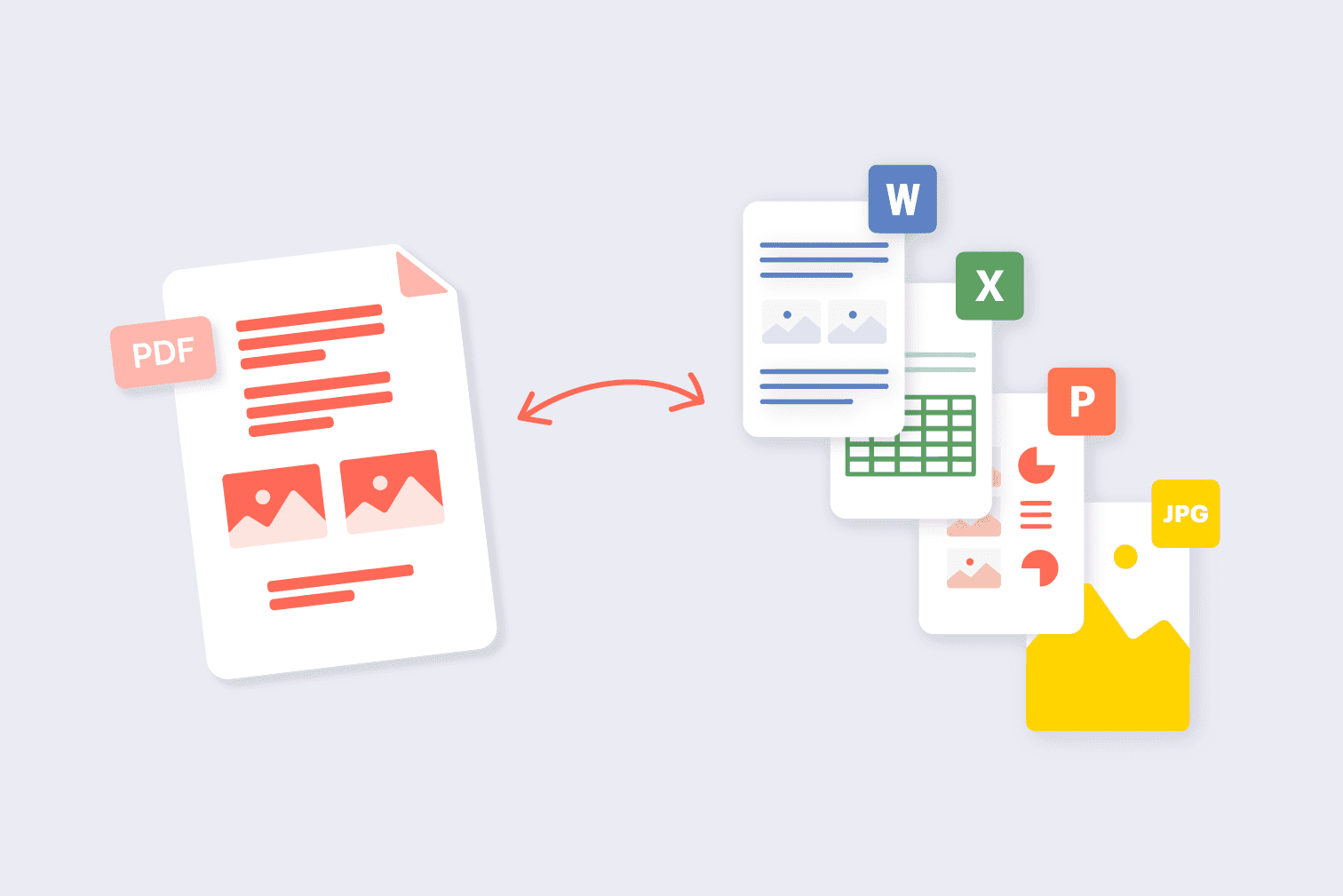
Format converters are tools that change a file from one format to another while preserving as much of the original information as possible.
For example, you might convert an image from PNG to JPG, a document from DOCX to PDF, or a data file from CSV to another structured format. The exact conversion depends on the tool and the formats it supports.
The main purpose is simple: make files compatible with the software, platform, or workflow you need to use.
Instead of searching for specialized software for every conversion task, online format converters can provide a quicker way to handle common file transformations.
Why Are Format Converters Useful in 2026?
Digital work has become increasingly dependent on files. People create documents, images, spreadsheets, presentations, videos, and data files every day.
However, different platforms often support different formats. A file that works perfectly in one application may not be accepted by another.
This is where conversion tools become useful.
Common reasons to convert files
Compatibility: Make a file work with another application.
Sharing: Convert files into formats that are easier to send or open.
Editing: Change a file into an editable format.
Storage: Use a more suitable format for your workflow.
Publishing: Prepare files for websites, documents, or digital platforms.
Organization: Standardize files into a consistent format.
A simple conversion can sometimes save a significant amount of time.
Common Types of File Conversion
Format conversion covers a wide range of file types. Different users need different conversion options depending on their work.
Conversion Type | Example | Common Use |
|---|---|---|
Document | DOCX → PDF | Sharing and publishing |
Image | PNG → JPG | Web use and file-size reduction |
Data | CSV → JSON | Software and data workflows |
Text | TXT → PDF | Document creation |
Presentation | PPTX → PDF | Easy sharing |
Spreadsheet | XLSX → CSV | Data processing |
Audio | WAV → MP3 | Smaller, shareable audio |
Video | MOV → MP4 | Compatibility and sharing |
Not every converter supports every format, so it is important to check the available input and output options before starting.
Document Converters: Make Files Easier to Share
Documents are among the most commonly converted digital files.
A user may create a document in an editable format but need to send it as a PDF to prevent accidental changes. In another situation, someone may receive a PDF and need to convert it into an editable document.
Popular document conversions
DOCX to PDF: Useful for sharing finalized documents.
PDF to DOCX: Helpful when you need to edit existing content.
TXT to PDF: Useful for turning plain text into a more presentable document.
PPTX to PDF: Convenient when presentations need to be shared without requiring presentation software.
Format converters can make these tasks much faster than manually recreating documents.

Image Format Conversion
Images come in many formats, and each format has different characteristics.
For example, JPG is commonly used for photographs, while PNG is useful when transparency or lossless image quality is important. Other formats may be better suited to websites, professional workflows, or specific applications.
Converting images can help with:
Website compatibility
File-size management
Social media uploads
Design workflows
Document creation
Image editing
Before converting an image, consider whether you need transparency, high quality, or a smaller file size.
Data Format Conversion
Data conversion is particularly useful for developers, analysts, and people working with structured information.
Different applications may expect data in different formats. For example, a system might use CSV for spreadsheet-style data while an application may require JSON.
Converting between formats can make it easier to move information from one system to another.
Example
Imagine you have a list of product information stored in a spreadsheet. A developer may need the same information in JSON format for use in an application.
Instead of manually rewriting every entry, a suitable converter can transform the structure into a compatible format.
Why Online Converters Are Convenient
Traditional conversion often required installing specialized desktop software. Today, many common conversion tasks can be completed through online tools.
This can be especially convenient when you only need to convert a file occasionally.
Benefits of online converters
No complicated setup: Many browser-based tools can be used without installing software.
Quick access: You can use them from a supported device with an internet connection.
Multiple formats: Some platforms support several types of conversions.
Simple workflows: Upload, select the output format, convert, and download the result.
However, convenience should not replace caution, particularly when handling confidential files.
Important Things to Check Before Using a Converter
Not every converter works in exactly the same way. Before uploading an important file, consider a few practical factors.
Factor | What to Check |
|---|---|
Supported formats | Does it support your input and desired output? |
File size | Is there a maximum upload limit? |
Quality | Will the conversion affect quality? |
Privacy | How does the service handle uploaded files? |
Speed | How quickly can the file be processed? |
Output | Does the converted file retain the information you need? |
These checks can help you avoid unexpected problems.
Conversion Quality Matters
Changing a file format does not always produce a perfect copy.
Some conversions can cause changes in layout, fonts, formatting, image quality, metadata, or interactive elements.
For example, converting a complex document to another format may affect page spacing or fonts. Similarly, converting an image from one format to another can affect quality depending on the settings.
That is why you should always open and review the converted file before using or sharing it.
This review looks at Format Converters 2026: Easy Tools for Quick Data Conversion from a practical user perspective: what it helps with, where it fits best, and what to check before relying on it.
Best for
Readers who need a quick workflow for format converters 2026: easy tools for quick data conversion.
One-time tasks where speed matters more than heavy setup.
Comparing simple options before choosing a final tool.
Key features to check
Feature | Why it matters | What to test |
|---|---|---|
Ease of use | Reduces setup time | Can a new user finish the task quickly? |
Output quality | Protects the final result | Does the result look clean and accurate? |
Privacy | Keeps sensitive data safer | Does the workflow require uploads or accounts? |
Verdict
Format Converters 2026: Easy Tools for Quick Data Conversion is most useful when the goal is clear and the result can be checked immediately. For repeat work, save the best settings and pair it with related AltFTool utilities.
Format Conversion for Creators
Content creators often work with multiple types of media. Images, videos, audio recordings, documents, and graphics may all need to be converted during the production process.
For example, a creator may need to convert an image for a website, change an audio file into a more compatible format, or convert a presentation into a PDF for sharing.
Having easy access to conversion tools can make these small but repetitive tasks less disruptive.
Format Conversion for Students and Professionals
Students frequently exchange documents in different formats. A teacher may request a PDF, while a student may have originally created the assignment in a word processor.
Professionals face similar situations when sharing reports, proposals, presentations, spreadsheets, and other files with clients or colleagues.
A format converter can help ensure that the file reaches the recipient in a usable and compatible form.
Developers and Technical Workflows
Developers may also need conversion tools when working with structured data and digital assets.
Data may need to move between formats such as JSON, CSV, XML, YAML, or other structured representations. Each format can have a different role within a software workflow.
Instead of manually restructuring data, a converter can help transform information into a format that fits the next stage of the process.
For technical users, however, it is still important to validate the converted output before integrating it into a project.
A Simple File Conversion Workflow
Using a converter does not have to be complicated.
Step 1: Identify the required format
First, determine exactly which format you currently have and which format you need.
Step 2: Choose a suitable converter
Look for a tool that supports both the input and output formats.
Step 3: Check the limitations
Review file-size limits, privacy information, and any conversion restrictions.
Step 4: Upload and convert
Upload the file and select the required output format.
Step 5: Review the result
Open the converted file and check that the content, formatting, and quality are correct.
Step 6: Save the final version
Once you are satisfied with the result, store the converted file where you can easily access it.
Smart Tips for Better File Conversion
A few simple habits can make the conversion process safer and more reliable.
Always keep the original file until you have confirmed the converted version works correctly.
Choose the output format based on how you plan to use the file.
Review converted documents for formatting changes.
Avoid uploading sensitive or confidential files to services you do not trust.
For important data, verify that no information was lost during conversion.
Who Can Benefit From Format Converters?
Format converters are useful for almost anyone who regularly works with digital files.
User | Possible Use |
|---|---|
Students | Convert assignments and presentations |
Professionals | Prepare reports and business documents |
Designers | Convert images for different platforms |
Developers | Transform structured data |
Content Creators | Convert media files |
Businesses | Standardize shared documents |
Everyday Users | Handle incompatible files |
The value comes from solving small compatibility problems quickly.
Make Digital Workflows Simpler
File formats should not become a barrier between you and the task you want to complete.
Whether you are preparing a document, publishing an image, moving structured data, or sharing a presentation, conversion tools can help make the process smoother.
The key is to choose the right format for the final purpose rather than converting files unnecessarily. A smaller image may be ideal for a website, while a high-quality format may be more appropriate for professional editing.
Understanding these differences helps you get better results from conversion tools.
A format converter is a tool that changes a file from one format into another for compatibility or easier use.
Depending on the tool, you can convert documents, images, data, audio, video, and other file types.
Most are designed for simple workflows such as uploading a file, selecting a format, and downloading the converted result.
It can. Some conversions may change image quality, formatting, metadata, or other file properties.
Who should use Tools
Format Converters 2026: Easy Tools for Quick Data Conversion is built for readers who want a faster way to finish everyday web tasks. The main goal is shorter workflows, clearer outputs, and reusable tool habits, so the guide focuses on practical choices instead of broad theory.
Use it when you need one of these outcomes:
- testing a task before choosing a heavier app
- saving time on a repeated browser workflow
- combining a guide with a related AltFTool utility
How to get a better result
- Read the core use case and decide what output you need.
- Open the related AltFTool utility and test it with a small sample.
- Review the result, adjust settings, and repeat only if needed.
- Continue with related tools or guides for the next step in the workflow.
Start small, check the first output, and only then repeat the workflow with the full file, text, media, or game session. That gives you a quick quality check before you spend more time.
Quality checks before you trust the output
- the input is clean before running the tool
- the output matches the format you need
- private details are removed before sharing or downloading
Do not overcomplicate a simple task. Start with the smallest sample that proves the workflow, then scale up once the output looks right.
Continue your workflow
If you want to try the workflow now, open the related AltFTool tool area. For more reading, continue through the Tools archive or the AltFTool tools directory.
This creates a cleaner path from explanation to action: read the guide, test the tool, compare the output, and move into the next related AltFTool resource only when it helps the task.
Sources and review notes
References used to check facts, freshness, and reader-safe recommendations in this guide.
Reviewed against AltFTool editorial guidance, related site archives, and linked tool pages for freshness and reader usefulness.
- 1AltFTool Tools archive
AltFTool
- 2AltFTool tools directory
AltFTool


Discussion
0 comments
No comments yet
Discussion will appear here once it loads.