The internet is full of tools and resources that can make everyday tasks easier. From AI-powered platforms and productivity apps to online courses, business services, travel resources, and special deals, there are plenty of useful options available.
The challenge is finding resources that are actually relevant. Searching through dozens of websites for one useful tool can take time, and some platforms may require a paid subscription before you can properly test their features.
A curated collection of online tools, deals, and free resources can make that process simpler. Instead of starting from scratch, users can explore different digital options in one place and decide which ones fit their needs.
AltFTool's Lookouts section brings together different types of online discoveries, giving users a convenient way to explore tools, offers, resources, and other useful digital services.
What Are Online Resources?
Online resources are websites, platforms, applications, and digital services that help people complete specific tasks or find useful information.
They can range from simple free utilities to advanced professional software. Some are designed for work and productivity, while others focus on learning, entertainment, travel, business, or personal projects.
Examples include:
AI-powered tools
Online calculators
Writing and editing tools
Design platforms
Educational websites
Job and career resources
Business services
Travel platforms
Software deals
Free online utilities
Hosting and web services
The right resource depends on what you are trying to accomplish.
Why Explore Free Online Tools?
Free online tools can be particularly useful when you want to solve a quick problem without purchasing software.
For example, you might need to convert a file, compress an image, remove a background, create a QR code, calculate something, or generate a simple document.
Instead of installing a large application, an online tool may allow you to complete the task directly from your browser.
Type of Tool | Example Use |
|---|---|
Writing Tools | Drafting, editing, summarizing |
Image Tools | Editing, resizing, compression |
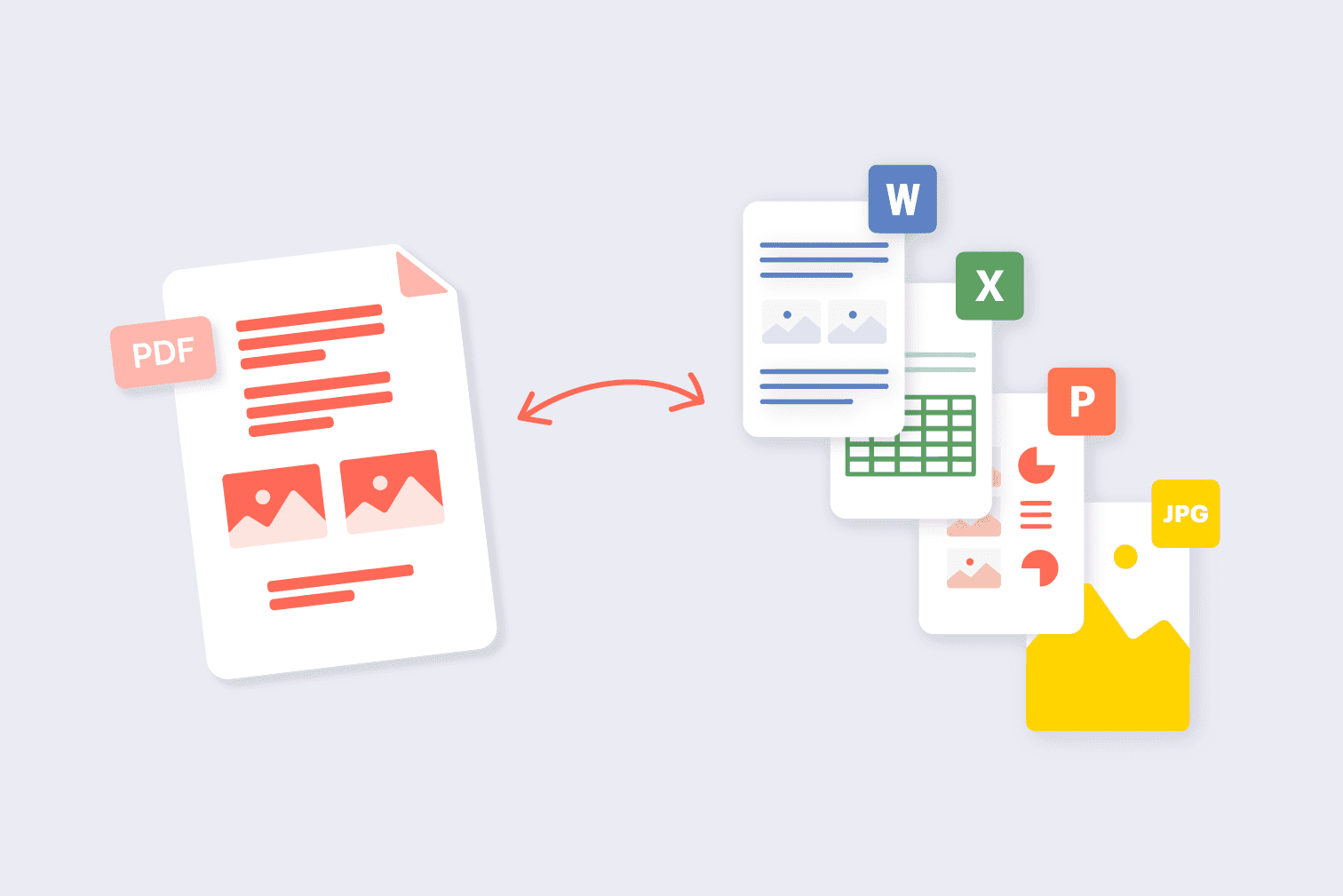
PDF Tools | Conversion, merging, splitting |
AI Tools | Research, content and automation |
Calculator Tools | Everyday calculations |
Productivity Tools | Planning and organization |
Design Tools | Graphics and presentations |
File Tools | Conversion and file management |
Free tools can also be a useful way to test a workflow before deciding whether you need a premium solution.
Discover AI Tools for Everyday Tasks
AI tools have become increasingly common across different types of digital work. They can assist with writing, research, image generation, coding, brainstorming, productivity, and other tasks.
For example, a content creator might use AI for brainstorming article ideas, while a student may use an AI tool to organize notes or understand a difficult topic.
Businesses can also use AI-powered platforms for marketing, customer support, data analysis, and workflow automation.
When exploring AI tools, it is useful to check what each platform actually provides rather than choosing one simply because it uses AI.
Important things to consider include:
Available features
Free-plan limits
Supported file types
Usage limits
Export options
Integrations
Privacy information
Pricing for premium features
Find Deals and Save on Digital Services
Online software and services often use subscription pricing. If you regularly use several platforms, those monthly costs can quickly add up.
Deals and special offers can provide an opportunity to reduce those costs. Depending on the service, an offer might include a discounted subscription, promotional pricing, an annual-plan saving, or another type of limited-time deal.
Before purchasing a discounted service, check the terms carefully.
Things to Check Before Buying
Original price
Discounted price
Renewal price
Deal expiration date
Included features
Usage restrictions
Refund policy
Subscription period
A lower starting price is useful only when the service meets your requirements and the long-term pricing is clear.
Free Alternatives to Paid Software
A paid subscription is not always necessary. Many tasks can be handled using free tools or free versions of premium services.
For basic personal projects, a free alternative may provide enough functionality. However, professional users may need advanced features such as automation, collaboration, larger storage limits, or premium support.
Need | Free Option May Provide | Paid Option May Add |
|---|---|---|
Writing | Basic editing | Advanced writing features |
Design | Basic templates | Premium assets and features |
Storage | Limited space | Larger storage |
Project Management | Basic tasks | Advanced team management |
AI | Limited usage | Higher usage limits |
File Tools | Basic processing | Larger files and advanced options |
The important thing is to compare the features you actually need instead of focusing only on whether a tool is free.
Online Learning and Educational Resources
The internet has made learning accessible far beyond traditional classrooms. Students and professionals can now find courses, tutorials, guides, certifications, and educational platforms covering a wide range of subjects.
Online learning resources can be useful for:
Learning a new software program
Developing digital skills
Studying business
Improving communication
Learning marketing
Understanding technology
Exploring creative skills
Preparing for professional opportunities
Before enrolling in a course, check its syllabus, learning format, duration, instructor information, and whether a certificate is included.
Business and Career Resources
Digital resources are also useful for people building careers or running businesses.
Job platforms can help users discover opportunities, while business tools can assist with tasks such as project management, marketing, communication, customer management, and accounting.
Entrepreneurs can also use online resources to research markets, validate ideas, create content, and manage day-to-day operations.
For job seekers, useful online resources may include:
Job search platforms
Resume tools
Portfolio builders
Interview preparation resources
Professional learning platforms
Career guides
Networking services
Choosing resources based on a specific career goal can make online research more focused.
Travel and Festival Resources
Online resources are not limited to work and education. Travel and cultural platforms can help users discover destinations, events, festivals, and experiences.
Travel-related resources can be used to research:
Destinations
Festivals
Local attractions
Travel deals
Accommodation
Transportation
Activities
Travel planning ideas
Festival resources can also help users learn about cultural events, seasonal celebrations, and international occasions.
Web Hosting and Online Services
People building websites or online businesses may need additional digital services such as hosting, domains, website builders, analytics platforms, and security tools.
The right service depends on the size and purpose of the website.
For example, a personal blog may have very different hosting requirements from an online store or a business website.
Before selecting a hosting service, consider:
Factor | Why It Matters |
|---|---|
Storage | Determines how much content you can host |
Bandwidth | Affects traffic capacity |
Performance | Influences website loading |
Security | Helps protect websites and data |
Support | Useful when technical problems occur |
Scalability | Allows the service to grow with your needs |
Pricing | Helps manage ongoing costs |
How to Find the Right Online Tool
With so many digital tools available, it can be tempting to try everything. A better approach is to start with the problem you want to solve.
1. Identify the Task
Ask yourself what you actually need to accomplish.
For example, if you need to edit a PDF, search specifically for PDF tools rather than looking through general productivity software.
2. Check the Features
Look at what the tool can actually do. A long feature list does not necessarily mean the platform is suitable for your workflow.
3. Look for a Free Version
If available, try a free version or trial before committing to a paid plan.
4. Compare Alternatives
Check two or three similar tools. This can reveal differences in pricing, features, limitations, and usability.
5. Review Privacy and Terms
For tools that handle personal, business, or sensitive information, review their privacy policies and terms before uploading data.
6. Consider Long-Term Use
If you expect to use a tool regularly, check its ongoing pricing and whether it can support your future requirements.
Why Curated Digital Resources Are Useful
One of the biggest benefits of a curated collection is convenience. Instead of repeatedly searching for tools across different search results, users can browse resources grouped around different interests and needs.
This can be especially helpful when you are:
Looking for a new productivity tool
Searching for a free alternative
Exploring software deals
Learning a new skill
Researching travel ideas
Building an online business
Looking for useful AI platforms
Finding digital services for everyday tasks
A curated collection can turn a broad search into a more focused discovery process.
Who Can Benefit From These Resources?
These online resources can be useful for almost anyone who regularly uses digital services.
Students can explore free tools, learning platforms, productivity resources, and educational services.
Content creators can find writing, design, image, video, and AI tools.
Professionals can discover productivity, communication, business, and workflow solutions.
Entrepreneurs can explore business services, marketing tools, hosting platforms, and digital resources.
Freelancers can use online tools to manage projects, create content, communicate with clients, and organize their work.
Everyday users can find simple utilities for file conversion, calculations, editing, and other common tasks.
Tips for Using Online Tools Safely
Convenience should not come at the expense of privacy or security.
Before using an unfamiliar website, consider the type of information you are sharing. Avoid uploading confidential business documents, financial information, passwords, or other sensitive data unless you understand how the platform handles that information.
A few basic practices can help:
Use strong and unique passwords
Check website security
Read privacy information
Avoid sharing unnecessary personal details
Review permissions before connecting accounts
Be careful with unfamiliar downloads
Check the source before installing software
These simple steps can make online tool usage safer.
Exploring Digital Resources With AltFTool
AltFTool brings together different types of digital tools and online resources, making it easier to discover options for work, learning, creativity, business, travel, and everyday activities.
The Lookouts section provides a place to explore different types of curated discoveries rather than limiting users to one specific category.
Whether you are searching for a free tool, checking out a software deal, exploring an online course, or discovering another useful digital service, browsing a curated collection can save time and introduce you to options you may not have found otherwise.
Best Online Tools, Deals & Free Resources to Explore in 2026 is easier when the workflow is broken into clear steps. This guide explains what to check first, how to avoid common mistakes, and where AltFTool can speed up the task.
Before you start
Define the result you want from best online tools, deals & free resources to explore in 2026.
Collect the files, links, or details you need before using a tool.
Check the final output before downloading, sharing, or publishing it.
Step-by-step workflow
Choose the right method. Match the tool or process to the exact task.
Review the settings. Look for quality, format, privacy, and output options.
Save the result. Keep the final file or link in a place you can find later.
Final thoughts
Use this process when you need a fast but careful way to handle best online tools, deals & free resources to explore in 2026. Keep the steps simple, check the source details, and use related AltFTool resources when the task needs a dedicated utility.
Free online resources are websites, tools, platforms, or services that can be accessed without paying a subscription or upfront fee. Some may offer optional premium features.
Safety depends on the individual website or service. Check its reputation, privacy policy, security practices, and permissions before sharing information or downloading files.
You can explore official software websites, promotional campaigns, deal directories, and curated collections such as AltFTool's Lookouts section.
Yes. Online tools can help with tasks such as file conversion, image editing, calculations, writing, research, organization, productivity, and many other activities.
Who should use Tools
Best Online Tools, Deals & Free Resources to Explore in 2026 is built for readers who want a faster way to finish everyday web tasks. The main goal is shorter workflows, clearer outputs, and reusable tool habits, so the guide focuses on practical choices instead of broad theory.
Use it when you need one of these outcomes:
- testing a task before choosing a heavier app
- saving time on a repeated browser workflow
- combining a guide with a related AltFTool utility
How to get a better result
- Read the core use case and decide what output you need.
- Open the related AltFTool utility and test it with a small sample.
- Review the result, adjust settings, and repeat only if needed.
- Continue with related tools or guides for the next step in the workflow.
Start small, check the first output, and only then repeat the workflow with the full file, text, media, or game session. That gives you a quick quality check before you spend more time.
Quality checks before you trust the output
- the input is clean before running the tool
- the output matches the format you need
- private details are removed before sharing or downloading
Do not overcomplicate a simple task. Start with the smallest sample that proves the workflow, then scale up once the output looks right.
Continue your workflow
If you want to try the workflow now, open the related AltFTool tool area. For more reading, continue through the Tools archive or the AltFTool tools directory.
This creates a cleaner path from explanation to action: read the guide, test the tool, compare the output, and move into the next related AltFTool resource only when it helps the task.
Sources and review notes
References used to check facts, freshness, and reader-safe recommendations in this guide.
Information is based on the tools, deals, resources, and curated listings available on the official AltFTool Lookouts page.
- 1AltFTool
altftool.com


Discussion
0 comments
No comments yet
Discussion will appear here once it loads.