Working with PDF files has become part of everyday digital life. Whether you are preparing a report, sharing an important document, submitting an application, or organizing business files, PDFs are one of the most commonly used formats for keeping information consistent and easy to share.
However, managing PDFs can sometimes be frustrating. You may need to merge several files, split a large document, reduce its file size, convert it into another format, or make quick changes before sharing it.
PDF tools make these tasks much simpler by bringing useful document functions into one place. Instead of relying on complicated software for every small task, online PDF tools can help you handle common document needs quickly and conveniently.
What Are PDF Tools?
PDF tools are digital utilities designed to help users create, edit, convert, organize, and manage PDF documents. They can range from simple tools for merging files to more advanced utilities for document conversion and optimization.
Many online PDF tools work directly through a web browser, meaning users can access them without installing large desktop applications. This can be particularly useful when working from different devices or when you need to complete a quick document task.
Common PDF functions include merging, splitting, compressing, converting, rotating, and organizing PDF files.
Merge PDF Files Easily
Sometimes information is spread across multiple PDF documents. For example, a project may contain separate reports, invoices, forms, or supporting documents.
A PDF merger allows you to combine multiple files into a single document. This can make files easier to share, store, and organize.
Instead of sending several attachments, you can create one consolidated PDF containing all the necessary information.
Split Large PDF Documents
A large PDF may contain more information than you actually need to share. Splitting tools allow you to extract selected pages or divide a document into smaller files.
This can be useful when you only need to send a particular section of a report or separate individual documents that were combined into one PDF.
Splitting PDFs can also make document organization easier by allowing you to store different sections separately.
Compress PDFs for Easier Sharing
Large PDF files can take longer to upload, download, email, or store. PDF compression tools help reduce file size while aiming to maintain useful document quality.
This can be especially helpful for PDFs containing multiple images or graphics. A smaller file can make sharing more convenient and may also help when a website or application has a strict upload-size limit.
Before compressing an important document, it is useful to check the resulting file to ensure that text and images remain readable.
Convert Documents to PDF
Converting files into PDF format can help preserve their layout when they are shared across different devices.
Depending on the available tools, you may be able to convert documents, presentations, images, or other supported file types into PDFs.
This is useful when you want a document to appear consistently when opened by different recipients.
Convert PDFs Into Other Formats
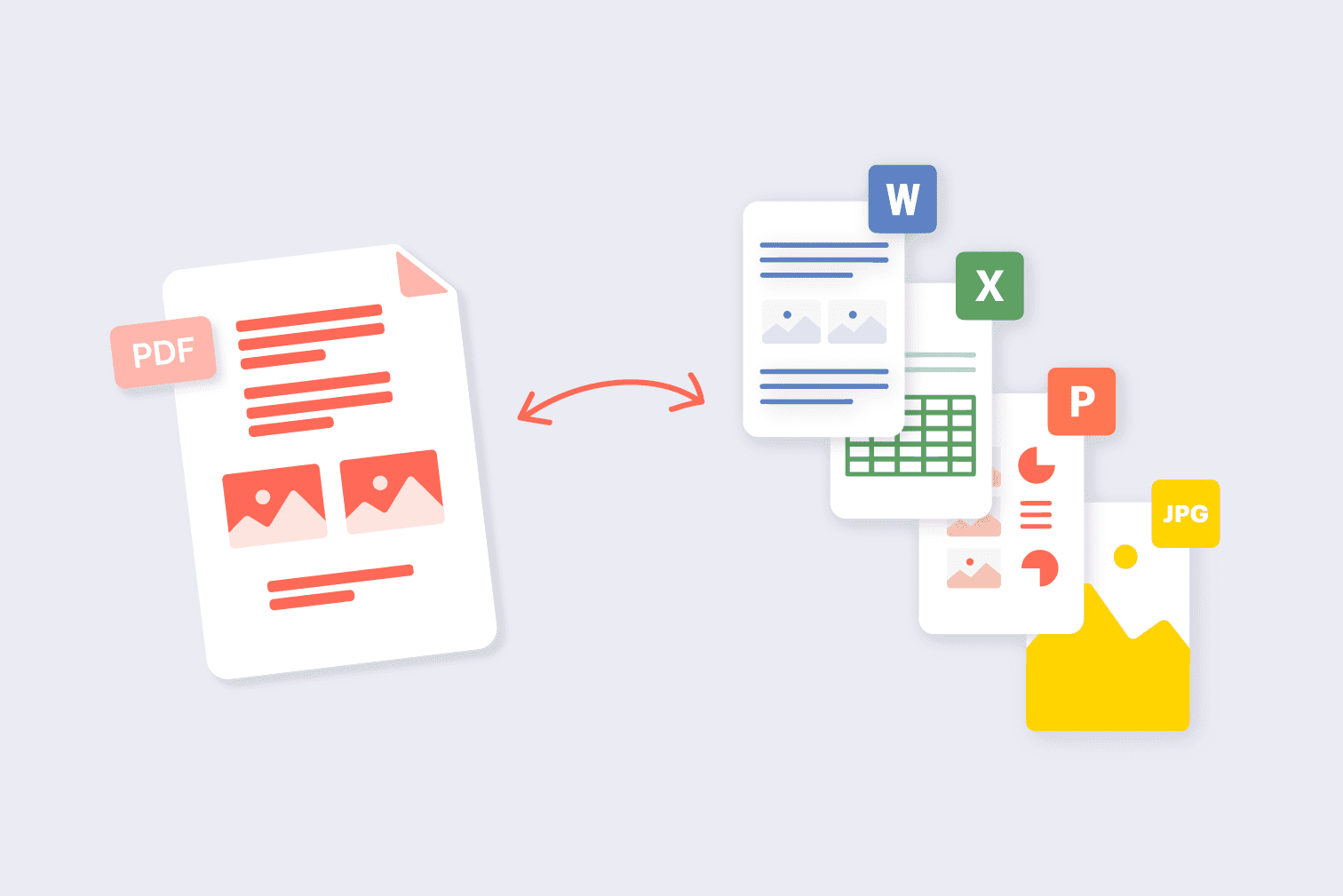
PDF tools are not limited to creating PDFs. Some utilities also allow users to convert PDF files into editable or commonly used formats.
For example, converting a PDF into an editable document can be useful when you need to update text or reuse information from an existing file.
The best format depends on what you need to do next. If the document needs further editing, an editable format may be more practical. If it needs to be shared without changing its appearance, PDF may be preferable.
Organize Your PDF Files
Managing documents is not only about editing them. Organization is equally important.
Tools that allow you to reorder, rotate, extract, or combine pages can help create cleaner and more structured documents.
For example, if pages are arranged incorrectly after scanning several documents, a page-organizing tool can help put them in the correct sequence before the final PDF is shared.
Why Use Online PDF Tools?
Online PDF tools can save time when you only need to perform a specific document task. They are often accessible through a browser and can be useful for students, professionals, businesses, freelancers, and everyday users.
Some of the main advantages include:
Convenience: Complete common PDF tasks from a browser.
Speed: Handle simple document operations without complicated workflows.
Accessibility: Use tools across compatible devices with internet access.
Versatility: Perform different PDF-related tasks depending on the available utilities.
Easy sharing: Prepare documents for email, websites, applications, and collaboration.
PDF Tools for Students
Students regularly work with notes, assignments, research papers, presentations, and study materials. PDF tools can make these files easier to manage.
A student might merge research documents into one file, compress a large assignment before uploading it, or extract specific pages from a textbook or reference document where permitted.
These small tasks can make digital study materials easier to organize.
This review looks at PDF Tools 2026: Easy Tools to Manage Your Documents from a practical user perspective: what it helps with, where it fits best, and what to check before relying on it.
Best for
Readers who need a quick workflow for pdf tools 2026: easy tools to manage your documents.
One-time tasks where speed matters more than heavy setup.
Comparing simple options before choosing a final tool.
Key features to check
Feature | Why it matters | What to test |
|---|---|---|
Ease of use | Reduces setup time | Can a new user finish the task quickly? |
Output quality | Protects the final result | Does the result look clean and accurate? |
Privacy | Keeps sensitive data safer | Does the workflow require uploads or accounts? |
Verdict
PDF Tools 2026: Easy Tools to Manage Your Documents is most useful when the goal is clear and the result can be checked immediately. For repeat work, save the best settings and pair it with related AltFTool utilities.
PDF Tools for Professionals
Professionals often deal with reports, contracts, proposals, invoices, presentations, and other business documents.
PDF management tools can help streamline routine tasks such as combining reports, preparing documents for clients, reducing file sizes, or converting files into formats required by a particular workflow.
For teams, keeping documents organized can also make collaboration smoother.
What to Consider When Choosing a PDF Tool
Not every PDF utility offers the same features, so it is worth considering what you actually need before choosing one.
Supported File Types
If you need to convert documents, check which input and output formats are supported. Compatibility can vary between tools.
Ease of Use
A straightforward interface can make a significant difference, particularly when you need to complete a task quickly.
File Size Limits
Some online tools may place limits on upload sizes or the number of files you can process. Check these restrictions before working with large documents.
Privacy and Security
Documents can contain sensitive information, so privacy should always be considered when uploading files to an online service. Avoid uploading confidential documents unless you understand how the service handles and protects uploaded files.
Output Quality
After converting or compressing a document, check the final file. Text should remain readable, pages should be correctly arranged, and important formatting should be preserved where possible.
Make PDF Management Simpler
PDF management does not have to involve complicated software or lengthy processes. For many everyday tasks, a focused online tool can provide a faster way to prepare and organize documents.
From merging and splitting PDFs to compressing files and converting formats, the right tools can simplify repetitive document work.
The key is to choose a tool based on the specific task, the document type, file-size requirements, output quality, and privacy considerations.
PDF tools can help you merge, split, compress, convert, rotate, and organize PDF documents.
Yes. Many PDF tools work directly in a web browser without requiring software installation.
Use a PDF compression tool to reduce file size while maintaining acceptable text and image quality.
Check the service's privacy and security practices before uploading confidential or sensitive files.
Who should use Tools
PDF Tools 2026: Easy Tools to Manage Your Documents is built for creators, students, marketers, and support teams preparing visuals quickly. The main goal is cleaner media files, faster publishing, and fewer repeated editing steps, so the guide focuses on practical choices instead of broad theory.
Use it when you need one of these outcomes:
- resizing or compressing files before upload
- cleaning visuals for thumbnails, documents, and social posts
- checking output quality before sharing media publicly
How to get a better result
- Start with the highest-quality original file available.
- Choose the output size, format, or effect based on where the file will be used.
- Preview the result at normal viewing size before downloading.
- Keep the original file until the edited version is approved.
Start small, check the first output, and only then repeat the workflow with the full file, text, media, or game session. That gives you a quick quality check before you spend more time.
Quality checks before you trust the output
- the output dimensions match the platform you plan to use
- text and faces remain sharp after compression or resizing
- private or sensitive media is reviewed before upload
Avoid compressing the same image again and again. Repeated edits can soften details, blur text, and make thumbnails look less trustworthy.
Continue your workflow
If you want to try the workflow now, open the related AltFTool tool area. For more reading, continue through the Tools archive or the AltFTool image and video guides.
This creates a cleaner path from explanation to action: read the guide, test the tool, compare the output, and move into the next related AltFTool resource only when it helps the task.
Sources and review notes
References used to check facts, freshness, and reader-safe recommendations in this guide.
Content is based on general information about PDF management, document conversion, file organization, compression, and online productivity tools.
- 1AltFTool Tools archive
AltFTool
- 2AltFTool image and video guides
AltFTool
- 3AltFTool related tools area
AltFTool


Discussion
0 comments
No comments yet
Discussion will appear here once it loads.