Running a business involves much more than selling products or services. From managing finances and creating documents to organizing teams, communicating with customers, planning projects, and handling everyday administrative work, businesses deal with dozens of tasks every day.
The good news is that you do not have to handle all of them manually.
Modern online business tools can simplify routine work, reduce repetitive tasks, and help teams stay organized. Many platforms also offer free versions, making them useful for startups, freelancers, students, small businesses, and professionals who want to improve their workflow without immediately investing in expensive software.
In 2026, business tools are also becoming smarter. AI-powered features can help generate content, summarize information, automate workflows, analyze data, and support everyday decision-making.
The key is not to use every tool available. It is to find the tools that solve the problems your business actually faces.
Why Business Tools Matter in 2026
A growing business usually has several moving parts. You may need to create invoices, calculate expenses, prepare documents, manage employees, communicate with customers, organize projects, and keep track of important information.
Doing all of this manually can take valuable time.
Business tools help bring structure to these processes.
Business Need | Useful Tool Category |
|---|---|
Invoices | Invoice and billing tools |
Finance | Calculators and finance tools |
Documents | Document creation tools |
Team management | HR and workplace tools |
Planning | Project management tools |
Communication | Email and messaging tools |
Marketing | Marketing tools |
Productivity | Online productivity tools |
Data | Analytics and calculation tools |
Administration | Business utility tools |
A well-organized toolkit can make everyday operations more manageable while allowing business owners and employees to focus on higher-value work.
Best Business Tools for Finance and Calculations
Financial tasks are part of almost every business, regardless of size.
Businesses may need to calculate taxes, loan payments, expenses, pricing, margins, salaries, or other financial figures.
Online finance and calculator tools can make these calculations faster and reduce the need to perform repetitive formulas manually.
Common Financial Tasks
EMI calculations
GST calculations
Profit calculations
Expense planning
Loan calculations
Percentage calculations
Pricing estimates
Budget planning
For example, a business owner considering a loan can use an EMI calculator to understand potential monthly payments before making a financial decision.
Important: Online calculators are useful for estimates, but important financial, tax, or accounting decisions should be checked with qualified professionals when necessary.
Business Tools for Invoices and Billing
Invoices are an everyday requirement for many businesses and freelancers.
Creating invoices manually can become repetitive, particularly when dealing with multiple clients.
Invoice tools can help create professional-looking billing documents while reducing the amount of manual formatting required.
A basic invoice may include:
Business name → Customer details → Invoice number → Services/products → Quantity → Price → Taxes → Total → Payment information
Keeping invoices organized can also make it easier to track payments and maintain business records.
What to Look For in an Invoice Tool
Feature | Why It Matters |
|---|---|
Templates | Saves formatting time |
Automatic calculations | Reduces manual errors |
Tax fields | Helps organize tax information |
Customer details | Keeps records structured |
PDF export | Makes sharing easier |
Invoice numbering | Helps organize records |
Choose a tool based on your business requirements rather than simply choosing the one with the longest feature list.
Business Tools for Productivity
Productivity tools are designed to help individuals and teams manage their time and work more effectively.
They can support tasks such as:
To-do lists
Task management
Project planning
Notes
Scheduling
Document organization
Team collaboration
Workflow management
A simple task-management system can prevent small assignments from being forgotten.
This review looks at Business Tools 2026: Best Free Online Tools for Businesses from a practical user perspective: what it helps with, where it fits best, and what to check before relying on it.
Best for
Readers who need a quick workflow for business tools 2026: best free online tools for businesses.
One-time tasks where speed matters more than heavy setup.
Comparing simple options before choosing a final tool.
Key features to check
Feature | Why it matters | What to test |
|---|---|---|
Ease of use | Reduces setup time | Can a new user finish the task quickly? |
Output quality | Protects the final result | Does the result look clean and accurate? |
Privacy | Keeps sensitive data safer | Does the workflow require uploads or accounts? |
Verdict
Business Tools 2026: Best Free Online Tools for Businesses is most useful when the goal is clear and the result can be checked immediately. For repeat work, save the best settings and pair it with related AltFTool utilities.
A Simple Daily Workflow
Start the day by identifying:
Important tasks → Urgent tasks → Routine tasks → Tasks that can be automated
This approach helps prevent a long task list from becoming overwhelming.
The goal of productivity software is not to make people work constantly. It is to help them spend less time organizing work and more time completing meaningful tasks.
HR and Employee Management Tools
As a business grows, managing people manually becomes increasingly difficult.
HR-related tools can assist with employee information, recruitment, resumes, workplace documentation, and other administrative activities.
Businesses may use online tools for:
Resume creation
Job-related documents
Employee information
Recruitment workflows
Workplace forms
Communication
Employee planning
For smaller businesses without large HR departments, simple online tools can make routine administrative tasks easier to organize.
However, sensitive employee information should always be handled carefully, particularly when using third-party online services.
Resume and Cover Letter Tools
Hiring involves documents on both sides.
Job seekers need resumes and cover letters, while businesses may need to review applications and prepare job-related documentation.
Online resume and cover-letter tools can help users structure professional documents without starting from a blank page.
Tips for Better Business Documents
Keep information easy to scan.
Use clear headings.
Avoid unnecessary decoration.
Highlight relevant skills and experience.
Check spelling and grammar.
Customize documents for their purpose.
AI can also help generate an initial draft, but the final document should accurately represent the person or business.
Business Communication Tools
Communication is central to almost every organization.
Businesses communicate with employees, customers, suppliers, partners, and potential clients through email, messaging, video calls, and shared documents.
Communication tools can help teams:
Exchange information quickly
Organize conversations
Share documents
Schedule meetings
Track discussions
Collaborate remotely
Better Communication Starts With Clarity
A business message does not need to be complicated.
A useful structure is:
Purpose → Important information → Required action → Deadline or next step
This simple format can make internal and external communication easier to understand.
AI-Powered Business Tools
Artificial intelligence is becoming increasingly useful for routine business work.
Instead of replacing entire business processes, AI can support smaller tasks that traditionally take significant amounts of time.
AI Can Help Businesses With
Business Task | Possible AI Assistance |
|---|---|
Writing | Draft emails and documents |
Research | Summarize information |
Marketing | Generate content ideas |
Customer support | Create response drafts |
Data work | Summarize information |
Meetings | Create notes and summaries |
Planning | Generate initial ideas |
Productivity | Organize repetitive workflows |
AI is particularly useful for creating a first draft or reducing repetitive work.
However, businesses should review AI-generated information before using it in important communications or decisions.
Business Tools for Marketing
Marketing is another area where online tools can save considerable time.
Businesses may need to create social media posts, blog content, advertisements, email campaigns, graphics, and promotional materials.
Marketing tools can help with:
Content creation
SEO
Social media
Graphic design
Email campaigns
Advertising
Analytics
Competitor research
A small business does not necessarily need a large marketing department to begin using these resources.
The important part is developing a clear marketing strategy and using tools to support it.
Planning and Project Management Tools
Projects can quickly become difficult to manage when several people are working on different tasks.
Project-management tools can help teams organize assignments, deadlines, priorities, and progress.
A simple project structure might look like:
Stage | Example |
|---|---|
Planning | Define objectives |
Assignment | Allocate tasks |
Execution | Complete work |
Review | Check quality |
Launch | Deliver the project |
Analysis | Review results |
This approach creates visibility and makes it easier to identify delays.
For small teams, even a simple task board can provide significant clarity.
Business Tools for Documents
Businesses create documents every day.
These can include proposals, reports, invoices, forms, presentations, agreements, internal notes, and customer communications.
Online document tools can help with:
Formatting
Conversion
Editing
PDF management
Templates
File organization
Sharing
Keeping important documents organized can reduce the time spent searching for files later.
A Simple File Organization System
Consider organizing files by:
Year → Department → Project → Document Type
For example:
2026 → Marketing → Campaign A → Reports
A consistent structure becomes particularly useful as the number of business documents increases.
How Free Business Tools Can Help Small Businesses
Startups and small businesses often operate with limited budgets.
Free online tools can provide access to useful features without requiring a large software budget.
They can be especially helpful for:
Freelancers
Entrepreneurs
Startups
Students
Small teams
Independent professionals
However, free tools may have limitations such as usage caps, fewer integrations, advertisements, restricted exports, or limited storage.
Before building an important workflow around a free platform, check its current terms and limitations.
Business Tools Available on AltFTool
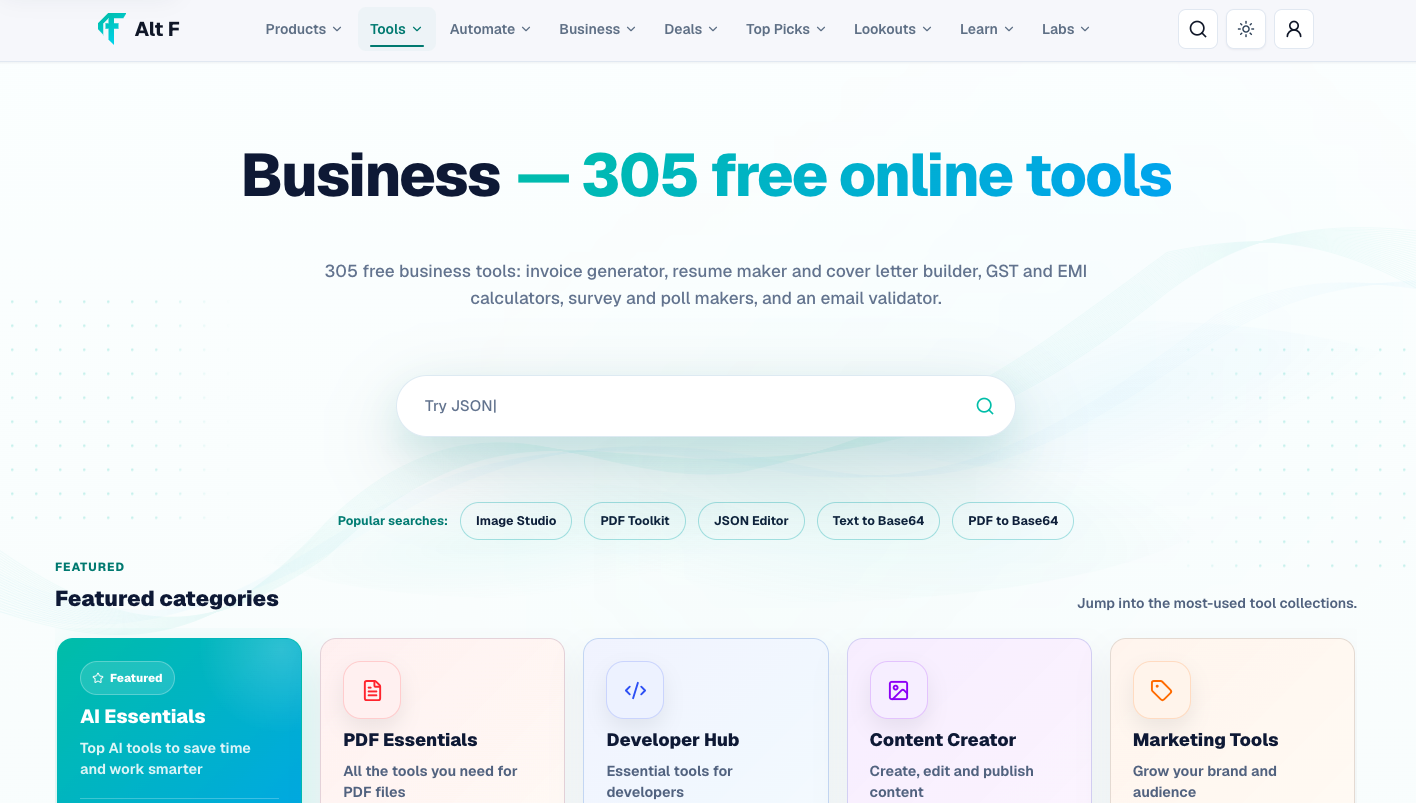
AltFTool brings together a broad collection of online business utilities designed for different everyday tasks.
The business category includes tools related to areas such as finance, invoices, calculations, resumes, cover letters, surveys, email, productivity, and other business activities.
Instead of searching separately for a tool every time a small task appears, users can explore business-focused resources in one place and find options that match their requirements.
This can be particularly useful for professionals and small businesses that regularly need quick online utilities.
How to Choose the Right Business Tool
The most popular tool is not always the right tool for your business.
Before choosing one, ask a few practical questions:
What problem am I trying to solve?
How frequently will I use the tool?
Is a free version enough?
Does it work with my existing software?
Does it support the required file format?
How easy is it for my team to learn?
What happens to the data I upload?
Are there usage or export limitations?
Focus on the Problem, Not the Tool
For example, if your main problem is creating invoices, you do not need a complicated project-management platform.
If your challenge is organizing team tasks, a billing calculator will not solve the problem.
Start with the business requirement and then find the appropriate tool.
Free vs Paid Business Tools
Both free and paid platforms can be useful.
Factor | Free Tools | Paid Tools |
|---|---|---|
Cost | Usually free | Subscription or license |
Features | Core functionality | More advanced features |
Usage | Often limited | Higher limits |
Support | May be limited | Often additional support |
Best for | Individuals and small tasks | Growing business workflows |
A smart approach is to test a free version before committing to a paid plan whenever possible.
If the tool saves enough time, improves accuracy, or solves an important business problem, upgrading may make sense.
Important Tips for Using Online Business Tools
Technology can simplify work, but businesses should still use online tools carefully.
Protect sensitive information: Avoid uploading confidential customer, financial, employee, or company information unless the platform is appropriate for that data.
Review generated content: AI can make mistakes. Check important information before sharing it.
Keep backups: Do not rely on a single online service for critical business records.
Check pricing: Free plans and trial periods can change.
Avoid unnecessary subscriptions: Only pay for tools that provide clear value.
Train your team: A powerful tool is less useful if employees do not know how to use it.
Building a Simple Business Toolkit
A small business can start with a basic collection of tools rather than subscribing to dozens of platforms.
A practical toolkit might include:
Finance tool — for calculations and financial estimates.
Invoice tool — for billing and customer documentation.
Productivity tool — for tasks and planning.
Communication tool — for internal and external conversations.
Document tool — for creating and managing business files.
Marketing tool — for promoting products and services.
AI tool — for drafting, research, and repetitive work.
As the business grows, specialized tools can be added where they provide a clear benefit.
Quick checklist
Confirm the main goal for business tools 2026: best free online tools for businesses.
Compare the available options before choosing one workflow.
Use the related AltFTool utilities to finish the task faster.
Yes. Free tools can be helpful for startups, freelancers, small businesses, students, and professionals, although some features may be limited.
Business tools are software and online utilities that help with tasks such as finance, productivity, HR, communication, documents, planning, and marketing.
Start with tools for essential areas such as finance, invoices, productivity, communication, documents, and marketing.
Yes. AI can assist with writing, research, summaries, planning, customer communication, and repetitive workflows.
Who should use Business & Finance
Business Tools 2026: Best Free Online Tools for Businesses is built for travelers, shoppers, students, and small teams comparing values across currencies. The main goal is clearer estimates before purchases, invoices, budgets, or travel planning, so the guide focuses on practical choices instead of broad theory.
Use it when you need one of these outcomes:
- checking a price before buying from another country
- estimating travel budgets and daily spending
- comparing invoice or subscription values across currencies
How to get a better result
- Enter the amount and currency pair you want to compare.
- Check when the rate was last refreshed or updated.
- Add expected card, bank, or marketplace fees to the estimate.
- Use the result as guidance, not as a guaranteed final bank rate.
Start small, check the first output, and only then repeat the workflow with the full file, text, media, or game session. That gives you a quick quality check before you spend more time.
Quality checks before you trust the output
- the rate is fresh enough for the decision you are making
- fees, bank margins, and taxes are considered separately
- large transfers are verified with your provider before payment
Do not use a converter result as a final trading, tax, or transfer quote. Real payments can include spreads, delays, and provider-specific fees.
Continue your workflow
If you want to try the workflow now, open the related AltFTool tool area. For more reading, continue through the Business & Finance archive or the AltFTool finance guide archive.
This creates a cleaner path from explanation to action: read the guide, test the tool, compare the output, and move into the next related AltFTool resource only when it helps the task.
Sources and review notes
References used to check facts, freshness, and reader-safe recommendations in this guide.
Information is based on publicly available details from AltFTool and relevant business-tool resources. The collection includes online tools for areas such as finance, productivity, HR, communication, planning, documents, and other business tasks. Features, availability, and usage limits may change over time.
- 1AltFTool
altftool.com
Discussion
0 comments
No comments yet
Discussion will appear here once it loads.