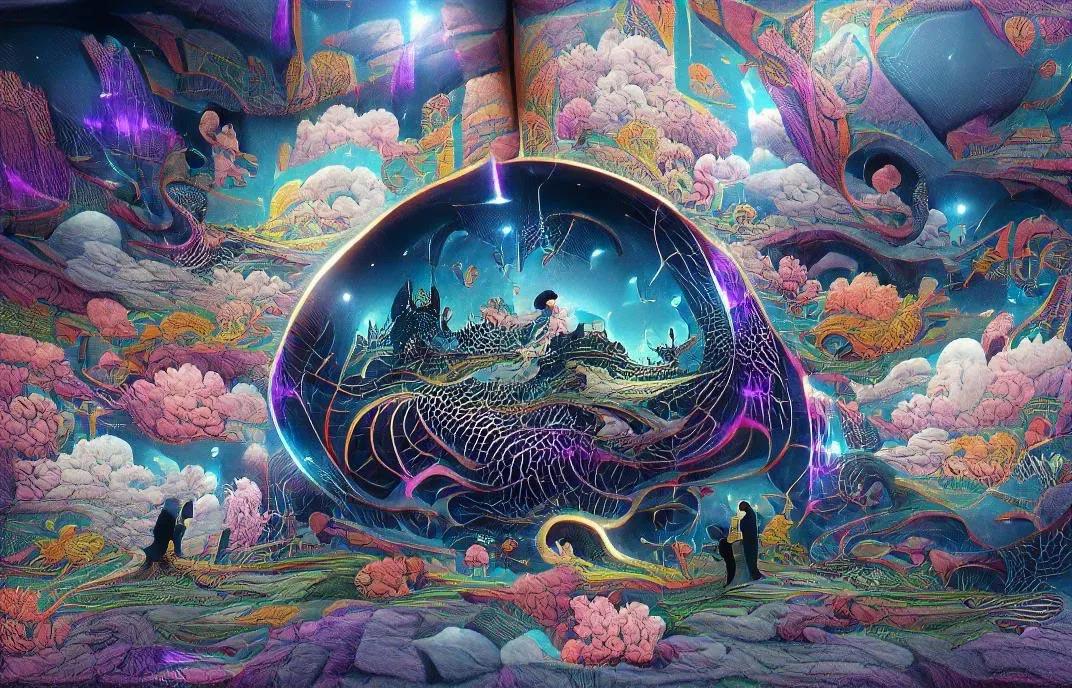
Artificial intelligence has changed the way people create and work with images. What once required professional photography equipment, advanced editing skills, or hours of graphic design work can now begin with a simple written description. AI image generators allow users to turn ideas into realistic photographs, digital artwork, illustrations, product images, posters, and creative designs within minutes.
Whether you are a content creator, blogger, business owner, student, designer, or someone who enjoys experimenting with digital art, these tools can make visual creation easier and more accessible. You can describe a scene, choose a particular artistic style, adjust details, and generate multiple versions until you find an image that matches your idea.
However, not every AI image generator produces the same results. Some are particularly good at realistic photography, while others are better for artistic illustrations, text-based graphics, product concepts, or professional marketing materials.
In this guide, we explore some of the best AI image generators for realistic images and creative projects in 2026, including their features, strengths, limitations, and the types of users who may benefit from them.
What Is an AI Image Generator?
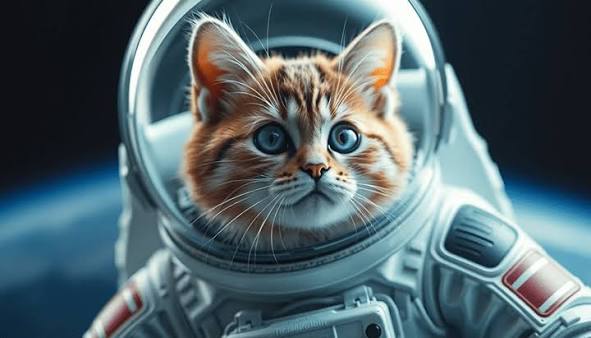
An AI image generator is a digital tool that uses artificial intelligence models to create images from text descriptions, reference pictures, or other visual inputs.
For example, you could enter a prompt such as:
A realistic photograph of a small wooden cabin beside a peaceful lake, surrounded by green mountains, soft morning sunlight, natural colours, and professional landscape photography.
The AI system interprets the description and creates an image based on the details you provide.
Depending on the platform, you may also be able to upload an existing photograph and ask the tool to change its background, adjust lighting, remove objects, modify clothing, or introduce new elements.
These tools are useful for different creative activities, including:
Creating realistic photographs and digital artwork.
Designing blog banners and website illustrations.
Producing social media graphics and promotional images.
Developing product mockups and advertising concepts.
Creating characters, backgrounds, and storytelling visuals.
Exploring new ideas before starting a professional design project.
The quality of the result depends on the AI model, the prompt, the reference material, and the editing options available.
Best AI Image Generators in 2026
There are many image-generation platforms available, but a few stand out because of their image quality, creative controls, editing capabilities, and range of use cases.
Here are some popular options worth exploring.
1. ChatGPT Images
ChatGPT Images is a useful choice for people who want to create images through everyday conversations rather than learning complicated design software. You can describe what you want in natural language and refine the result by requesting changes.
OpenAI introduced Images 2.6 in November 2026, bringing faster image generation and more precise editing. The updated system also focuses on maintaining consistency across characters, products, and brand details during multiple editing rounds.
Key Features:
Generate images using detailed text descriptions.
Edit existing images through conversational instructions.
Refine backgrounds, objects, lighting, and visual details.
Create graphics with text and other design elements.
Make multiple adjustments without starting from scratch.
Support creative exploration and visual storytelling.
Best For: Bloggers, beginners, content creators, marketers, and people who want an easy image-generation experience.
One of the biggest advantages is its conversational workflow. Instead of adjusting multiple settings manually, you can explain what needs to change and continue refining the image. It is particularly helpful when you have a clear idea but are unsure how to achieve it using traditional editing software.
2. Midjourney
Midjourney is widely recognised for its artistic image generation and visually distinctive results. It is particularly useful for people who want detailed illustrations, cinematic scenes, fantasy artwork, concept designs, and creative photography-style images.
The platform's V8.2 model became the default version in July 2026, with improvements focused on image quality, aesthetics, and personalisation.
Key Features:
Generate detailed digital artwork from text prompts.
Explore cinematic, realistic, and imaginative visual styles.
Use style references to maintain a consistent visual appearance.
Experiment with different compositions and lighting.
Develop concepts for illustrations and creative projects.
Personalise image styles based on visual preferences.
Best For: Digital artists, illustrators, designers, photographers, and creative professionals.
Midjourney is especially appealing when visual presentation matters. For example, a designer developing a fantasy book cover or a creator planning a cinematic social media campaign can use it to explore different artistic directions.
However, users may need to experiment with prompts and settings to get precise results. It may not be the easiest starting point for someone who wants a simple, straightforward editing experience.
3. Google Gemini (Nano Banana 2)
Google Gemini offers AI-powered image generation and editing through its Nano Banana image models. Nano Banana 2, introduced in February 2026, combines advanced image capabilities with faster generation and editing.
It is useful for people who want to create visuals, modify existing photographs, and experiment with different concepts through natural-language instructions.
Key Features:
Generate images from written descriptions.
Edit photographs using conversational prompts.
Make changes while maintaining subject consistency.
Create visual explanations, diagrams, and infographics.
Experiment with different compositions and styles.
Produce images for personal and creative projects.
Best For: Everyday users, social media creators, students, marketers, and people who frequently edit images.
One useful aspect of Gemini is its ability to understand the context of an image request. You can ask it to change the setting, improve the lighting, or adjust particular elements without describing the entire image again.
For example, a small business owner could create a product concept and then request a different background or presentation style. This makes the tool useful for quick visual experiments and everyday creative work.
4. Adobe Firefly
Adobe Firefly is designed for people who want to generate and edit creative assets within a professional design workflow. It offers AI-powered image creation and editing features that can support designers, illustrators, marketers, and businesses.
One of its major advantages is its connection with Adobe's wider creative ecosystem, including tools such as Photoshop and Illustrator.
Key Features:
Generate images from text prompts.
Experiment with different artistic styles.
Modify and expand existing images.
Remove or replace selected image elements.
Create visual concepts for marketing materials.
Continue editing generated assets in Adobe applications.
Best For: Graphic designers, marketing teams, creative agencies, and professionals working with Adobe software.
Firefly is also worth considering when commercial use is important. Adobe states that images generated using its own Firefly models are designed to be commercially safe. However, users should review the applicable terms, especially when using partner models or working on client projects.
For businesses that already use Adobe products, Firefly can make the transition between image generation and traditional editing more convenient.
5. Ideogram
Ideogram is an AI image-generation platform that is particularly useful for designs containing written text. Creating accurate words inside generated images has traditionally been challenging for AI tools, especially when the design includes headlines, labels, or promotional messages.
Ideogram is a strong option to consider for text-focused visual projects.
Key Features:
Generate images from text descriptions.
Create posters and promotional graphics.
Experiment with typography and visual styles.
Produce logo and branding concepts.
Explore different layouts and compositions.
Create social media and advertising visuals.
Best For: Content creators, marketers, designers, and people creating posters or text-heavy graphics.
For example, if you are planning a promotional poster for a product launch, you may want the headline to appear directly within the image. Ideogram can help with this type of creative task.
Generated text should still be checked carefully before publishing. Small spelling mistakes or layout problems can occasionally appear, so final review remains important.
6. FLUX
FLUX is a family of image-generation models developed by Black Forest Labs. It is relevant for users who want more control over image-generation workflows, including developers, technical creators, and people exploring custom AI applications.
Different FLUX models and versions offer different capabilities, so users should check the specific model and licence before choosing one.
Key Features:
Generate images from text prompts.
Support detailed visual concepts and compositions.
Explore realistic and artistic image styles.
Integrate image generation into certain technical workflows.
Offer options for developers and custom applications.
Support experimentation with different model configurations.
Best For: Developers, technical users, AI enthusiasts, and creators who want greater control over image-generation workflows.
FLUX may be especially useful when image generation needs to become part of a larger application or automated creative process. However, some versions and deployment options require more technical knowledge than beginner-friendly platforms.
Users should also review the relevant model licence and usage conditions, as permissions can differ between versions.
7. Leonardo AI
Leonardo AI is another platform worth exploring for digital art, character creation, concept development, and visual storytelling. It provides creative tools that can help users experiment with different image styles and develop ideas for digital projects.
It can be useful for creators who need more than a single image and want to explore several visual directions.
Key Features:
Generate images from written prompts.
Explore different artistic styles and concepts.
Create character and environment designs.
Develop visual ideas for games and storytelling.
Experiment with image editing and creative variations.
Support different types of digital artwork.
Best For: Game designers, digital artists, illustrators, and creative hobbyists.
For example, someone developing a mobile game might use Leonardo AI to explore character appearances, background environments, and early visual concepts before moving into detailed production work.
As with other AI platforms, the available features and usage limits depend on the current plan and model selection.
Quick Comparison of the Best AI Image Generators
Choosing the right platform becomes easier when you compare its main purpose and strengths.
AI Image Generator | Best For | Main Strength |
|---|---|---|
ChatGPT Images | Everyday image creation | Conversational generation and editing |
Midjourney | Artistic projects | Distinctive visual styles |
Google Gemini | Image generation and editing | Natural-language editing |
Adobe Firefly | Professional design work | Adobe workflow integration |
Ideogram | Posters and graphics | Text-focused image creation |
FLUX | Technical workflows | Model flexibility |
Leonardo AI | Digital art and game concepts | Creative visual development |
This comparison is based on the platforms' general capabilities and intended use cases, rather than a single image-quality ranking. The best option depends on what you want to create.
AI Image Generators for Different Creative Projects
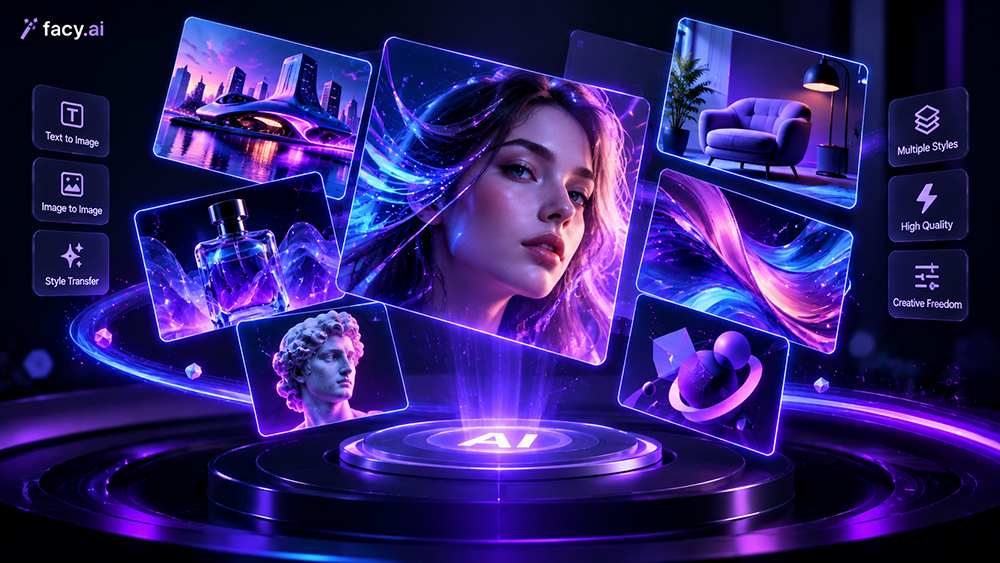
Not every project needs the same type of image. A realistic product photograph, a fantasy illustration, and a promotional poster all require different creative capabilities.
Here is how you can approach different projects.
1. Realistic Photography
If your goal is to create images that resemble professional photographs, look for tools that offer detailed textures, natural lighting, accurate proportions, and realistic backgrounds.
ChatGPT Images, Google Gemini, Midjourney, and FLUX are useful options to explore.
A well-written prompt should describe the subject, environment, camera perspective, lighting, and overall photographic appearance.
2. Blog and Website Images
Bloggers and website owners often need attractive featured images, article illustrations, and visual elements that make their content more engaging.
ChatGPT Images and Adobe Firefly can be useful for creating images based on specific article topics. Midjourney is another option when a more artistic or editorial appearance is required.
When using AI-generated images on a website, make sure they accurately represent the subject of the article and do not mislead readers.
3. Social Media Graphics
Social media content often requires eye-catching visuals that communicate an idea quickly. Creators may need promotional banners, campaign graphics, product announcements, or themed illustrations.
Ideogram, Adobe Firefly, ChatGPT Images, and Canva's AI-powered design tools can help with these tasks.
For designs containing important headlines or brand information, check all generated text before publishing.
4. Product Photography and Mockups
Businesses can use AI image generators to explore product presentation ideas without arranging a full photoshoot for every concept.
For example, a business selling skincare products could create a visual concept featuring a bottle on a clean surface, soft natural lighting, and a minimal background.
Google Gemini, ChatGPT Images, and Adobe Firefly can help users explore product scenes and visual variations.
However, AI-generated mockups should not misrepresent an actual product. Packaging, colours, dimensions, and product details should be checked against the real item.
5. Digital Art and Illustrations
Artists and designers may want to create fantasy landscapes, character concepts, imaginative environments, or illustrations for storytelling.
Midjourney and Leonardo AI are useful platforms to explore for these projects. FLUX can also be considered when users want to experiment with more technical or customised workflows.
AI-generated artwork can provide inspiration, but professional projects may still require manual refinement and editing.
How to Write Better Prompts for Realistic AI Images
The quality of an AI-generated image often depends on how clearly you explain your idea. A short prompt can work for simple requests, but detailed descriptions usually provide more control over the final result.
Here are some practical ways to improve your prompts.
Describe the Main Subject
Start by explaining exactly what you want the image to show.
Instead of writing:
A beautiful house.
Try:
A modern two-storey house with large glass windows, a wooden entrance, and a landscaped garden.
The second description gives the AI more information about the subject.
Explain the Background
The setting can completely change the appearance of an image. Mention whether you want a studio background, natural landscape, urban environment, indoor setting, or something imaginative.
Mention Lighting and Mood
Lighting plays an important role in realistic images. You can describe soft morning sunlight, warm evening light, dramatic shadows, studio lighting, or an overcast atmosphere.
You can also explain the mood, such as peaceful, energetic, elegant, cinematic, or minimal.
Choose the Image Style
Tell the AI whether you want a realistic photograph, digital illustration, 3D render, editorial image, watercolour painting, or another visual style.
Specify the Composition
Explain how the subject should appear in the image. For example, you might request a close-up portrait, wide landscape, overhead product photograph, or centred composition.
Review and Improve the Result
Your first generated image may not match your expectations perfectly. Review the output and provide specific instructions to improve it.
You could request:
Make the background simpler.
Add more natural lighting.
Keep the main subject unchanged.
Reduce unnecessary objects.
Use softer colours.
Make the image look more like a professional photograph.
Small adjustments can make a noticeable difference.
Important Things to Consider Before Using an AI Image Generator
AI image generators can save time, but choosing a platform involves more than looking at image quality.
Before using a tool for personal or professional projects, consider the following factors.
Image Quality and Resolution
Check whether the platform can generate images at a resolution suitable for your project. A small image may work for a social media preview but may not be suitable for a large website banner or printed material.
Editing Capabilities
Some platforms focus mainly on generating images, while others offer background replacement, object removal, image expansion, and detailed editing options.
Choose a tool that supports the type of changes you expect to make.
Pricing and Usage Limits
Many platforms offer free access with limited generations or features. Paid subscriptions may provide higher usage limits, additional editing options, or access to more advanced models.
Check the latest pricing and plan conditions before subscribing because these can change.
Commercial Usage Rights
If you plan to use generated images in advertisements, business websites, client projects, or products for sale, review the platform's licensing terms.
Do not assume that every AI-generated image is automatically cleared for every commercial purpose. The applicable rules may depend on the platform, model, subscription, and content used.
Privacy and Reference Images
Some tools allow users to upload photographs or reference images. Before uploading personal, confidential, or client-owned material, review the platform's privacy policy and data-handling settings.
Also make sure you have permission to use any reference image you upload.
Benefits of Using AI Image Generators
AI image-generation tools offer several practical benefits for people working on creative projects.
Saves Time: Users can generate visual concepts quickly without creating every element manually.
Encourages Creativity: Different styles and compositions make it easier to explore ideas that might otherwise be difficult to visualise.
Supports Beginners: Many platforms allow users to create images without professional photography or graphic design experience.
Helps With Content Creation: Bloggers, marketers, and social media creators can develop visuals for different types of content.
Makes Editing Easier: Some tools allow users to change selected elements through simple written instructions.
Supports Idea Development: Designers and businesses can use generated images to explore concepts before investing in professional production.
Limitations of AI Image Generators
Although these platforms have improved significantly, they are not perfect.
Visual Errors: Images may contain unusual hands, distorted objects, incorrect proportions, or inconsistent details.
Text Mistakes: Some tools may generate misspelled words or poorly arranged lettering.
Limited Control: Achieving an exact composition can require several attempts.
Copyright and Licensing Questions: Usage rights and training-data policies differ between platforms.
Inconsistent Results: The same prompt may produce different images each time.
Editing Requirements: Professional projects may still need manual corrections using traditional design software.
Understanding these limitations helps users set realistic expectations and review their images carefully before publishing them.
How to Choose the Right AI Image Generator
The best platform depends on your experience, creative goals, and the type of images you need.
If you are a beginner, start with a tool that accepts simple written instructions and offers easy editing. If you are a digital artist, explore platforms with more advanced style controls. If you create business graphics, pay particular attention to licensing, brand consistency, and editing features.
Here is a simple way to narrow down your options:
For easy everyday creation: Consider ChatGPT Images.
For artistic and cinematic visuals: Explore Midjourney.
For conversational image editing: Try Google Gemini.
For Adobe-based design workflows: Consider Adobe Firefly.
For text-focused graphics: Explore Ideogram.
For technical image-generation workflows: Look into FLUX.
For digital art and game concepts: Explore Leonardo AI.
You do not necessarily need to subscribe to several platforms. Start with one that matches your most common projects, test it with your own prompts, and compare the results before investing in additional tools.
Final Thoughts
AI image generators have made visual creativity more accessible to people with different levels of experience. From realistic photographs and product concepts to digital illustrations and marketing graphics, these platforms provide new ways to turn ideas into visual content.
ChatGPT Images is a convenient option for conversational image creation and editing, Midjourney is worth exploring for artistic results, Google Gemini offers useful image-generation and editing capabilities, and Adobe Firefly fits naturally into many professional design workflows. Ideogram, FLUX, and Leonardo AI also serve specific creative needs.
There is no single platform that is perfect for every project. The most suitable choice depends on the quality you need, the type of image you want to create, your editing requirements, and your budget.
The best way to find the right tool is to experiment with a few platforms using the same prompts. Compare the results, check their usage terms, and choose the one that fits your creative process.
As AI technology continues to develop, image generators are likely to become an increasingly useful part of photography, design, content creation, and digital storytelling.
An AI image generator is a tool that creates images from text prompts, reference photos, or other visual instructions.
ChatGPT Images, Midjourney, Google Gemini, and Adobe Firefly are popular options for creating realistic images.
Yes, some platforms allow commercial use, but you should always check their licensing terms and usage policies.
Some offer free access with limited features or credits, while advanced tools and higher usage limits may require paid subscriptions.
Yes, they can create blog illustrations, website banners, promotional graphics, and social media visuals.
Sources and notes
Links the author listed for this post.
This article is based on information gathered from official AI platform websites and product documentation, including OpenAI, Google DeepMind, Midjourney, Adobe, Ideogram, Black Forest Labs, and Leonardo AI.


Discussion
0 comments
No comments yet
Discussion will appear here once it loads.