Creating digital content has become much easier with the arrival of artificial intelligence. What once required hours of designing, editing, and experimenting can now begin with a simple text prompt. Whether someone wants to create a beautiful digital illustration, generate a product image, design a fictional character, or turn an idea into a video, AI-powered creative platforms are changing the way people approach visual content.
One platform attracting attention in this space is OpenArt AI. It brings different AI-powered creative tools together, giving users an opportunity to experiment with images, videos, characters, and other forms of digital artwork.
The interesting part is that users do not necessarily need professional design experience to get started. They can describe what they have in mind, explore different creative options, and gradually improve their results.
Let's explore what OpenArt AI offers, how its features work, and why it can be useful for everyday creators.
What Is OpenArt AI?
OpenArt AI is an artificial intelligence-powered creative platform designed to help users generate and edit digital content. It allows people to experiment with different visual styles, create images from written descriptions, and explore AI-assisted video and character creation.
Think of someone who has an idea for a fantasy character but does not know how to draw. Instead of starting with a blank canvas and learning complicated design software, they can describe the character's appearance, clothing, surroundings, and personality. AI can then help turn that description into a visual concept.
That is the kind of creative experience OpenArt AI aims to provide.
The platform can be useful for:
Content creators developing visuals for social media.
Designers looking for fresh creative inspiration.
Digital artists experimenting with different styles.
Businesses creating promotional visuals.
Storytellers developing characters and visual scenes.
Beginners interested in exploring AI-generated artwork.
How Does OpenArt AI Work?
OpenArt AI makes the creative process more approachable by allowing users to work with written prompts, images, and available AI tools.
The process generally starts with an idea. Users describe what they want to create and select suitable settings or tools. The AI then processes the instructions and generates a visual result.
For example, a user might enter a prompt describing a modern bedroom with warm lighting, wooden furniture, indoor plants, and large windows. The platform can use that description to generate a visual representation.
The creative process usually involves these steps:
Start with an idea: Decide what kind of image, character, or video you want to create.
Write a prompt: Explain the subject, background, colours, lighting, and visual style.
Choose suitable settings: Explore the available models and creative options.
Generate content: Let the AI process your instructions.
Review the result: Check whether the output matches your original idea.
Make improvements: Adjust the prompt or use editing tools to refine the result.
The first result may not always be perfect, and that is completely normal. Small changes in wording, lighting descriptions, or visual details can make a noticeable difference.
Key Features of OpenArt AI
OpenArt AI offers different creative features that support various types of digital projects. Instead of focusing on just one kind of artwork, the platform brings several creative possibilities into one environment.
1. AI Image Generation
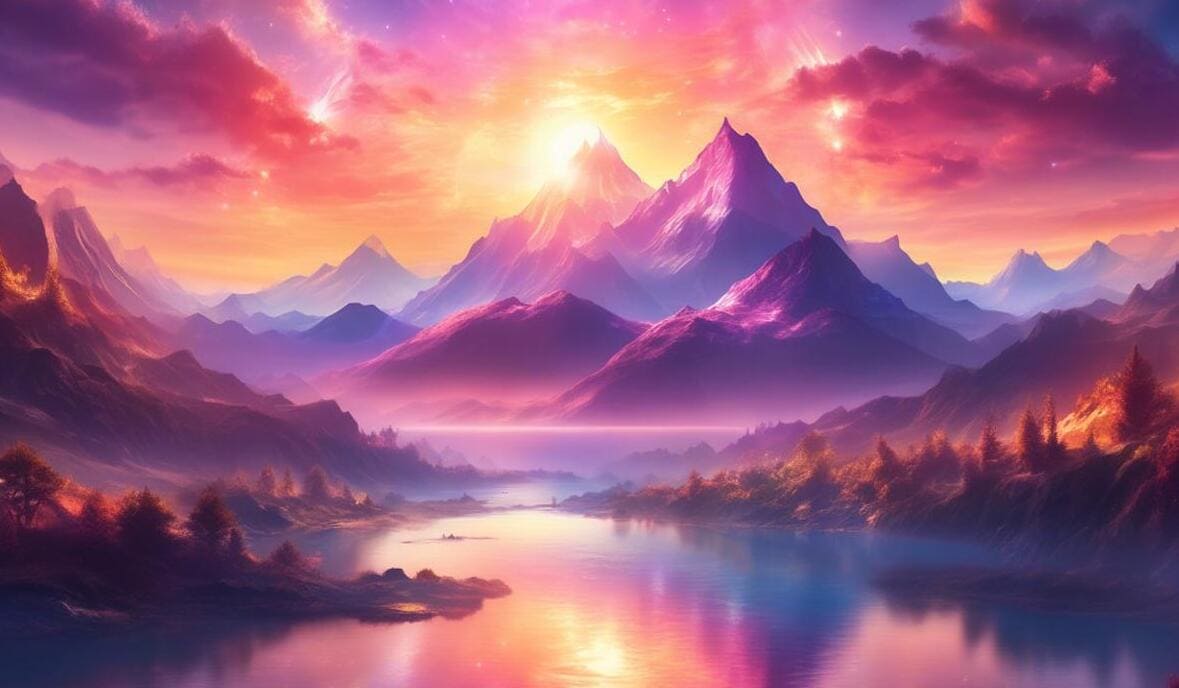
Image generation is one of the most interesting applications of artificial intelligence. OpenArt AI allows users to create visual artwork by describing what they want to see.
For example, someone creating a travel-themed social media page might need an image of a peaceful mountain destination. Rather than searching through hundreds of stock photographs, they can experiment with a prompt describing the landscape, weather, colours, and atmosphere.
Some creative possibilities include:
Realistic portraits and character images.
Fantasy and science-fiction artwork.
Nature and landscape illustrations.
Product photography concepts.
Posters and promotional graphics.
Digital illustrations and artistic designs.
The biggest advantage is creative flexibility. Users can experiment with different concepts without having to produce every visual manually.
2. AI Video Generation
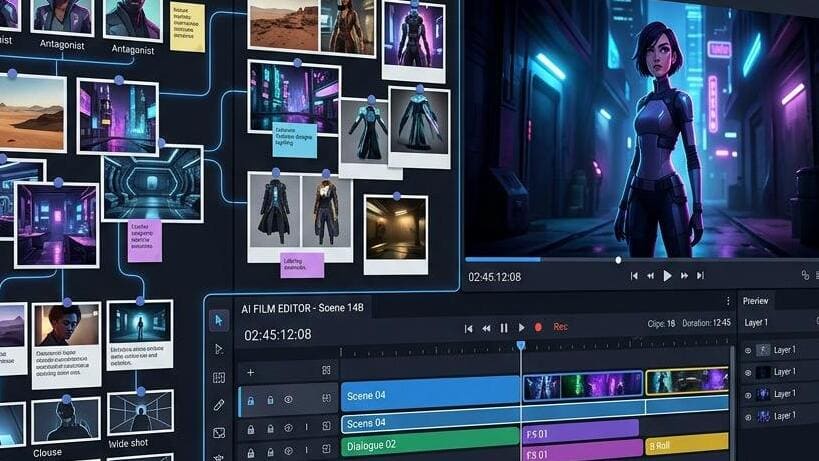
Images are useful, but sometimes a moving visual communicates an idea much better.
OpenArt AI also provides AI-assisted video creation capabilities. These tools can help users explore ways to turn written ideas or existing images into video content.
This can be useful when preparing:
Short social media videos.
Creative storytelling projects.
Promotional video concepts.
Animated visual scenes.
Product presentation ideas.
Experimental cinematic content.
For example, a creator could begin with an image of a futuristic city and experiment with turning it into a moving scene.
AI video generation is still developing, so results can vary depending on the model, prompt, and selected settings. It is always worth reviewing the final output before publishing it.
3. AI Image Editing
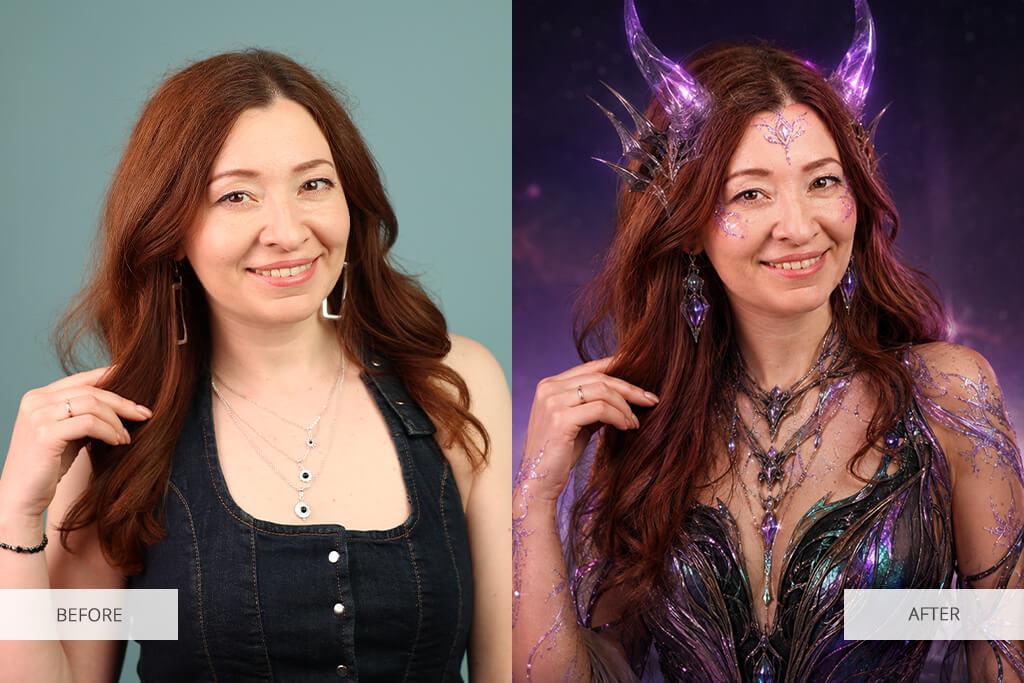
Not every creative project needs to begin from scratch. Sometimes, an existing image only needs a few changes to become more useful.
AI-powered editing can help users modify visual elements, experiment with backgrounds, improve image quality, and make creative adjustments.
Some common editing applications include:
Removing unwanted objects.
Changing or replacing backgrounds.
Improving image resolution.
Adjusting visual compositions.
Modifying selected image elements.
Exploring different artistic appearances.
For example, an online seller might have a product photograph with a distracting background. AI editing tools can help create a cleaner visual presentation.
However, the final image should always be checked carefully, especially when used for product listings or professional marketing.
4. AI Character Creation
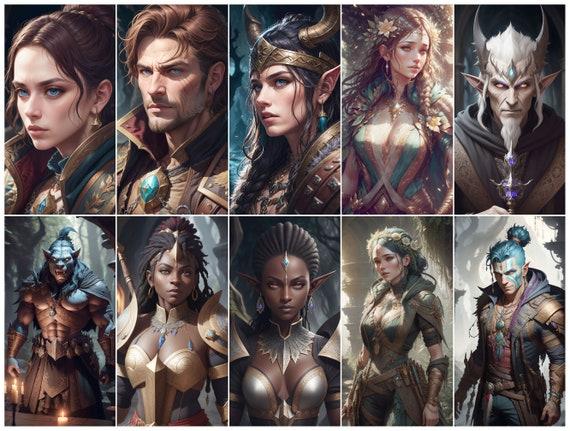
Character creation is another exciting area of AI-powered creativity.
Writers, game developers, illustrators, and digital storytellers often need characters with specific appearances. Creating these characters manually can take considerable time, particularly when the same character needs to appear in multiple scenes.
OpenArt AI offers character-focused creative capabilities that can help users develop visual identities and experiment with different character concepts.
Users can explore ideas such as:
Fantasy heroes and fictional personalities.
Cartoon-style characters.
Animated character concepts.
Game character designs.
Different outfits and appearances.
Character-based storytelling visuals.
Maintaining a consistent appearance across multiple generations may require careful prompt writing and suitable character-reference features.
5. AI Models and Creative Styles
One interesting aspect of AI creative platforms is the ability to experiment with different models and visual styles.
Not every AI model produces the same type of output. Some may be more suitable for realistic images, while others may work better for illustrations, artistic concepts, or specific visual effects.
This gives users more room to explore their ideas.
For instance, the same prompt describing a beautiful garden could produce:
A realistic garden photograph.
A colourful cartoon illustration.
A fantasy-inspired landscape.
A detailed architectural concept.
A soft, painterly artwork.
Experimenting with these variations can help users discover a visual direction that suits their project.
6. AI Music and Audio Creation
Visual content is only one part of digital creativity. Audio also plays an important role in videos, storytelling, and online entertainment.
Where available, OpenArt's audio-related creative features can help users explore music and sound generation for different projects.
Possible creative applications include:
Background music concepts.
Audio for short videos.
Creative sound effects.
Voice-related content.
Storytelling and entertainment projects.
Feature availability and generation options may depend on the tools and models currently offered on the platform.
OpenArt AI Features at a Glance
Here is a quick overview of the platform's major creative areas.
Feature | What It Helps With | Suitable For |
AI Image Generation | Creating images from prompts | Artists and creators |
AI Video Generation | Developing moving visuals | Video creators |
Image Editing | Improving existing pictures | Designers |
Character Creation | Developing fictional characters | Storytellers |
AI Models | Exploring different visual outputs | Digital artists |
Audio Tools | Experimenting with audio content | Multimedia creators |
Who Can Benefit From OpenArt AI?
One reason AI creative platforms are becoming popular is that they are useful for people with different backgrounds.
You do not need to work in a professional design studio to find value in these tools. Even someone managing a small social media account may find them helpful.
Content Creators
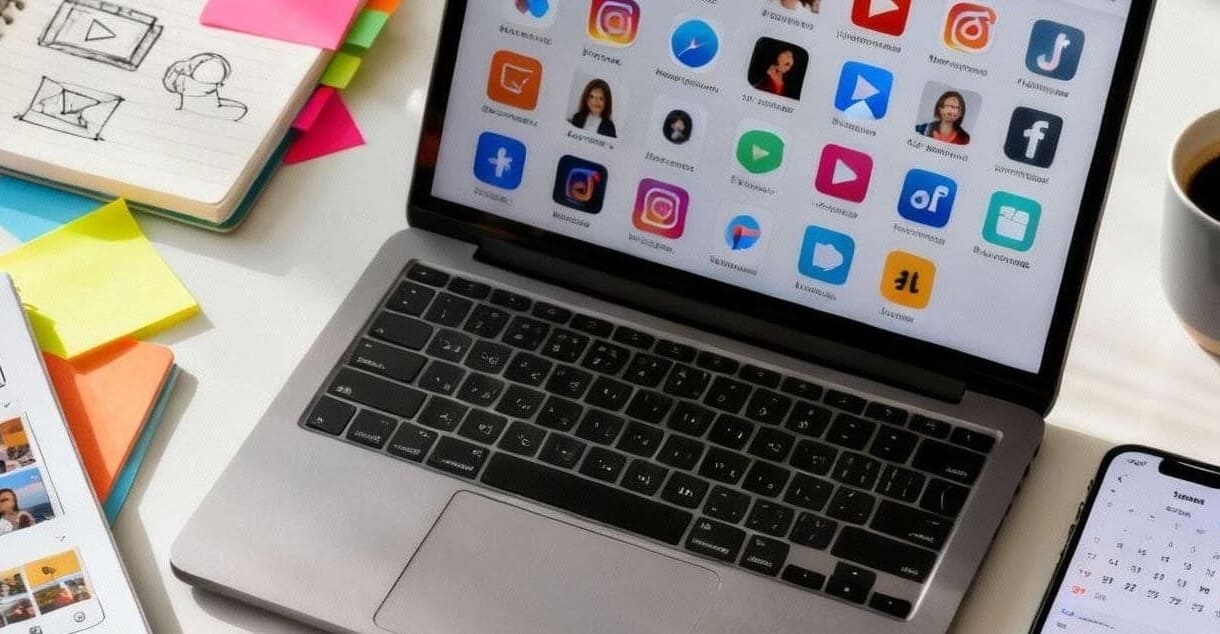
Content creators regularly need fresh images, thumbnails, backgrounds, and visual concepts.
OpenArt AI can help them experiment with creative assets and develop visuals that match the theme of their content.
It can be particularly useful for:
YouTube thumbnail concepts.
Instagram creative posts.
Blog illustrations.
Short-form video visuals.
Digital storytelling.
Graphic Designers
Designers can use AI-generated visuals as a starting point for creative projects.
Rather than treating AI as a replacement for design skills, they can use it as an additional source of inspiration.
For example, a designer preparing a promotional campaign might generate several visual concepts before choosing one to develop further.
Small Business Owners
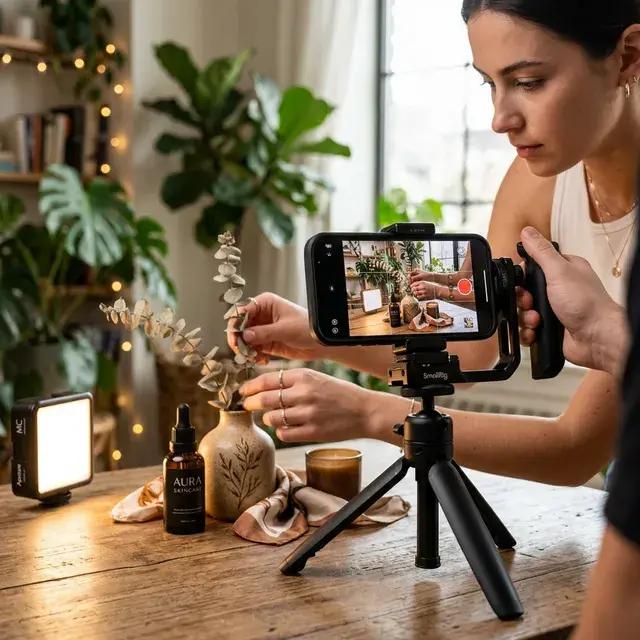
Small businesses often have limited budgets for professional photography and creative production.
AI tools can help business owners explore product backgrounds, advertising concepts, promotional images, and social media visuals.
However, businesses should ensure that generated product images accurately represent the actual products they sell.
Digital Artists and Illustrators
Artists can use AI to explore different artistic directions, experiment with colour combinations, and develop early-stage concepts.
It can also help when someone feels creatively stuck and wants to explore a few different possibilities before beginning a detailed project.
Beginners and Hobbyists
People who enjoy creative activities but have limited design experience can also explore AI-generated content.
They can experiment with different prompts, discover visual styles, and learn how small changes influence the final result.
How to Write Better Prompts for OpenArt AI
The quality of an AI-generated image often depends on how clearly the user explains the idea.
A short prompt can work, but detailed instructions generally provide more creative direction.
Basic prompt
A beautiful house.
More detailed prompt
A modern wooden house surrounded by green mountains, large glass windows, warm sunset lighting, a peaceful natural environment, realistic photography style, and detailed architecture.
The second prompt gives the AI more information about the subject, surroundings, lighting, and desired appearance.
Simple Tips for Better Results
Describe the subject: Clearly explain what should appear in the image.
Mention the environment: Include details about the background and surroundings.
Choose a visual style: Specify realistic, cinematic, cartoon, or illustration styles.
Explain the lighting: Try natural daylight, golden-hour lighting, or dramatic shadows.
Add composition details: Mention close-up, wide-angle, portrait, or landscape views.
Experiment with wording: Try different descriptions when the first result does not match your expectations.
A little patience can make the entire process more enjoyable.
OpenArt AI vs Traditional Creative Workflows
AI tools have introduced a different way to approach digital content creation. However, traditional creative methods still have their own importance.
Comparison Point | OpenArt AI | Traditional Workflow |
Starting Process | Text prompts and AI tools | Manual creation |
Design Experience | Beginners can experiment | Often requires technical skills |
Idea Exploration | Generate multiple concepts | Create concepts manually |
Editing | AI-assisted adjustments | Manual editing |
Creative Control | Depends on prompts and tools | Direct control over each element |
Best Use | Quick concepts and experimentation | Detailed and precise creative work |
Neither approach is perfect for every project. AI can make early creative exploration easier, while traditional design methods remain valuable when a project needs precise control and detailed adjustments.
Many creators may find that combining both approaches works best.
Advantages of Using OpenArt AI
There are several reasons why someone might want to explore an AI-powered creative platform.
1. Makes Creativity More Accessible
People without professional drawing or editing experience can experiment with visual ideas using written instructions.
2. Supports Different Content Formats
The platform brings together different creative areas, including image and video generation, editing, and character development.
3. Encourages Experimentation
Users can try different prompts and visual styles without having to create every concept manually.
4. Helps With Creative Inspiration
When someone is unsure how to approach a project, AI-generated concepts can provide a starting point.
5. Useful for Different Projects
From social media visuals to fictional characters and promotional concepts, AI tools can support a wide range of creative activities.
Things to Consider Before Using OpenArt AI
Although AI creativity tools offer many possibilities, it is important to understand their limitations.
Here are a few things worth keeping in mind:
Output quality can vary: Some generations may look impressive, while others may contain unwanted details or visual errors.
Prompt writing matters: Unclear instructions can lead to results that do not match the original idea.
Editing may still be necessary: Professional projects may require additional manual adjustments.
Pricing and credits: Check the current subscription plans, free usage limits, and generation credits before starting a large project.
Usage rights: Review the platform's current licensing and commercial-use terms before using generated content for business purposes.
Privacy: Avoid entering confidential business information or personal material without checking the platform's data policies.
These considerations can help users make better decisions and avoid unrealistic expectations.
OpenArt AI for Social Media and Digital Marketing
Social media platforms depend heavily on visual communication. A well-designed image or short video can make a post more noticeable and help communicate an idea quickly.
This is where AI creative tools can become useful for digital marketing.
For example, a small clothing business might need several promotional concepts for a seasonal collection. It could experiment with different backgrounds, campaign themes, and visual styles before deciding on a final design.
Similarly, a travel content creator could explore AI-generated destination concepts for thumbnails and storytelling projects.
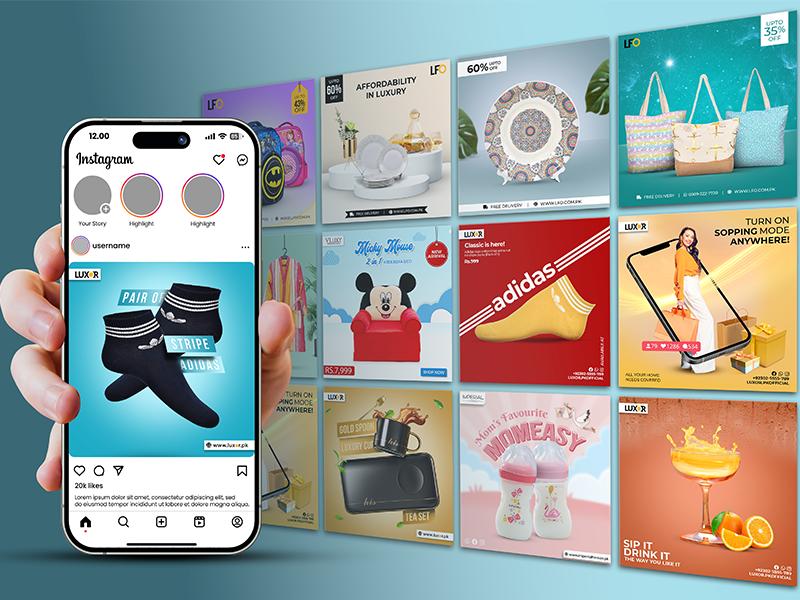
Some practical marketing applications include:
Creating promotional campaign concepts.
Designing social media backgrounds.
Developing product advertisement ideas.
Producing blog and website illustrations.
Exploring visual branding concepts.
Creating short video ideas for campaigns.
One important thing to remember is that AI-generated promotional visuals should be reviewed before publication. Accuracy, brand consistency, and audience expectations still matter.
Is OpenArt AI Worth Exploring?
OpenArt AI is worth exploring for people who enjoy experimenting with digital creativity and want to understand how artificial intelligence can support visual projects.
Its combination of image generation, video creation, editing, and character-related tools makes it relevant to several creative interests.
However, whether it is the right platform depends on what someone wants to achieve.
A beginner might appreciate the opportunity to experiment with written prompts, while a professional designer may be more interested in exploring different models and using AI-generated concepts during the early stages of a project.
Before choosing a paid plan, it is sensible to explore the available features, understand the usage limits, and check whether the platform supports the type of content you want to create.
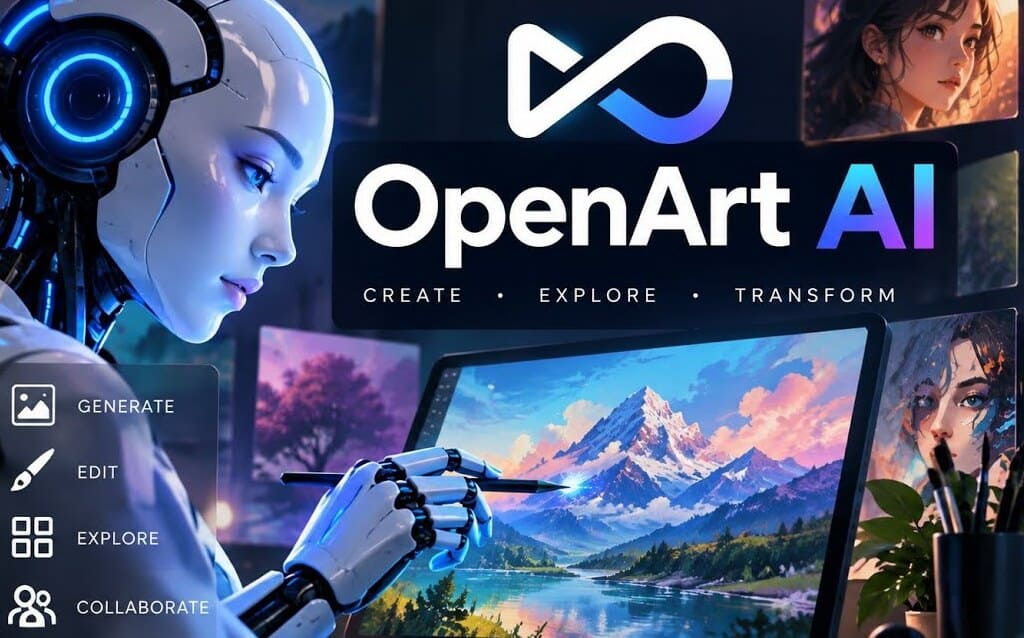
Digital creativity is no longer limited to people who know how to draw, edit, or work with complicated design software. AI-powered platforms are opening up new ways for people to explore their ideas and bring different concepts to life.
OpenArt AI is part of this growing creative space. From generating digital artwork and experimenting with visual styles to exploring AI-assisted videos and character creation, it offers several possibilities for people interested in modern content creation.
Of course, AI does not automatically turn every idea into a perfect result. Good prompts, creative thinking, and careful editing still play an important role.
The best way to understand what OpenArt AI can do is to experiment with different creative ideas and see which tools fit your workflow.
Frequently Asked Questions
OpenArt AI is used to generate and edit digital images, explore AI video creation, develop characters, and experiment with creative content.
Yes, beginners can explore its prompt-based creative tools without needing professional drawing or graphic design experience.
Yes, the platform offers AI-powered video creation features that help users experiment with turning ideas and images into videos.
Yes, users can explore realistic image generation along with illustrations, fantasy artwork, and other visual styles.
OpenArt AI may offer free usage options, but available credits, features, and subscription limits can change over time.
Sources and notes
Links the author listed for this post.
This article is based on information collected from OpenArt's official website, including its AI image generation, video creation, editing, character creation, and creative tools.
- 1openart.ai (opens in a new tab)
openart.ai


Discussion
0 comments
No comments yet
Discussion will appear here once it loads.