Finding the right digital tool can make everyday work much easier. Whether you are writing content, designing graphics, managing projects, editing PDFs, creating videos, or working with AI, there are now hundreds of online tools available. The challenge is that many popular platforms come with monthly subscriptions, limited free plans, or features that may not be necessary for everyone.
That is where tool alternatives can be useful.
A good alternative does not always need to copy every feature of a popular platform. Sometimes, a simpler tool can handle the same task faster and at a lower cost. For students, freelancers, creators, small businesses, and everyday users, free alternatives can provide a practical way to get more work done without adding another expensive subscription.
This guide explores some of the main reasons people look for alternatives and what to consider when choosing a free or affordable tool in 2026.
Why Look for Tool Alternatives in 2026?
Digital tools are becoming an important part of everyday work. From creating presentations to automating repetitive tasks, people depend on online software for many different activities.
However, not every popular tool is the right fit for every user.
Some platforms may have advanced features that are useful for professional teams but unnecessary for someone who only needs basic functionality. Others may have pricing plans that become expensive when several tools are used together.
Exploring alternatives can help users:
Reduce software costs
Find easier interfaces
Access useful free features
Discover tools designed for specific tasks
Avoid unnecessary subscriptions
Compare different features before choosing a platform
The goal is not simply to find a tool that is free. It is to find one that actually matches the user's requirements.
What Makes a Good Tool Alternative?
A useful alternative should solve the same basic problem as the original tool. However, it does not necessarily need to offer every feature.
For example, someone who needs a simple image editor may not require an advanced professional design platform. Similarly, a person who occasionally converts PDFs may not need an expensive document-management subscription.
When comparing alternatives, consider these factors:
Features
Start by checking whether the alternative includes the features you actually need. A free tool can be valuable even if it has fewer features, provided those features cover your everyday tasks.
Ease of Use
A complicated interface can make even a powerful tool frustrating. Look for platforms that are easy to understand and do not require extensive training.
Pricing
Check what is included in the free version. Some tools offer generous free plans, while others place important features behind paid subscriptions.
Performance
A tool should work reliably without unnecessary delays, crashes, or complicated setup requirements.
Privacy and Security
For tools that handle documents, personal information, business files, or other sensitive data, review the platform's privacy and security practices before uploading anything.
Compatibility
Make sure the alternative works with your preferred browser, operating system, devices, or existing workflow.
Popular Categories for Tool Alternatives
There are alternatives available across almost every area of digital work. Some of the most common categories include AI, productivity, design, writing, video, PDF management, marketing, development, and collaboration.
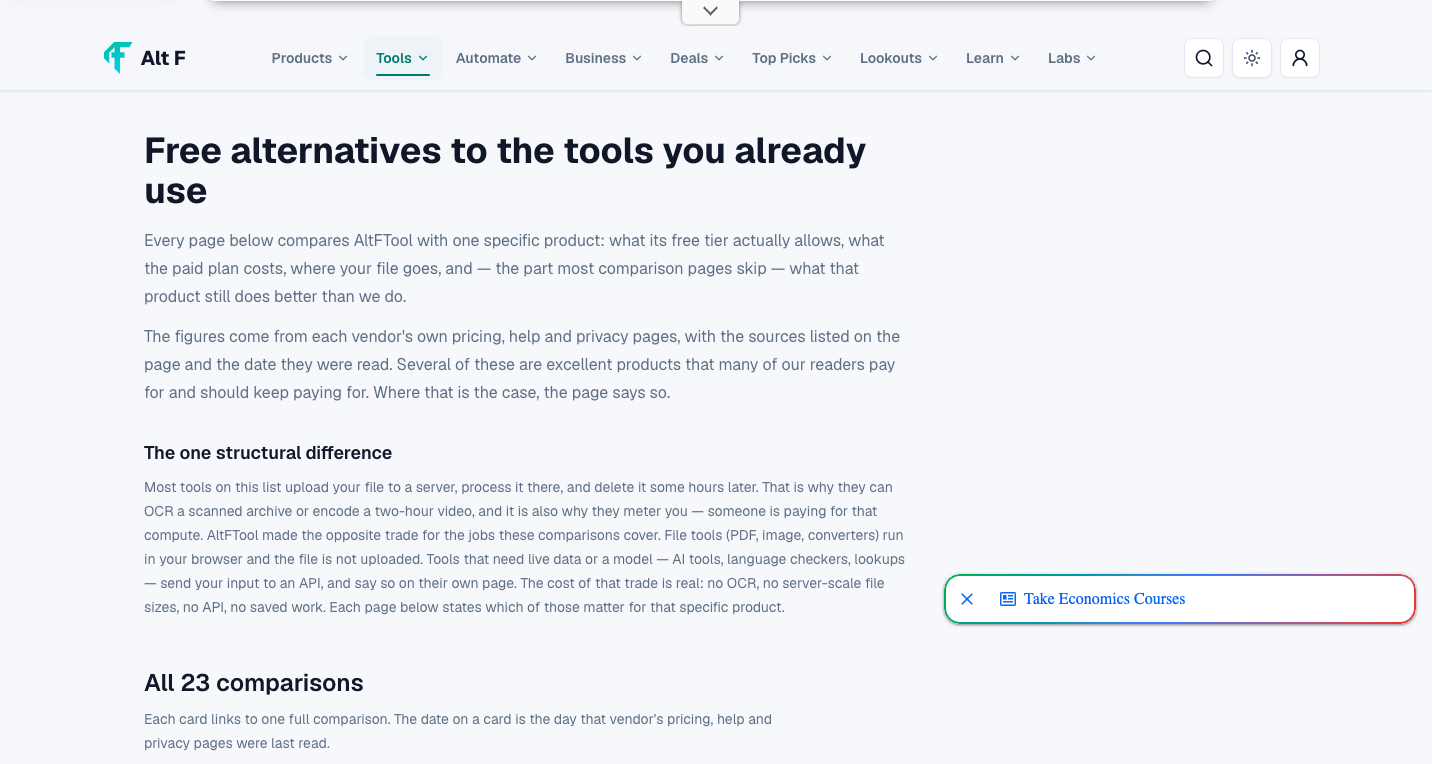
Top Tool Alternatives 2026: Free Alternatives to Popular. is easier when the workflow is broken into clear steps. This guide explains what to check first, how to avoid common mistakes, and where AltFTool can speed up the task.
Before you start
Define the result you want from top tool alternatives 2026: free alternatives to popular..
Collect the files, links, or details you need before using a tool.
Check the final output before downloading, sharing, or publishing it.
Step-by-step workflow
Choose the right method. Match the tool or process to the exact task.
Review the settings. Look for quality, format, privacy, and output options.
Save the result. Keep the final file or link in a place you can find later.
Final thoughts
Use this process when you need a fast but careful way to handle top tool alternatives 2026: free alternatives to popular.. Keep the steps simple, check the source details, and use related AltFTool resources when the task needs a dedicated utility.
AI Tool Alternatives
AI tools have become increasingly popular for writing, brainstorming, research, image generation, coding, summarization, and other tasks.
However, different AI platforms are designed for different purposes. One may be useful for general conversations, while another focuses on research, coding, image creation, or content production.
When comparing AI alternatives, look at:
Available AI models
Free usage limits
Writing and research capabilities
Image or media generation
File support
Integration options
Privacy policies
Trying several platforms can help users understand which one fits their workflow rather than relying on a single service for every task.
Writing and Content Creation Alternatives
Writers, marketers, students, and creators often use online platforms for drafting and editing content.
A good writing alternative can help with grammar, rewriting, brainstorming, formatting, and content organization. Some platforms are focused specifically on writing, while others combine writing with AI assistance and productivity features.
For occasional writing needs, a free tool may be more than enough. Professional users may want to compare word limits, collaboration features, integrations, and advanced editing capabilities.
Design Tool Alternatives
Graphic design software can range from simple browser-based editors to professional design suites.
Users creating social media posts, presentations, banners, thumbnails, or basic graphics may find that a free design platform provides everything they need.
Before choosing a design alternative, check:
Templates
Image and icon libraries
Editing tools
Export formats
Background removal
Collaboration features
Free asset availability
The best option depends on the type of designs you create and how frequently you use the platform.
PDF Tool Alternatives
PDF tools are useful for students, professionals, businesses, and anyone who regularly works with documents.
Common PDF tasks include converting files, merging documents, compressing PDFs, adding signatures, extracting pages, and editing text.
Instead of subscribing to a full document suite, users can explore individual PDF tools that focus on specific tasks. This can be especially useful when a particular function is only needed occasionally.
Always check whether uploaded documents are stored, processed temporarily, or deleted after use, especially when working with confidential files.
Video Editing Alternatives
Video creation has become common for social media, marketing, education, and personal projects.
While professional video editors can offer advanced controls, beginners may prefer simpler browser-based or desktop alternatives.
When comparing video editing tools, consider:
Timeline editing
Templates
Captions
Transitions
Audio editing
Export quality
Watermarks
Free storage or usage limits
A lightweight editor can often be sufficient for short videos and social media content.
Productivity Tool Alternatives
Productivity software covers everything from note-taking and task management to calendars and project planning.
A simple productivity system can sometimes be more effective than a platform packed with features that are never used.
When looking for alternatives, consider whether you need:
To-do lists
Notes
Reminders
Calendar integration
Team collaboration
File sharing
Project tracking
Automation
For individual users, free productivity tools can provide a practical way to organize everyday work without adding another subscription.
How to Choose the Right Free Alternative
Choosing an alternative should begin with the task rather than the brand name.
First, identify exactly what you need the tool to do. Then compare a few options based on their features, limitations, pricing, and ease of use.
A simple comparison can look like this:
Factor | What to Check |
|---|---|
Main purpose | Does it solve your specific problem? |
Free plan | What features are available without payment? |
Limitations | Are there usage, storage, or export restrictions? |
Ease of use | Can you start using it quickly? |
Compatibility | Does it work with your devices and workflow? |
Privacy | How does it handle your data? |
Integrations | Can it connect with the tools you already use? |
Support | Is help available if something goes wrong? |
Taking a few minutes to compare these points can prevent you from choosing a tool that looks good initially but does not work well for your needs.
Free Does Not Always Mean Better
One common mistake is choosing an alternative simply because it is free.
A free platform may have restrictions such as advertisements, limited exports, watermarks, fewer integrations, storage limits, or daily usage caps.
At the same time, a paid tool is not automatically the better option. If you only need a few basic features, paying for a large software package may not provide much additional value.
The right choice depends on how often you use the tool and which features matter most to you.
Check the Free Plan Carefully
Free plans can change over time. A platform may introduce new limits, change its pricing structure, or move certain features into premium plans.
Before relying on an alternative for important work, check its current website for information about:
Free usage limits
Account requirements
Export restrictions
Storage limits
Watermarks
Commercial-use rules
Premium features
This is particularly important for businesses and freelancers who use tools as part of their professional workflow.
Why Comparing Alternatives Can Save Time
It may seem faster to use the first tool that appears in search results, but spending a little time comparing options can make your workflow more efficient.
For example, one tool may require several steps to complete a task while another may offer a dedicated feature that does the same thing in seconds.
The right alternative can also reduce the number of subscriptions you need. Instead of paying for multiple platforms with overlapping features, you may find free or affordable options that cover your essential requirements.
Who Can Benefit From Tool Alternatives?
Tool alternatives are useful for a wide range of users.
Students can use free tools for research, writing, presentations, PDF management, and study organization.
Content creators can explore alternatives for image editing, video production, writing, social media content, and AI assistance.
Freelancers can compare productivity, project management, communication, design, and invoicing tools.
Small businesses can look for affordable software for marketing, collaboration, customer management, automation, and content creation.
Everyday users can find simple solutions for document conversion, image editing, file management, and other common online tasks.
Quick checklist
Confirm the main goal for top tool alternatives 2026: free alternatives to popular..
Compare the available options before choosing one workflow.
Use the related AltFTool utilities to finish the task faster.
Tool alternatives are other software platforms or online services that can perform similar tasks to a popular tool. They may offer different features, pricing, or user experiences.
Safety depends on the specific platform. Before using a free tool, review its privacy policy, security information, permissions, and data-handling practices.
It depends on the task. Some free tools provide enough features for everyday users, while professional users may need advanced features available only through paid plans.
Start by identifying the features you actually need. Then compare several alternatives based on functionality, free-plan limitations, pricing, ease of use, compatibility, and privacy.
Who should use Tools
Top Tool Alternatives 2026: Free Alternatives to Popular. is built for readers who want a faster way to finish everyday web tasks. The main goal is shorter workflows, clearer outputs, and reusable tool habits, so the guide focuses on practical choices instead of broad theory.
Use it when you need one of these outcomes:
- testing a task before choosing a heavier app
- saving time on a repeated browser workflow
- combining a guide with a related AltFTool utility
How to get a better result
- Read the core use case and decide what output you need.
- Open the related AltFTool utility and test it with a small sample.
- Review the result, adjust settings, and repeat only if needed.
- Continue with related tools or guides for the next step in the workflow.
Start small, check the first output, and only then repeat the workflow with the full file, text, media, or game session. That gives you a quick quality check before you spend more time.
Quality checks before you trust the output
- the input is clean before running the tool
- the output matches the format you need
- private details are removed before sharing or downloading
Do not overcomplicate a simple task. Start with the smallest sample that proves the workflow, then scale up once the output looks right.
Continue your workflow
If you want to try the workflow now, open the related AltFTool tool area. For more reading, continue through the Tools archive or the AltFTool tools directory.
This creates a cleaner path from explanation to action: read the guide, test the tool, compare the output, and move into the next related AltFTool resource only when it helps the task.
Sources and review notes
References used to check facts, freshness, and reader-safe recommendations in this guide.
Information is compiled from official tool websites, product pages, publicly available feature details, and current online resources. Features, pricing, and availability may change over time, so readers should verify details on the respective official websites before making a decision.
- 1AltFTool
altftool.com
Discussion
0 comments
No comments yet
Discussion will appear here once it loads.