Designing something from scratch sounds exciting until you actually sit down and start. A simple promotional banner can easily eat up an hour once you begin hunting for images, testing fonts, picking colours and fixing the layout. Then the client sends feedback, or a last-minute change pops up, and the work drags on even longer. For freelancers and busy marketing teams, juggling these small tasks every day gets tiring fast. Most of us have lost whole afternoons to a design that looked so simple at the start. It's not that the work is hard, it's just that the little steps keep piling up. And when the deadline is close, that pile feels even heavier.
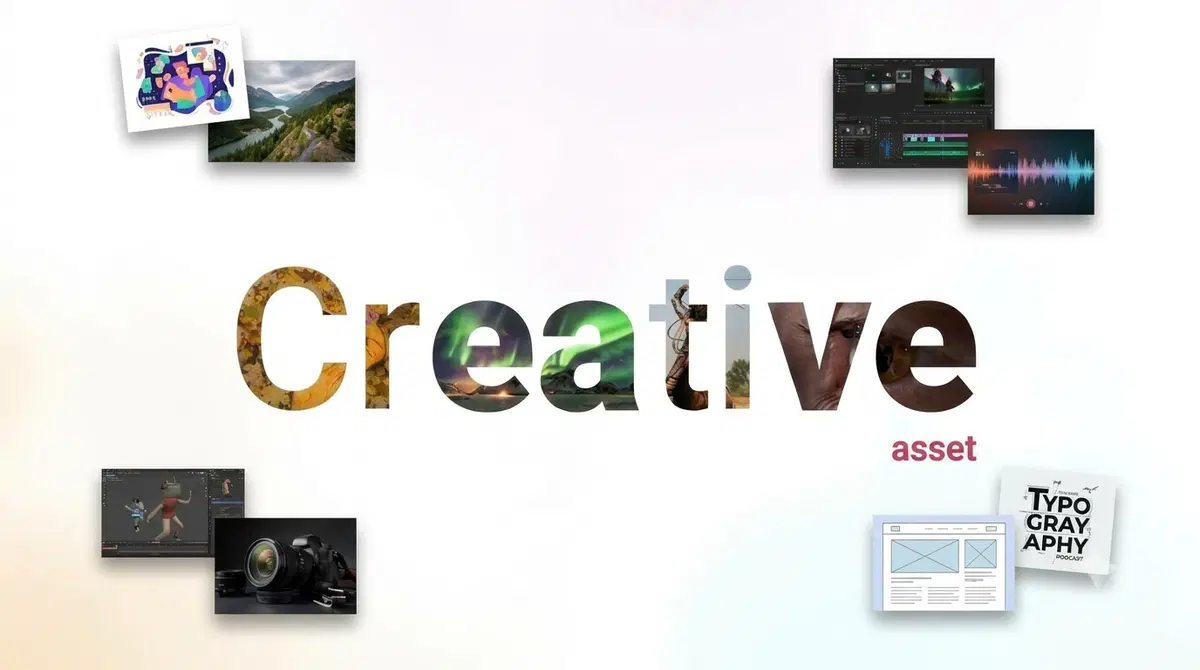
That's a big reason ready-to-use creative assets have become a regular part of design work in 2026. Instead of making every visual from zero, you can grab professionally prepared templates, stock photos, illustrations, icons and fonts. These give you a head start and cut down the time you spend on repetitive work. They also make it easier to stay on track when several projects are running at once. Many designers say a good set of ready resources makes their day feel far less rushed.
The nice part is that using ready-made resources doesn't mean giving up creativity. It simply changes where your time goes. You can focus on improving the look, adding your personal touch and making the design right for your audience.
What Are Ready-to-Use Creative Assets?
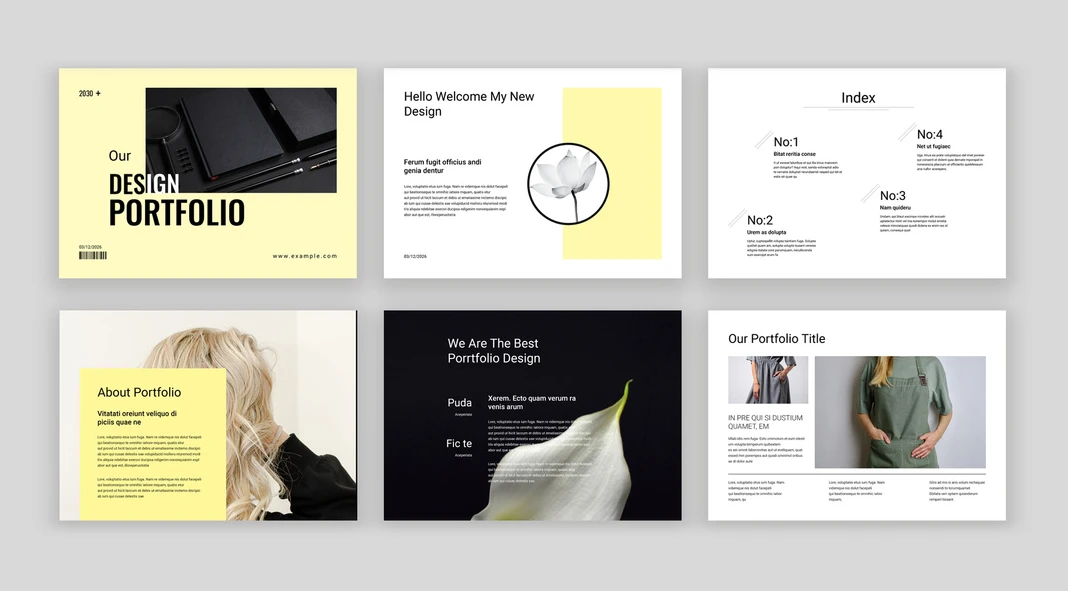
Ready-to-use creative assets are pre-designed digital resources that you can download, tweak and use in all kinds of projects. They come in many formats and are widely used for graphic design, websites, digital marketing, video editing and content creation. Popular examples include social media templates, presentation designs, stock photos, vector illustrations, icons, fonts, mockups and video elements.
Think of a small online business planning a promotion for a new product. The owner needs an Instagram post, a website banner and a story, and making all three separately could take hours. A matching template collection gives them a ready place to begin. They swap the sample images, update the message and change the colours to fit the brand. The final designs still need some care, but most of the groundwork is already done.
How Ready-to-Use Creative Assets Save Design Time in 2026
Creative assets make design work easier by cutting out repetitive tasks and simplifying the early stages of a project. Here are some practical ways they help.
1. Spend Less Time Designing From Scratch
A blank canvas means a lot of decisions. You have to think about layout, typography, colours, image placement and balance before the design even starts to look complete. Ready-made templates take away much of that early effort because the layouts are already prepared.
Imagine a marketing team creating graphics for a new clothing collection. Instead of building ten different layouts, they pick a matching template set and update the photos, headings and prices. It's especially useful when many designs need the same look, and it makes tight deadlines far less stressful.
2. Find Images and Graphics More Easily
Finding the right visuals usually takes longer than we expect. Designers often browse several websites just to find suitable photos, icons and backgrounds. Creative asset libraries bring everything together in one place, so you can search by keywords, explore categories and filter results.
Someone building a travel website, for instance, can shortlist beaches, mountains and hotels from a single stock collection. Less aimless searching means a smoother workflow.
3. Create Social Media Content Faster
Social media wants fresh visuals all the time, from promotional posts and product announcements to festival greetings, ads and stories. Making each one separately eats up time, especially for small businesses without a design team. Templates fix that, because you keep the same layout and only change the text, photos and colours.
A beauty brand, for example, can use one collection for skincare tips, new launches and seasonal offers. It saves time and helps customers recognise the brand at a glance.
4. Prepare Presentations With Less Effort
A good presentation takes more than typing text onto slides. It needs organised layouts, charts, icons and clean typography, and building every slide by hand can take hours. Presentation templates come with ready layouts for introductions, comparisons, statistics, timelines and conclusions.
A startup pitching to investors can use one and spend its energy explaining the business model and growth plans instead of designing each slide.
5. Avoid Unnecessary Revisions
Revisions are normal, but basic layout problems create extra work that could have been avoided. Uneven spacing, mismatched colours and badly aligned images make a design look unfinished. Professionally prepared assets usually follow sound design principles, so alignment, spacing and hierarchy are easier to keep in check.
A matching icon set across a website, for example, keeps every icon the same size and style, leaving more time to improve the user experience.
Types of Creative Assets That Help You Finish Faster
Different projects need different resources, so it helps to know what's out there.
Ready-Made Templates
Templates work well for social posts, brochures, ads, invitations, presentations and website layouts. They shine when you need similar designs again and again, since you just reuse the layout and update the details that change.
Stock Photos and Illustrations
Stock photos give you ready images for blogs, websites and ads. A home improvement site, for example, can get modern kitchens and bedroom interiors without arranging a photoshoot. Illustrations work great for educational content and infographics.
Icons and Vector Graphics
Icons share information quickly in apps, websites and presentations. Vectors are handy because you can usually resize them without losing quality, and a consistent icon set keeps a design neat.
Fonts and Typography Resources
Fonts shape how content looks and how easy it is to read. Font collections make finding the right style much simpler. Just check the licence before using a typeface for commercial work.
Mockups and Backgrounds
Mockups show your work in realistic settings, like a logo on packaging, a business card or a phone screen, with no physical sample needed. Ready backgrounds help with banners, product graphics and ads.
Ready-to-Use Creative Assets vs Designing From Scratch
Both approaches have their strengths. The right choice depends on your project, your time and how much customisation you need.
Design Factor | Ready-to-Use Assets | From-Scratch Design |
|---|---|---|
Starting time | Usually quicker | Needs more preparation |
Customisation | Depends on the template | Complete creative control |
Flexibility | Based on available resources | Highly flexible |
Consistency | Easier with matching collections | Needs manual attention |
Design skills | Basic to advanced | Often needs advanced skills |
Best suited for | Regular and deadline-based projects | Unique and specialised designs |
For routine marketing material, ready-made resources are a practical choice. But a company building a brand-new identity may need original design work. Many experienced designers use both, relying on existing assets for basic elements and creating custom visuals for the parts that make a project stand out.
How to Choose the Right Creative Assets for Your Project
Picking attractive resources is only part of the job. The assets also need to fit your technical and creative needs.
Check Image Quality and Resolution
Low-resolution photos look blurry on big banners and posters, so check the dimensions before downloading. High-resolution images and scalable vectors are usually the better pick.
Choose Editable Resources
Look for assets that let you change colours, text, fonts, images and layouts. That makes it much easier to match your brand.
Understand Licensing and Usage Rights
Not every download can be used freely. Some are for personal projects only, while others need a commercial licence or subscription. Read the terms carefully before using anything in client work or ads.
Maintain Your Brand Identity
Your assets should match your brand's colours, typography and overall look. Mixing completely different styles in every campaign makes a business seem inconsistent.
Select Compatible File Formats
PNG and JPEG are common for images, SVG suits scalable graphics, and PSD or AI files give you more editing options. The right format saves you from needless conversion.
Common Mistakes to Avoid When Using Ready-to-Use Creative Assets
Ready-made resources save time, but using them carelessly can hurt your work. One common mistake is publishing a template without real changes, even though other businesses may be using the same design. Tweak the colours, images, fonts and layout details to make it feel original.
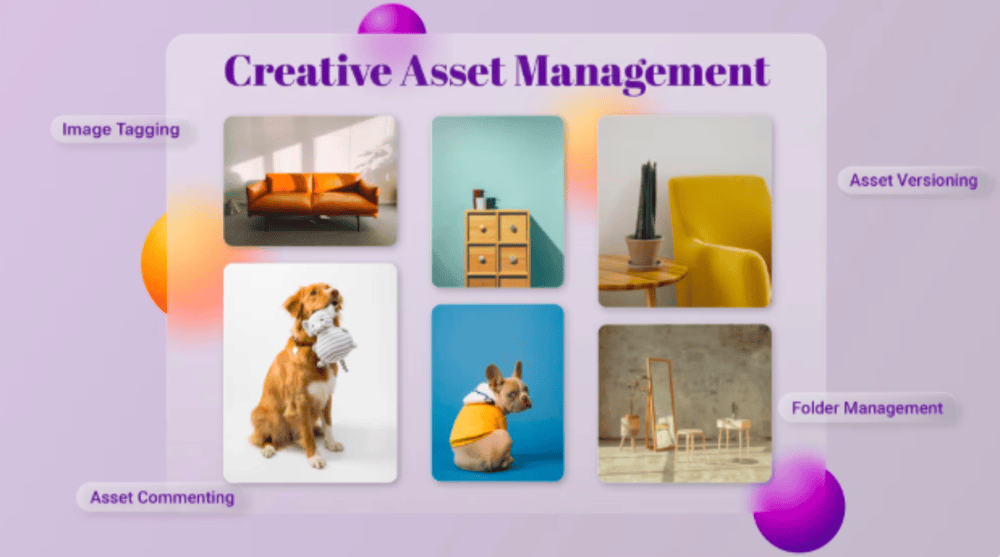
Another mistake is collecting too many assets without organising them. When hundreds of graphics sit in one folder, finding the right one is a headache, so make separate folders for templates, photos, icons and fonts. Ignoring licensing is another trap, so always check whether commercial use is allowed and whether you need to give credit.
Finally, don't pick an asset just because it looks good. It should support your message and suit your audience.
Are Ready-to-Use Creative Assets Worth Using in 2026?
For many creative professionals, yes, they're a valuable part of everyday design work. They cut down repetitive tasks, keep visual content organised and help you finish projects on shorter deadlines. Freelancers can handle several clients, small businesses can create promotional graphics without starting from scratch, and marketing teams can keep a consistent look across websites, ads and social media.
Still, not every project needs a template, and some call for original illustrations or custom photography. What matters is knowing when to use prepared resources and when to invest your time in something unique.
Final Thoughts
Ready-to-use creative assets have made design workflows more practical in 2026. From templates and stock photos to icons, fonts and presentation layouts, they cut preparation time and simplify everyday tasks. Their biggest advantage is flexibility, because you can use existing elements as a foundation and give more attention to the main idea.
Whether you're a freelancer, business owner, content creator or marketer, the right assets make your work easier to manage. After all, good design isn't about spending more hours on every small detail. It's about knowing where your time matters most and using the right resources to create something useful, attractive and memorable.
Pre-designed templates, images, icons, fonts and graphics used in creative projects.
They reduce the time spent creating layouts and searching for design elements.
Social media templates, stock photos, icons, fonts and presentation designs.
Yes, most editable assets allow changes to colours, text, images and layouts.
Yes, they help small businesses create professional-looking designs efficiently.
Sources and notes
Links the author listed for this post.
This article is based on general research into graphic design practices, digital creative assets, design templates and modern creative workflows. It is intended for informational and educational purposes.
- 1


Discussion
0 comments