
Remote meetings have become an essential part of modern working life. From online interviews and virtual team discussions to client presentations and international conferences, people increasingly depend on digital communication to stay connected. Video calls make it possible to see colleagues and exchange ideas from different locations, but one important element often determines how natural these conversations feel: audio quality.
Imagine joining an important meeting when someone is speaking, but their voice keeps breaking up. Background traffic, keyboard typing, barking dogs, and other unexpected noises make it difficult to understand the conversation. Even when everyone has a good internet connection, poor audio can make a meeting feel uncomfortable and disconnected.
This raises an interesting question: Can better audio quality make remote meetings feel more human?
The answer is yes. Clear sound helps people concentrate, understand emotions, respond naturally, and participate confidently. AI-powered noise cancellation solutions, such as Krisp, are designed to reduce distracting background sounds and make online communication smoother.
Why Audio Quality Matters in Remote Meetings

When people communicate face-to-face, they naturally understand each other's voices, expressions, pauses, and reactions. In virtual meetings, however, sound becomes one of the most important communication channels.
Poor audio can interrupt the natural flow of a conversation. Participants may repeatedly ask others to speak again, miss important information, or misunderstand instructions.
1. Clear Conversations Build Better Connections
Clear sound allows people to focus on what someone is saying instead of trying to understand their voice through background noise.
This is particularly important during team discussions, client meetings, interviews, and brainstorming sessions.
When participants can hear one another properly, conversations become more comfortable and engaging.
2. Better Audio Helps People Express Emotions
Communication is not just about exchanging words. Tone, emphasis, pauses, and vocal expressions also communicate feelings.
For example, a manager's encouraging tone can make employees feel appreciated. Similarly, a friendly voice during a virtual meeting can create a welcoming atmosphere.
Clear audio helps preserve these small communication details, making conversations feel more personal.
3. Fewer Interruptions Mean More Productive Meetings
Repeatedly saying "Can you hear me?" or "Could you repeat that?" wastes valuable meeting time.
Background noise can also interrupt presentations and distract listeners.
Reducing unnecessary noise helps meetings stay focused and allows participants to spend more time discussing meaningful topics.
What Makes Remote Meetings Feel Less Human?
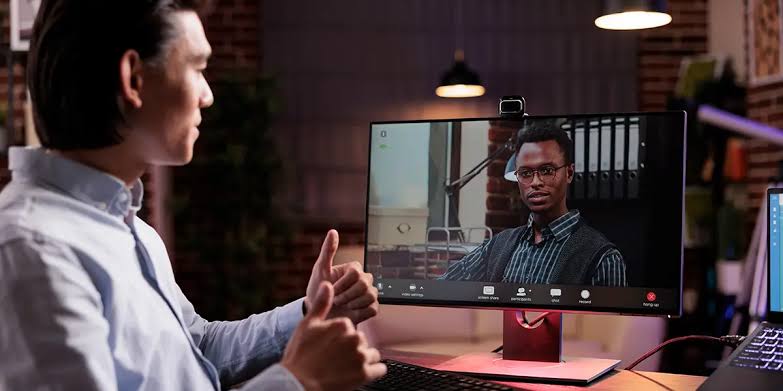
Remote communication offers convenience, but it can sometimes feel less personal than meeting someone in real life.
Several factors contribute to this experience.
Common Problem | Effect on Communication |
Background noise | Distracts participants |
Poor microphone quality | Makes voices difficult to understand |
Audio delays | Interrupt natural conversations |
Echo and feedback | Makes listening uncomfortable |
Unclear speech | Creates misunderstandings |
Frequent interruptions | Reduces meeting engagement |
These problems may seem small individually, but together they can affect the overall meeting experience.
Background Noise Creates Distractions
Household activities, traffic, construction, pets, and office conversations can interfere with virtual meetings.
Even when participants try to concentrate, unexpected sounds can shift their attention away from the speaker.
Audio Problems Affect Confidence
People may feel uncomfortable speaking when they are unsure whether others can hear them properly.
This can make employees less willing to participate, especially during important presentations or discussions with clients.
Constant Technical Interruptions Break Conversation Flow
A natural conversation usually involves listening, responding, and reacting without unnecessary pauses.
When audio problems repeatedly interrupt this process, meetings become tiring and less engaging.
How AI Noise Cancellation Improves Online Communication

Artificial intelligence is changing how people communicate online. Modern audio tools can identify unwanted sounds and reduce distractions without requiring users to work in completely silent environments.
One example is Krisp, an AI-powered audio solution designed to improve voice clarity during online meetings and calls.
1. Removing Background Noise in Real Time
AI noise cancellation identifies unwanted sounds, such as keyboard typing, traffic, fans, and household activities.
Krisp offers microphone and speaker noise cancellation, helping reduce distractions from both sides of a conversation. Its technology also includes echo cancellation and voice isolation.
Krisp Help+1
This can be particularly useful for professionals working from home, shared offices, or busy environments.
2. Making Voices Easier to Understand
A good meeting experience depends on how clearly people can understand one another.
When background noise is reduced, participants can focus more easily on the speaker's voice. This can make discussions smoother and reduce the need to repeat information.
3. Creating a More Professional Meeting Environment
Not everyone has access to a dedicated home office or expensive recording equipment.
AI-powered audio tools can help create a cleaner sound experience without requiring a professional studio setup.
This is especially valuable for freelancers, remote employees, online educators, and customer support professionals.
What Is Krisp and How Does It Support Remote Work?
Krisp is an AI voice technology platform focused on improving online conversations.
Its AI Meeting Assistant combines audio enhancement with meeting productivity features. Depending on the selected features and plan, users can access noise cancellation, meeting transcription, recordings, AI-generated notes, summaries, and action items.
Krisp Help+1
Key Krisp Features
Feature | How It Helps |
AI Noise Cancellation | Reduces unwanted background sounds |
Voice Isolation | Helps separate the main speaker from nearby voices |
Echo Cancellation | Reduces distracting echo |
Speaker Noise Cancellation | Helps make incoming audio clearer |
AI Meeting Notes | Creates summaries of discussions |
Transcription | Converts spoken conversations into text |
Accent Conversion | Helps make speech easier to follow |
Why These Features Matter
Imagine attending a client meeting from a busy home environment. A family member is talking nearby, a fan is running, and keyboard sounds are interrupting your conversation.
Instead of constantly worrying about the surrounding noise, an audio enhancement tool can help make your voice clearer.
Krisp also provides meeting notes and transcription capabilities, helping professionals review important discussions after a call.
Krisp Help+1
How Better Audio Can Improve Remote Team Collaboration

Remote teamwork depends on communication, trust, and the ability to share ideas comfortably.
When audio quality improves, employees can focus on conversations rather than technical problems.
1. Encouraging More Participation
Some employees hesitate to speak during online meetings because they worry about background noise or unclear microphones.
Better audio can make participation more comfortable, allowing team members to share opinions and ask questions confidently.
2. Helping International Teams Communicate
Global teams often include people working across different countries, time zones, and language backgrounds.
Clear audio helps participants concentrate on the message rather than struggling with distracting sounds.
Tools such as Krisp also offer Accent Conversion features designed to make speech easier to follow.
Automated Meeting Assistant
3. Supporting Better Meeting Follow-Ups
A productive meeting should not end when everyone leaves the video call.
Teams need to remember decisions, responsibilities, deadlines, and next steps.
AI-powered meeting notes and summaries can help capture important information, reducing the need to depend entirely on handwritten notes.
Practical Ways to Make Remote Meetings Feel More Human

Technology can improve communication, but good meeting habits are equally important.
Here are some simple ways to create a more comfortable virtual environment.
1. Start With a Friendly Greeting
Begin meetings with a warm welcome instead of immediately jumping into tasks. A simple greeting can make participants feel included.
2. Use a Good Microphone
A reliable microphone can improve voice clarity and make conversations easier to follow.
3. Reduce Background Distractions
Choose a quieter location whenever possible. Close unnecessary applications and silence notifications before joining.
4. Avoid Interrupting Others
Allow participants to finish their thoughts before responding. This helps create more natural conversations.
5. Use Video When Appropriate
Facial expressions and gestures can add emotional context to virtual communication. However, respect participants who prefer audio-only meetings.
6. Summarise Important Discussions
End meetings by reviewing key decisions and assigning clear next steps.
Krisp vs Traditional Audio Setups
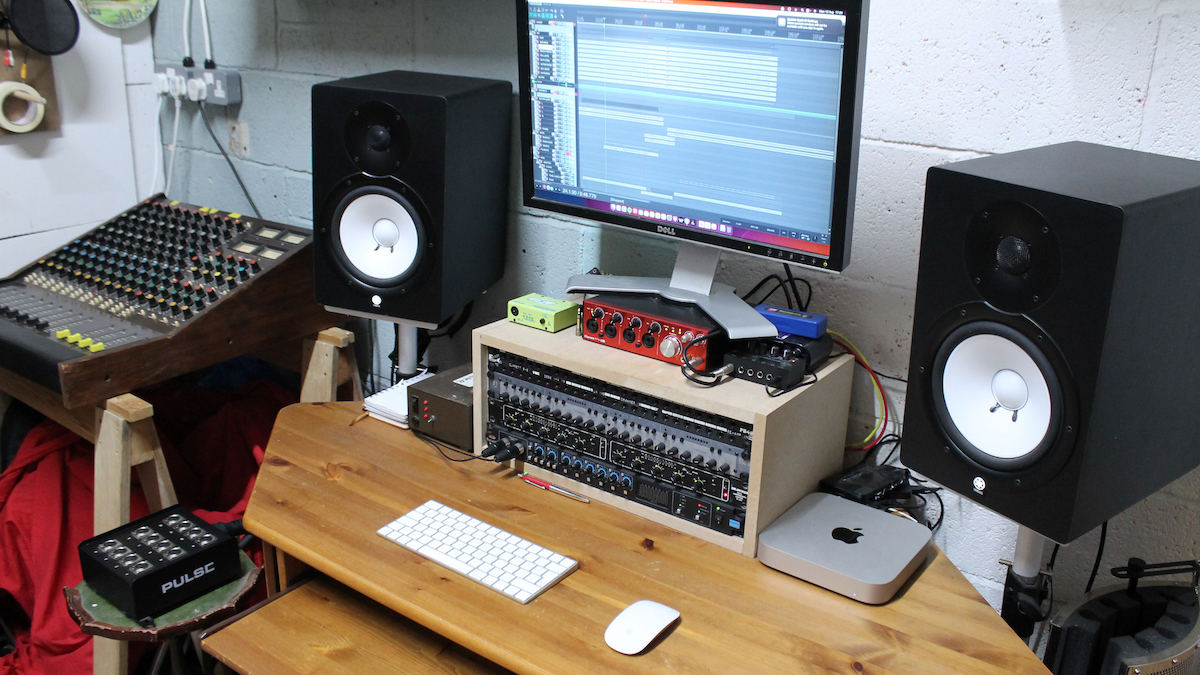
Traditional audio setups often rely on microphones, headphones, room treatment, and manual adjustments to improve sound quality.
AI-powered solutions introduce another layer of audio processing.
Comparison | Traditional Setup | AI-Powered Audio |
Background noise | May require a quiet room | Can reduce unwanted sounds |
Echo | May require manual adjustments | Can offer automatic echo cancellation |
Voice clarity | Depends on microphone and environment | Uses AI audio processing |
Equipment | May require additional accessories | Can work with supported existing devices |
Meeting notes | Usually require manual writing | Can provide AI-generated notes |
Flexibility | Depends on the setup | Can adapt to different working environments |
Neither approach is perfect for every situation. A good microphone and suitable environment remain valuable, while AI noise cancellation can provide additional support.
Is Krisp Useful for Different Types of Professionals?
Different professionals have different communication needs. However, clear audio can benefit almost anyone who regularly participates in online conversations.
Professional | Potential Benefit |
Remote Employees | Fewer audio distractions during team meetings |
Freelancers | More professional client calls |
Online Teachers | Clearer communication with students |
Content Creators | Improved voice quality during online sessions |
Customer Support Teams | More focused customer conversations |
Business Owners | Better virtual presentations and discussions |
For businesses that handle frequent customer conversations, audio clarity can also contribute to a more professional customer experience.
Does Better Audio Really Make Meetings More Human?
Better audio cannot replace genuine human interaction, but it can remove some of the barriers that make virtual conversations difficult.
When people can hear each other clearly, they can respond naturally, understand emotions more easily, and stay engaged in discussions.
Think about a virtual interview. If the interviewer repeatedly struggles to hear the candidate, the conversation may feel uncomfortable. However, when both participants can communicate clearly, they can focus on their experiences, questions, and ideas.
The same applies to team meetings, online classes, and client presentations.
The real value of better audio is not simply technical improvement. It is creating more space for meaningful human communication.
Things to Consider Before Choosing an AI Audio Tool

Although AI audio enhancement can be helpful, users should consider a few important factors before choosing a solution.
Compatibility: Check whether the tool supports your operating system and preferred meeting applications.
Audio quality: Test how naturally the software preserves your voice.
Privacy: Understand how audio processing, recordings, and transcripts are handled.
Performance: Check whether the software works smoothly on your device.
Features: Choose tools that match your actual meeting requirements.
Pricing: Compare available plans and limitations before subscribing.
Krisp's documentation states that its AI noise cancellation processes audio locally on the device. However, users should separately review the privacy terms for recording, transcription, and other cloud-based features.
The Future of More Natural Remote Meetings
Remote communication will continue to evolve as artificial intelligence becomes more integrated into everyday work.
Future meeting experiences may combine clearer audio, multilingual communication, intelligent summaries, and more accessible collaboration tools.
Instead of spending time fixing technical problems, participants may be able to focus more on sharing ideas and building relationships.
AI-powered audio technology is an important part of this development. Solutions like Krisp demonstrate how improving a seemingly small detail, such as background noise, can influence the overall communication experience.
Ultimately, better remote meetings are not just about better technology. They are about helping people feel heard, understood, and connected.
FAQ'S
Krisp is an AI-powered audio tool that helps remove background noise and improve communication during online meetings.
Yes. It reduces distracting sounds, making conversations clearer and helping participants concentrate.
Krisp supports popular conferencing applications, including Zoom, Google Meet, Microsoft Teams, and Slack Huddles.
Yes. Krisp offers voice isolation designed to reduce nearby conversations while keeping the main speaker's voice clear.
No. Good audio helps, but friendly communication, active listening, participation, and meaningful discussions are equally important.
Sources and notes
Links the author listed for this post.
Krisp Official Website – Voice AI for Meetings Krisp AI Meeting Assistant Features Krisp Noise Cancellation Guide Krisp AI Meeting Assistant
More on AltFTool
- AltFTool (opens in a new tab)
altftool.com


Discussion
0 comments