In today's fast-paced digital environment, communication has become an essential part of everyday life. From connecting with family and friends to managing professional responsibilities, people depend on reliable telecommunications services to stay connected wherever they go. Smartphones, wireless networks, high-speed internet, and advanced communication technologies have transformed how individuals interact, work, learn, and experience the world. With modern telecommunications solutions, users can enjoy seamless connectivity and more efficient digital communication.
Modern telecommunications is no longer limited to making phone calls or sending text messages. It has developed into a comprehensive ecosystem that includes mobile connectivity, broadband internet, digital entertainment, smart devices, cloud-based communication, and business networking solutions. These technologies allow people to exchange information instantly, access digital services, and participate in an increasingly connected society.
As technology continues to evolve, the demand for faster, more reliable, and flexible communication solutions is growing. Understanding the different types of telecommunications services can help individuals and businesses make informed decisions about their connectivity needs.
Understanding Modern Telecommunications
Telecommunications refers to the transmission of information over distances through electronic systems. Information can include voice calls, text messages, video, images, and digital data. Communication networks use technologies such as fiber optics, wireless signals, satellites, and cellular infrastructure to deliver these services.
The telecommunications industry supports several important areas of modern life, including:
Personal communication and social interaction
Remote work and online collaboration
Digital education and virtual learning
Online entertainment and streaming
Smart home connectivity
Business operations and customer communication
Cloud computing and digital infrastructure
The growing dependence on digital communication makes network quality, accessibility, and security increasingly important.
Mobile Connectivity: Communication on the Move
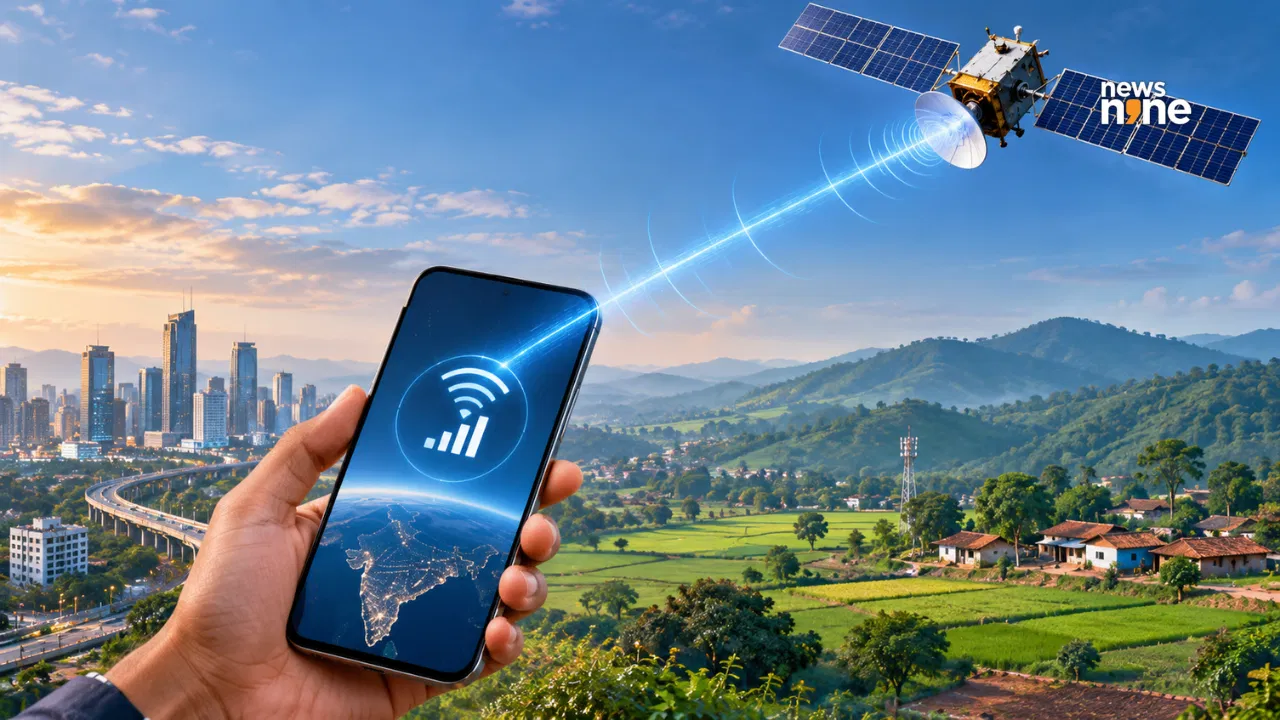
Mobile connectivity allows users to communicate and access digital information without being physically connected to a wired network. Smartphones have become essential tools for calling, messaging, browsing, navigation, payments, and entertainment.
Modern mobile networks provide different levels of connectivity, depending on network availability, device compatibility, and service plans.
Wireless Communication and Mobile Networks
Wireless communication uses radio signals to transmit information between devices and network infrastructure. Cellular networks connect smartphones to nearby towers, allowing users to access voice and data services.
Advanced mobile technologies, including 4G LTE and 5G, have improved network performance and expanded the possibilities of mobile communication. Depending on coverage and conditions, these technologies can support faster downloads, smoother video calls, and more responsive digital experiences.
Benefits of Mobile Connectivity
Convenience: Users can communicate from different locations.
Accessibility: Digital services can be accessed while travelling.
Flexibility: Mobile connectivity supports personal and professional activities.
Productivity: Smartphones enable communication, scheduling, and collaboration.
Entertainment: Users can stream videos, listen to music, and enjoy online content.
Mobile connectivity continues to play a central role in creating a more accessible and connected digital lifestyle.
Smartphones and Connected Devices
Smartphones are among the most widely used communication devices. However, the connected technology ecosystem now includes tablets, laptops, smartwatches, mobile hotspots, and other wireless-enabled devices.
These devices offer different capabilities and can support a variety of activities.
Smartphones
Smartphones combine communication, internet access, photography, navigation, and productivity features into a single device. They allow users to manage their daily activities while remaining connected to digital platforms.
Tablets and Laptops
Tablets and laptops provide larger screens for professional tasks, online education, entertainment, and content creation. With wireless connectivity, users can work from different locations.
Smartwatches
Smartwatches offer convenient access to notifications, calls, activity tracking, and other digital features. They can complement smartphones and provide quick access to important information.
Mobile Hotspots
Mobile hotspots create wireless internet connections that can be shared with multiple devices. They can be useful while travelling, working remotely, or when traditional broadband is unavailable.
Connected Device | Main Purpose | Common Use |
|---|---|---|
Smartphone | Communication and internet access | Calls, messaging, browsing |
Tablet | Portable digital access | Learning, reading, entertainment |
Laptop | Productivity and professional work | Meetings, documents, research |
Smartwatch | Convenient connected features | Notifications, calls, activity tracking |
Mobile hotspot | Portable internet access | Remote work, travel |
Smart home devices | Connected home functionality | Automation, monitoring |
Choosing the right device depends on personal requirements, preferred features, and connectivity availability.
High-Speed Internet: Supporting Everyday Digital Activities
Internet connectivity has become a foundation of modern living. People use home internet for entertainment, education, communication, shopping, and professional activities. Businesses also rely on internet infrastructure to operate websites, manage data, and communicate with customers.
Different internet technologies are available to meet various connectivity requirements.
Fiber-Optic Internet
Fiber-optic internet uses light signals transmitted through specialized cables. It can provide high speeds and reliable connectivity, making it suitable for demanding online activities.
Fiber connections are often preferred for households with multiple users, online gaming, video conferencing, and large file transfers, where service is available.
Fixed Wireless Internet
Fixed wireless internet delivers connectivity through wireless signals between network equipment and a receiver at a home or business. It can offer an alternative to traditional wired broadband in suitable locations.
Broadband Wi-Fi
Wi-Fi allows connected devices to access an internet connection wirelessly within a home, office, or other covered environment. A properly positioned router can help improve coverage and provide a better experience.
Factors to Consider When Choosing Internet
Factor | Why It Matters |
|---|---|
Download speed | Helps determine how quickly online content is received |
Upload speed | Important for video calls and sharing files |
Latency | Affects responsiveness in gaming and interactive applications |
Data allowance | Determines how much data can be used |
Network availability | Varies by location and infrastructure |
Reliability | Influences daily online activities |
Equipment | Routers and other devices affect performance |
A suitable internet connection should support the number of connected devices and the activities performed by users.
Home Internet and Smart Living
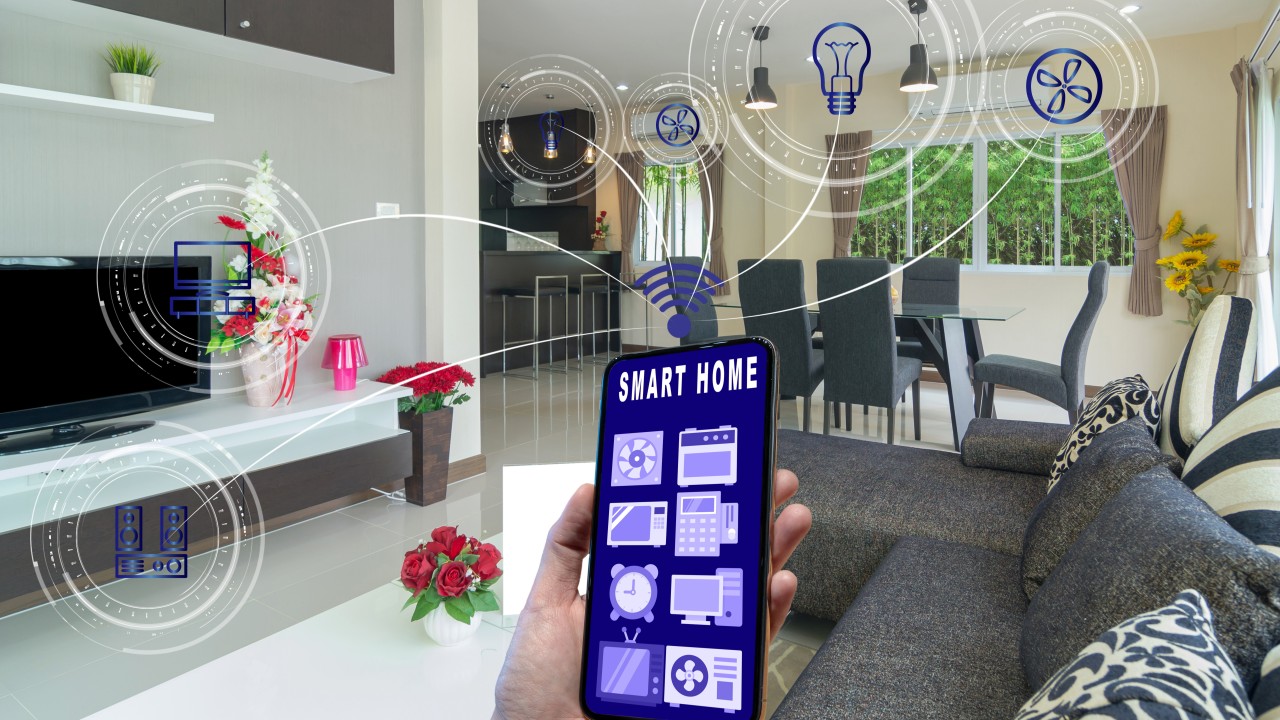
The modern home is becoming increasingly connected. Smart televisions, security cameras, smart speakers, connected appliances, and home automation systems rely on internet access to perform many of their functions.
A reliable home network can support multiple devices simultaneously, allowing household members to stream content, attend online meetings, study, and use connected appliances.
Building a Better Home Network
A well-designed home network begins with selecting an appropriate internet connection. Router placement is also important because walls, furniture, and distance can affect wireless signals.
Helpful home networking practices include:
Place the router in a central and elevated location.
Keep networking equipment away from unnecessary obstructions.
Use strong and unique Wi-Fi passwords.
Update router software regularly.
Consider mesh Wi-Fi systems for larger homes.
Disconnect unused devices when appropriate.
Secure connected home devices with updated software.
These simple practices can improve network usability and help protect connected devices.
Telecommunications for Businesses
Businesses depend on telecommunications to maintain communication between employees, customers, partners, and suppliers. Reliable connectivity supports daily operations and enables organizations to respond efficiently to changing business requirements.
Business Communication Solutions
Business communication services may include mobile plans, internet access, video conferencing, cloud-based communication platforms, and network management solutions.
Small businesses often require flexible and affordable connectivity, while larger organizations may need advanced networking infrastructure, cybersecurity solutions, and dedicated communication systems.
Benefits of Business Connectivity
Improved collaboration: Employees can communicate across different offices and locations.
Remote working: Teams can access online tools and participate in virtual meetings.
Customer service: Businesses can respond to customer inquiries through digital communication channels.
Operational efficiency: Connected systems can simplify workflows and information sharing.
Scalability: Organizations can adjust communication resources as their requirements grow.
Telecommunications infrastructure is therefore an important part of digital business transformation.
Prepaid and Postpaid Mobile Plans
Mobile service plans are designed to meet different communication and budgeting needs. Prepaid and postpaid options are two common types of mobile plans.
Prepaid Plans
Prepaid plans require users to pay for services before using them. They can provide greater control over spending because users select a recharge or service package according to their requirements.
Postpaid Plans
Postpaid plans generally involve paying a bill after the service period. Depending on the plan, users may receive monthly data allowances, calling services, device-related options, and additional benefits.
Feature | Prepaid Plans | Postpaid Plans |
|---|---|---|
Payment method | Paid in advance | Paid after billing period |
Budget control | Often easier to manage | Depends on billing structure |
Service duration | Based on recharge validity | Usually monthly |
Flexibility | Suitable for changing usage | May include ongoing commitments |
Billing | Recharge-based | Regular monthly bill |
The most appropriate plan depends on data usage, calling requirements, budget, and the available service options.
Digital Entertainment and Online Experiences
Telecommunications has significantly changed how people enjoy entertainment. Streaming platforms, online gaming, digital music, and video services have become popular ways to access content.
High-speed connectivity helps users stream videos, participate in online gaming, and access digital entertainment across multiple devices.
Streaming and Media Consumption
Online streaming allows users to watch movies, television programs, and videos without downloading entire files in advance. Internet speed and network stability can influence streaming quality.
Online Gaming
Gaming increasingly relies on internet connectivity for multiplayer experiences, updates, and cloud-based gaming services. Low latency can be particularly important for responsive gameplay.
Connected Entertainment Devices
Smart televisions, streaming devices, wireless speakers, and gaming consoles can connect to home networks to deliver digital entertainment experiences.
With suitable connectivity, users can create a convenient entertainment environment that fits their lifestyle.
Network Security and Digital Privacy
As more devices become connected, network security and privacy are essential considerations. Telecommunications users share personal information, access financial services, and communicate through digital platforms.
Protecting connected devices can help reduce the risk of unauthorized access and data exposure.
Important Security Practices
Use strong and unique passwords.
Enable multi-factor authentication where available.
Keep smartphones and networking devices updated.
Avoid entering sensitive information on unsecured public Wi-Fi.
Review app permissions regularly.
Use trusted websites and secure communication platforms.
Monitor account activity for unusual behavior.
Businesses should also consider network monitoring, employee security awareness, access controls, and appropriate data protection policies.
Digital security is a shared responsibility between service providers, organizations, and individual users.
The Future of Telecommunications
Telecommunications is continuously evolving as new technologies emerge. Future networks are expected to support more connected devices, advanced automation, and increasingly demanding digital applications.
5G and Advanced Wireless Networks
5G technology provides capabilities that can support high-speed connectivity, low-latency communication, and connected applications. Its potential uses include smart cities, industrial automation, and advanced mobile experiences.
Internet of Things (IoT)
The Internet of Things connects physical devices to digital networks. Smart appliances, connected sensors, industrial equipment, and monitoring systems can exchange information to support automation and efficiency.
Artificial Intelligence in Network Management
Artificial intelligence can help analyze network performance, identify unusual patterns, and support maintenance processes. These capabilities may contribute to more efficient network management.
Fiber and Network Infrastructure
Continued investment in fiber-optic infrastructure and wireless networks can support growing demand for digital services.
Emerging Technology | Potential Application |
|---|---|
5G connectivity | High-speed mobile communication |
Internet of Things | Smart homes and connected industries |
Artificial intelligence | Network monitoring and optimization |
Fiber-optic networks | High-capacity internet connectivity |
Cloud communication | Remote collaboration and digital services |
Smart city systems | Connected infrastructure and urban services |
The future of telecommunications will be shaped by innovation, infrastructure development, accessibility, and increasing demand for reliable digital communication.
Important Tips for Choosing the Right Connectivity Solution
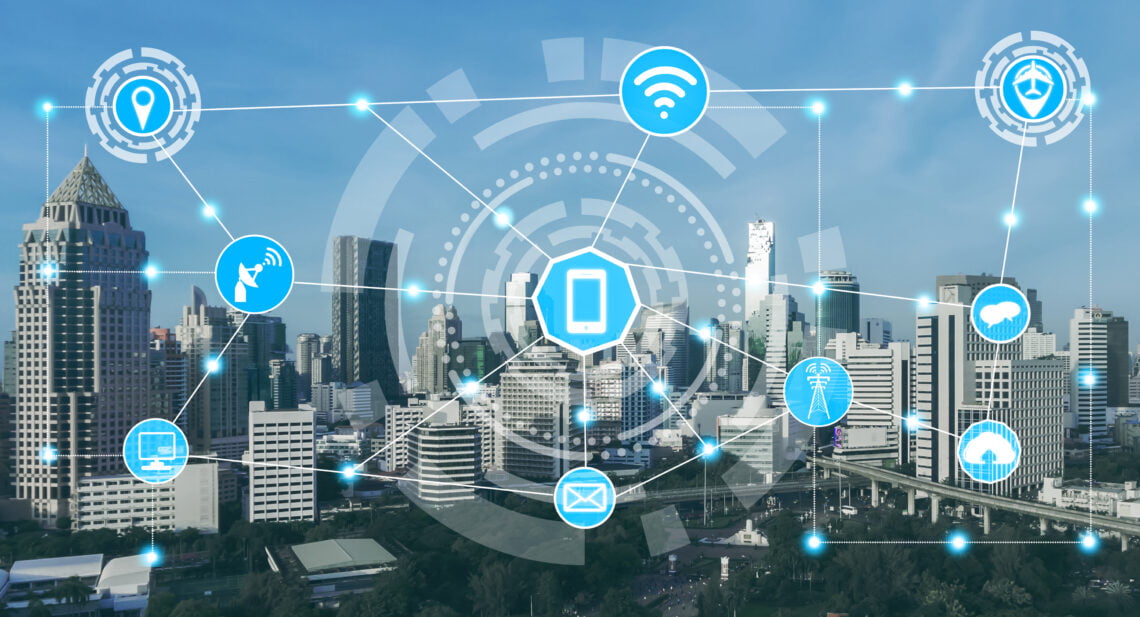
Selecting a communication service should begin with an understanding of personal or business requirements.
Evaluate Your Usage
Consider whether you primarily use the internet for browsing, video streaming, gaming, online meetings, or professional work. Different activities require different levels of network performance.
Check Coverage and Availability
Network availability can vary between locations. Reviewing coverage and service availability before selecting a plan can help avoid connectivity issues.
Compare Features and Costs
Look beyond the advertised price. Evaluate data allowances, equipment costs, service conditions, additional benefits, and potential fees.
Consider Multiple Devices
If several smartphones, laptops, televisions, and smart devices use the same connection, choose a service that can support simultaneous activity.
Prioritize Security
Reliable connectivity should also include appropriate security practices and access to useful account management features.
Making an informed decision can help improve the overall digital experience.
This list highlights practical options for Modern Telecommunications: Connecting a Digital World, with a focus on speed, usefulness, and how easy each option is to apply.
Top picks
Best overall: Choose this when you want the simplest reliable workflow.
Best for speed: Choose this when the task is urgent and low-risk.
Best for control: Choose this when formatting, privacy, or accuracy matters most.
Selection criteria
Useful result without unnecessary setup.
Clear output that readers can check quickly.
Good fit with related AltFTool tools and guides.
Final recommendation
Pick the option that matches your task size and risk level. When in doubt, start with the simplest workflow and move up only if you need more control.
Telecommunications is the electronic transmission of information over distances through technologies such as mobile networks, internet connections, and fiber-optic systems.
Common services include mobile communication, broadband internet, wireless networking, voice services, business communication, and connected-device solutions.
5G is a newer mobile network technology designed to support improved speed, capacity, and responsiveness compared with 4G, depending on coverage and network conditions.
Reliable internet supports online communication, remote work, education, streaming, gaming, digital services, and business operations.
Fiber-optic internet uses light signals transmitted through fiber cables to deliver high-capacity internet connectivity.
Sources and review notes
References used to check facts, freshness, and reader-safe recommendations in this guide.
This article is based on general telecommunications industry topics and publicly available information regarding wireless communication, internet services, connected devices, and business connectivity.
Discussion
0 comments
No comments yet
Discussion will appear here once it loads.