Starting a website sounds exciting until the technical questions begin. Which hosting service should you choose? How do you register a domain? What if you have never built a website before? And do you really need coding knowledge to get everything online?
These are common questions for beginners, freelancers, entrepreneurs, and even established businesses looking to build their online presence.
This is where Hostinger comes into the picture.
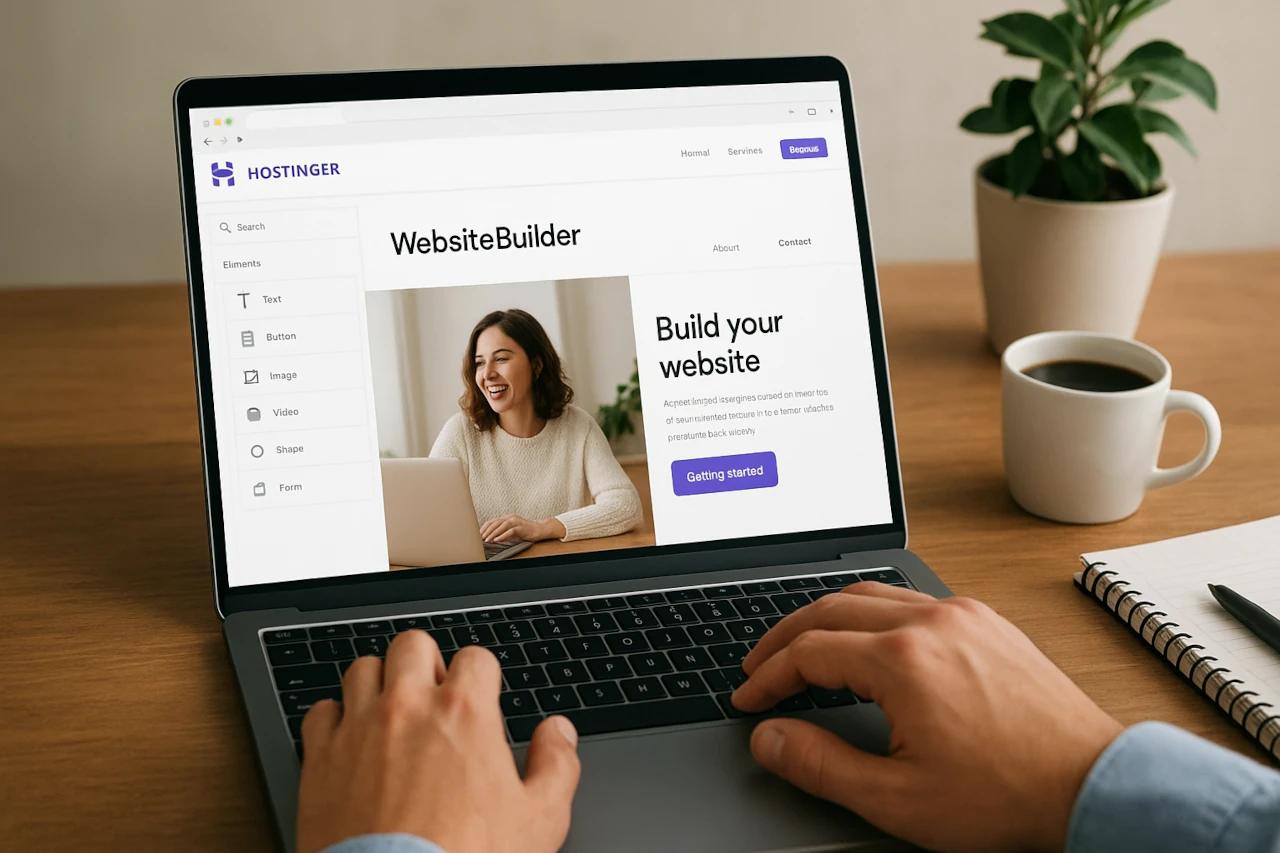
Hostinger is a web hosting and website-building platform that helps people create, publish, and manage websites without making the entire process feel complicated. From hosting services and domain registration to AI-powered website creation tools, the company offers several solutions under one roof.
Whether someone wants to start a personal blog, launch an online store, create a business website, or develop a professional portfolio, Hostinger provides tools that can help make the process more manageable.
The best part is that users do not necessarily need advanced technical skills to get started. Its website-building solutions are designed to make online projects more accessible to beginners while also offering hosting options for users with more specific technical requirements.
What Is Hostinger and How Does It Work?
Hostinger is a web hosting company that provides digital services for building and managing websites. It helps users make their websites accessible on the internet by providing hosting infrastructure, domain-related services, and website creation tools.
Think about someone who wants to start a small online clothing business. They need a website where customers can explore products, learn about the brand, and place orders.
Building everything from scratch might require technical knowledge, time, and additional resources.
Hostinger offers different tools that can simplify this process. Users can choose a hosting plan, connect a domain, build their website, and manage supported website features through its platform.
Here are some of the main services it provides:
Web hosting for personal and business websites.
Domain registration and management.
Website-building tools.
WordPress hosting.
VPS and cloud hosting options.
Professional business email services.
AI-powered website creation tools.
Ecommerce website solutions.
The idea is to give users access to essential website management services without making them depend entirely on multiple platforms.
Why Is Web Hosting Important for a Website?
Before exploring Hostinger's features, it helps to understand why web hosting matters in the first place.
A website contains different elements, including images, text, videos, product information, and other files. These files need to be stored somewhere so visitors can access them whenever they open the website.
This is what web hosting does.
A hosting provider stores website files on its servers and makes them available online. Without hosting, a website cannot function as a publicly accessible online destination.
For example, imagine opening a bakery and wanting customers to discover your menu, location, and special offers online. A website can help you share all this information, while hosting makes the website accessible to visitors.
Why does good hosting matter?
It helps keep your website accessible.
It affects website loading performance.
It provides resources for handling website traffic.
It supports website storage and management.
It can offer security and backup features.
It helps businesses maintain their online presence.
Choosing suitable hosting is important because a website should provide visitors with a smooth and reliable experience.
Main Features of Hostinger That Make Website Management Easier
Hostinger offers different services for users with different website requirements. Let's explore its major features and understand how they can help in everyday situations.
1. Web Hosting for Different Website Needs
Web hosting is one of Hostinger's primary services. It provides hosting solutions for people who want to publish personal websites, blogs, business websites, and other online projects.
Instead of purchasing and maintaining their own physical servers, website owners can use a hosting provider to store their website files.
Hostinger offers different hosting options depending on the type and requirements of a website.
Some important hosting-related features include:
Website storage and server resources.
Website management through hPanel.
SSL certificate availability on eligible plans.
Email hosting options.
Website migration tools.
Security and backup features, depending on the plan.
Support for different website technologies.
For example, a blogger who publishes articles regularly may need a hosting plan that supports their website's storage and traffic requirements.
A business website with more visitors may need additional resources as it grows.
The important thing is to select a plan according to actual website requirements rather than choosing the most expensive option automatically.
2. Domain Registration and Management

A domain name is the address people enter into their browsers to visit a website.
For example, a business might choose a domain name that matches its company name, while a blogger may prefer something related to their content niche.
Hostinger provides domain registration and management services that help users find and register suitable domain names.
Some important domain-related activities include:
Searching for available domain names.
Registering domain extensions.
Managing domain settings.
Connecting domains with hosting services.
Managing DNS records.
Renewing domain registrations.
Why is choosing the right domain important?
A domain name is often one of the first things visitors notice about a website. A simple and relevant name can make a brand easier to recognize and remember.
For example, an online bakery might choose a domain that reflects its business name or products.
Before registering a domain, it is worth checking its spelling, availability, renewal pricing, and suitability for long-term branding.
3. Website Builder for Beginners
Not everyone knows how to write HTML, CSS, or JavaScript. Thankfully, building a website does not always require coding skills.
Hostinger offers a website builder that helps users create websites through visual editing tools.
Users can work with website layouts, customize different sections, add content, and adjust the appearance of their pages.
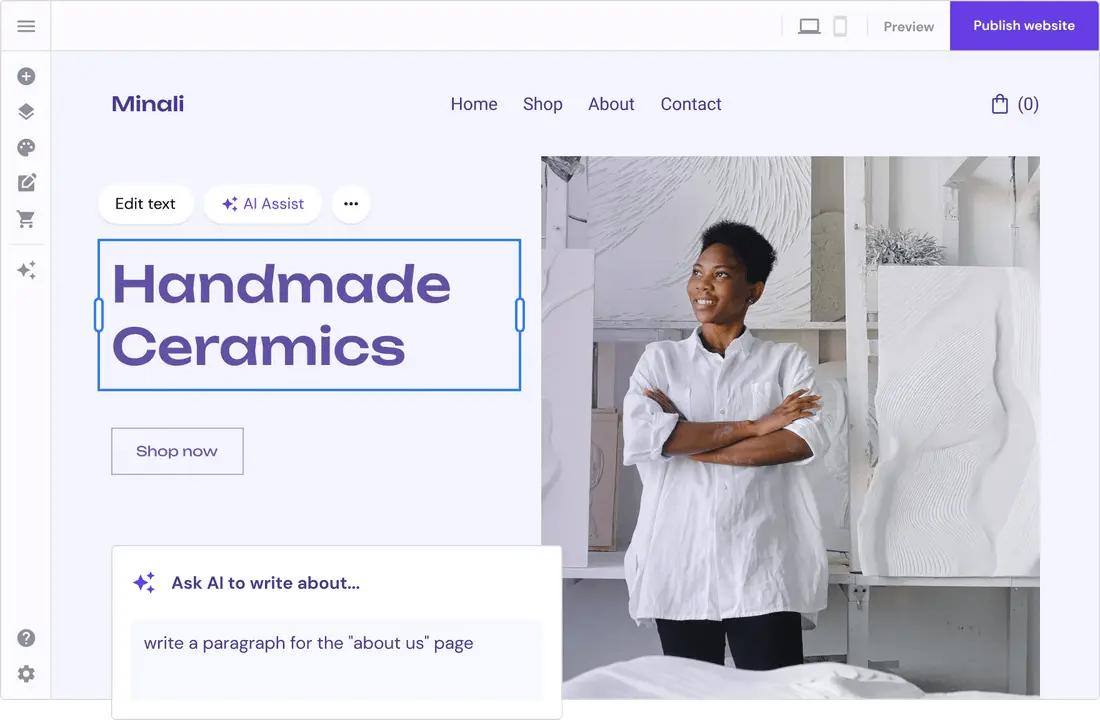
Some useful website-building capabilities include:
Customizable website templates.
Visual page editing.
Image and text placement.
Website section customization.
Mobile-friendly design options.
Ecommerce website creation features.
Website publishing tools.
Imagine a freelance photographer who wants to showcase their work online. Instead of developing a website from the beginning, they can use a website builder to create pages for their portfolio, services, and contact information.
This makes website creation more approachable, particularly for people who want to focus on their work instead of learning complicated development processes.
4. AI-Powered Website Creation Tools
Artificial intelligence is changing how people approach website creation.
Tasks that once required considerable planning and manual effort can now be supported by AI-powered tools.
Hostinger offers AI-related website creation features that help users get started with their online projects.
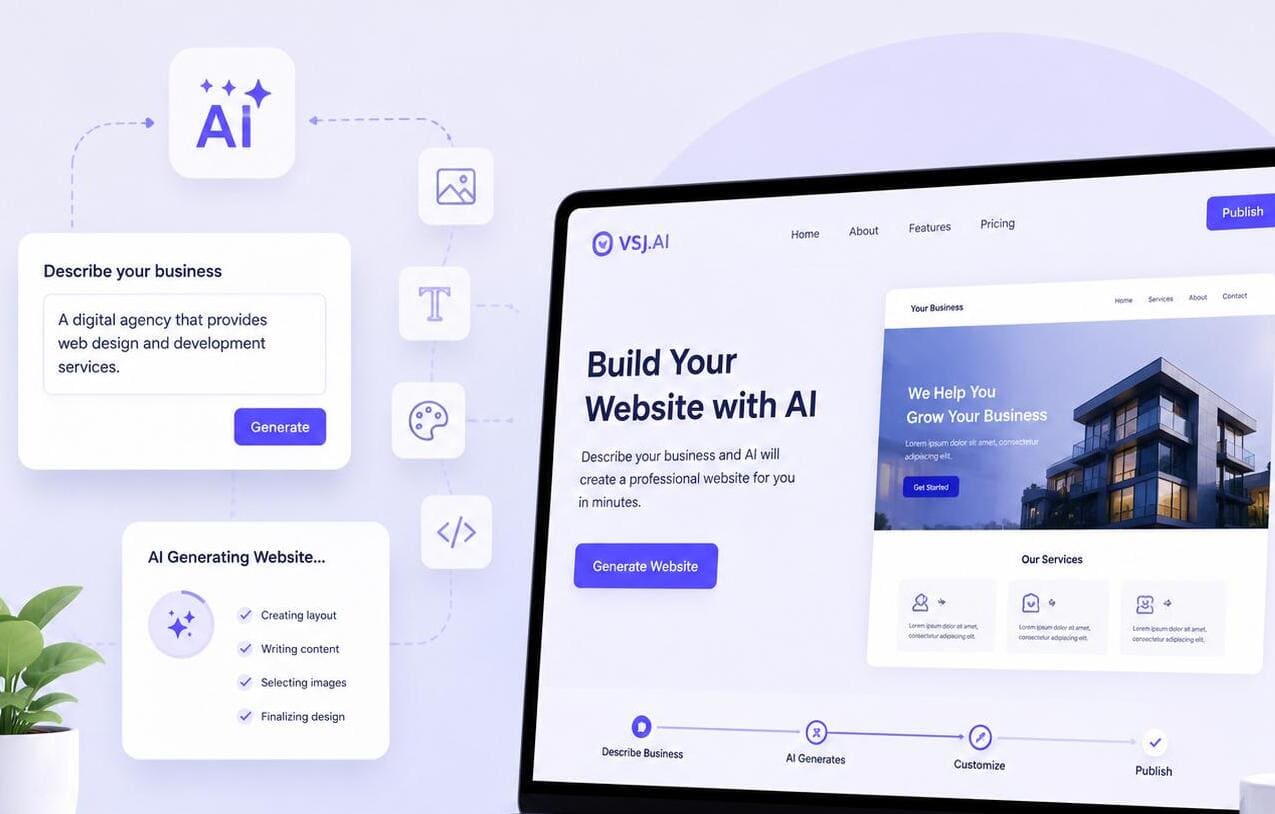
Depending on the available tools and plan, users can explore features such as:
AI website generation.
AI-assisted content creation.
AI image generation.
Website layout suggestions.
AI-powered website editing features.
Tools for improving website content.
For example, someone starting a fitness coaching website might provide a description of their services and preferred website style.
An AI website creation tool can help generate an initial website structure that the user can customize further.
However, AI-generated content should always be reviewed. Personal experience, accurate business information, original images, and clear service details still make a website more useful and trustworthy.
5. WordPress Hosting for Bloggers and Businesses
WordPress is a popular platform for creating blogs, business websites, portfolios, and online publications.
For people who want more flexibility and control over their websites, Hostinger provides WordPress hosting solutions.
WordPress hosting can help users manage their website files, install WordPress, and access hosting-related management features.
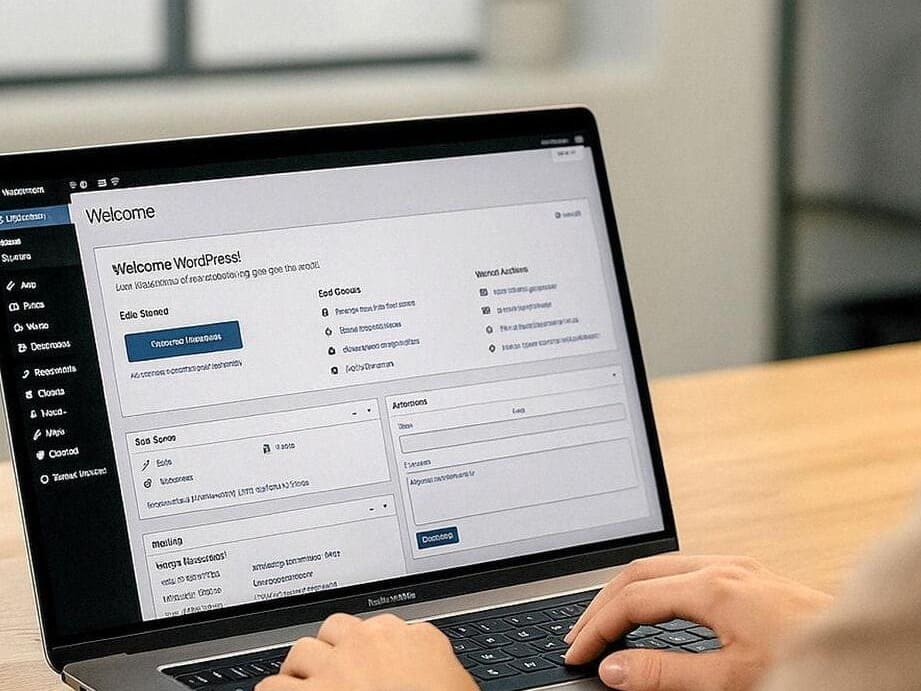
Some useful aspects include:
WordPress installation and management.
Website performance optimization tools.
WordPress security features.
Website migration options.
Backup options on eligible plans.
Support for WordPress themes and plugins.
For example, a person who wants to publish travel articles, product reviews, or educational content can use WordPress to organize articles into categories, add images, and manage website pages.
Hostinger's hosting services can provide the infrastructure needed to run such a website.
6. VPS Hosting for More Control
Not every website has the same hosting requirements.
A small personal blog may work well with regular web hosting, but a growing online project might need more server resources and configuration flexibility.
This is where VPS hosting can be useful.
VPS stands for Virtual Private Server. It provides users with a virtualized server environment with allocated resources and greater control over server settings.
Hostinger offers VPS hosting for users who need more control over their hosting environment.
Some of its useful capabilities include:
Dedicated virtual server resources.
Greater configuration flexibility.
Root access on supported VPS environments.
Support for different applications.
Server management options.
Resources for hosting more demanding projects.
VPS hosting may be suitable for developers, growing businesses, and users who need a more customizable hosting environment.
However, it can require more technical knowledge than beginner-friendly shared hosting.
7. Cloud Hosting for Growing Websites
Website traffic can change over time. A website that receives a few hundred visitors today may attract thousands of visitors in the future.
As a website grows, its hosting requirements may also change.
Hostinger provides cloud hosting solutions designed for websites that need more resources and hosting capacity.
Cloud hosting can help businesses manage website resources through a cloud-based infrastructure.
Its potential advantages include:
Access to scalable hosting resources.
Support for growing websites.
Centralized hosting management.
Performance-related features.
Hosting options for business websites and online projects.
For example, an online store running seasonal promotions may experience changes in website traffic. Having suitable hosting resources can help it prepare for increased visitor activity.
It is still important to select a plan based on the actual traffic and resource requirements of the website.
8. Professional Business Email
A professional email address can make a business look more organized and trustworthy.
For instance, customers may find an email address using a company's domain more professional than a general personal email account.
Hostinger offers business email services that allow users to create email addresses associated with their domains, depending on the selected service and plan.
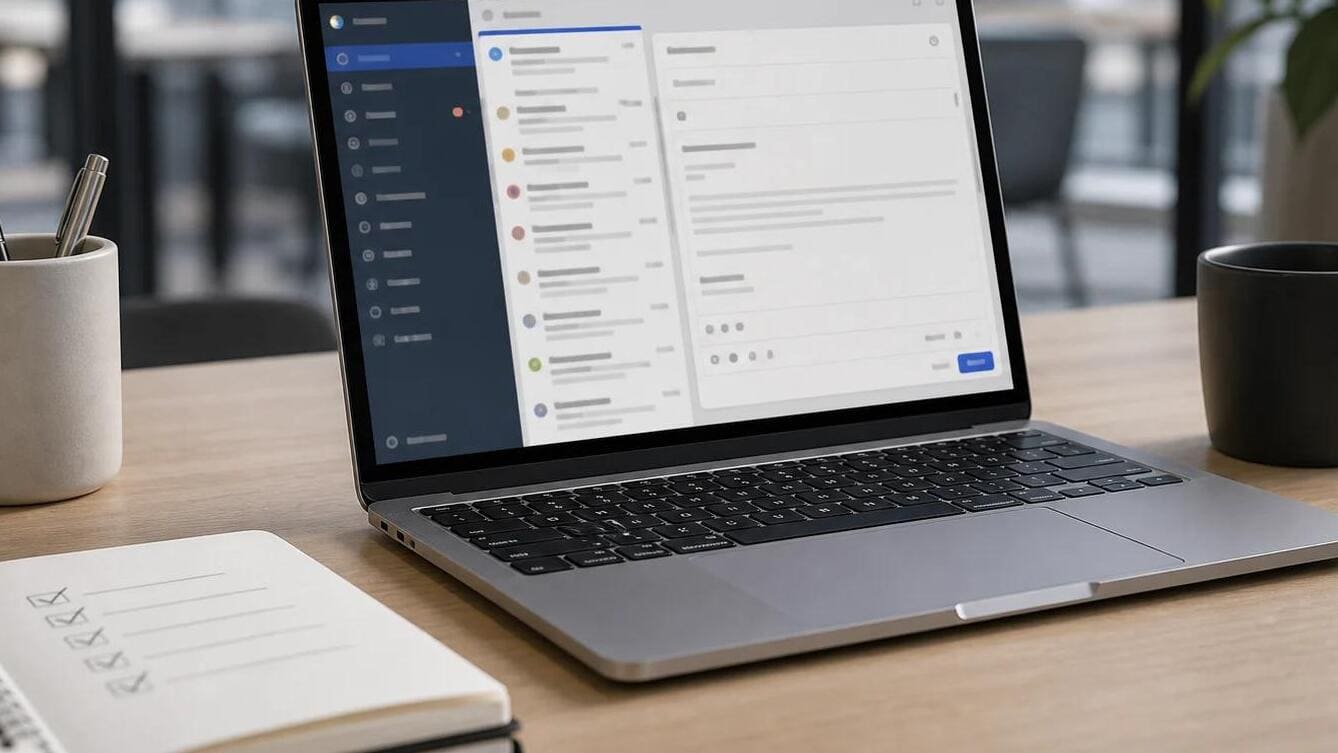
These services can help businesses:
Create domain-based email addresses.
Communicate with customers.
Organize professional correspondence.
Manage business-related messages.
Maintain a consistent brand identity.
Imagine a digital marketing agency communicating with clients about projects, reports, and meetings.
Using domain-based email addresses can help maintain a consistent professional image throughout those conversations.
9. Ecommerce Website Solutions
Starting an online store requires more than uploading product photographs. Business owners also need product pages, payment options, store designs, and order management features.
Hostinger provides website-building and ecommerce-related solutions that help users create online stores.
Depending on the selected product and plan, ecommerce capabilities can include:
Product listing management.
Online store design.
Shopping cart functionality.
Payment integration options.
Order management.
Store customization.
Mobile-friendly shopping experiences.
For example, someone selling handmade jewellery can create an online store to display product photographs, descriptions, and prices.
Customers can explore the available products and use supported checkout options to place orders.
This can be a useful starting point for entrepreneurs who want to establish an online retail presence.
Hostinger Services at a Glance
Here is a quick comparison of its major services and their practical uses.
Hostinger Service | Main Purpose | Suitable For |
Web Hosting | Website storage and access | Blogs and business sites |
Domain Registration | Website address management | Individuals and brands |
Website Builder | Creating websites | Beginners and entrepreneurs |
WordPress Hosting | Hosting WordPress websites | Bloggers and publishers |
VPS Hosting | Flexible server resources | Developers and advanced users |
Cloud Hosting | Hosting growing websites | Growing businesses |
Business Email | Professional communication | Companies and freelancers |
Ecommerce Tools | Building online stores | Online sellers |
Who Can Benefit From Using Hostinger?
One reason website hosting platforms attract different types of users is that people have different reasons for creating websites.
Hostinger offers multiple services that can support various online projects.

Let's understand how different users might benefit from its services.
User Type | Website Requirement | Relevant Hostinger Service |
Bloggers | Publishing articles | WordPress Hosting |
Freelancers | Creating portfolios | Website Builder |
Small Businesses | Business websites | Web Hosting |
Entrepreneurs | Launching online stores | Ecommerce Tools |
Developers | Custom server environments | VPS Hosting |
Startups | Building an online presence | Web and Cloud Hosting |
Bloggers and Content Creators
Bloggers need a place to publish their articles, organize categories, and share information with readers.
Hostinger's WordPress hosting and website-building services can help content creators establish their own websites.
Small Business Owners
A business website allows customers to learn about products, services, business hours, and contact information.
Small business owners can use Hostinger's website-building and hosting solutions to create a professional online presence.
Freelancers and Professionals
Freelancers often need a portfolio to showcase their projects and attract potential clients.
A personal website can help them display their work, explain their services, and provide contact details in one place.
Online Store Owners
Entrepreneurs who sell physical or digital products can explore Hostinger's ecommerce-related tools to establish an online store.
They can organize product information and create a shopping experience for potential customers.
Developers and Technical Users
Developers may need more control over server configurations, applications, and hosting environments.
VPS hosting can be relevant for projects that require additional flexibility and technical customization.
What Makes Hostinger Different From Traditional Website Creation?
Building a website traditionally may involve hiring a developer, purchasing separate hosting services, arranging a domain, and managing different technical tasks.
Website-building platforms can bring many of these activities together.
Here is a simple comparison:
Traditional Website Setup | Hostinger-Based Setup | Main Advantage |
Separate hosting arrangements | Hosting options in one platform | Centralized management |
Manual website development | Visual website builder | Beginner-friendly creation |
Separate domain management | Domain services available | Easier coordination |
Manual WordPress setup | WordPress hosting tools | Simplified management |
Independent email arrangements | Business email options | Professional communication |
This does not mean every website can be built without technical help. Complex websites may still require professional developers, custom integrations, or advanced configurations.
However, having accessible tools can make the initial website creation process easier.
Things to Consider Before Choosing Hostinger
Hostinger offers different services, but choosing a hosting provider should always depend on your actual requirements.
Before purchasing a plan, consider these important points.
1. Understand Your Website Requirements
Decide whether you need hosting for a personal blog, business website, portfolio, or online store. Different projects require different resources.
2. Compare Hosting Plans
Check the available plans, storage limits, website limits, server resources, and included features before making a decision.
3. Check Renewal Pricing
Some hosting plans offer introductory prices that differ from their regular renewal prices. Always review the renewal cost to avoid surprises later.
4. Review Website Performance
Loading speed and website availability are important for visitor experience. Look at the performance features and resources included with your selected plan.
5. Consider Security Features
Check whether your plan includes SSL certificates, backups, malware protection, and other relevant security features.
6. Check Customer Support
Reliable customer support can be helpful when dealing with hosting problems, website errors, or technical questions.
7. Think About Future Growth
Your website may attract more visitors as your business develops. Choose a hosting solution that can support your expected growth.
How to Get Started With Hostinger
Getting started with website creation becomes easier when you divide the process into smaller steps.
Here is a simple approach for beginners.
Step | What to Do | Why It Matters |
1 | Decide your website purpose | Gives your project direction |
2 | Choose a domain name | Creates your online identity |
3 | Select a hosting plan | Provides website infrastructure |
4 | Build your website | Adds pages and content |
5 | Customize the design | Creates a consistent appearance |
6 | Review website functionality | Helps identify problems |
7 | Publish your website | Makes it accessible online |
Once the website is live, remember that the work does not stop there.
Regular updates, fresh content, security checks, and performance monitoring are important for maintaining a healthy website.
The Role of AI and Technology in Website Development
Website creation is becoming more accessible as technology continues to improve.
In the past, creating a professional website could require coding knowledge, design experience, and considerable development time.
Today, website builders, content management systems, and AI-powered tools can simplify several parts of the process.
Hostinger is part of this changing digital environment. Its hosting services and AI-powered website tools help users approach website creation with fewer technical barriers.
For example, a new business owner can use an AI-assisted website creation tool to develop an initial layout, customize the content, and adjust the design according to the business identity.
Still, technology works best when combined with human creativity.
A successful website needs useful information, original content, a clear structure, and an understanding of what visitors actually want.
Creating a website should be an exciting step towards building something online, not a process filled with unnecessary technical confusion.
Hostinger brings together several services that can help individuals and businesses establish their digital presence. Its web hosting, domain registration, website builder, WordPress hosting, VPS hosting, and AI-powered tools cover different website creation and management requirements.
Whether someone wants to publish their first blog, build a professional portfolio, launch an online store, or manage a growing business website, Hostinger offers solutions worth exploring.
However, choosing the right service requires a little research. Comparing hosting plans, understanding renewal prices, checking available features, and considering future website requirements can help users make a more informed decision.
Ultimately, the goal is not simply to put a website online. It is to create a useful digital space that represents a brand, connects with visitors, and supports long-term growth.
Frequently Asked Questions
Hostinger provides web hosting, domain registration, website-building tools, WordPress hosting, and other digital services.
Yes, its website builder and hosting management tools help beginners create and manage websites without advanced coding knowledge.
Yes, Hostinger offers domain registration and management services with different domain extensions.
Yes, Hostinger offers WordPress hosting solutions with tools for installation and website management.
Yes, it provides AI-powered features that can help users generate website layouts and create website content.
Who should use Technology & Gadgets
Hostinger Features That Help Grow Your Online Business is built for readers who want a faster way to finish everyday web tasks. The main goal is shorter workflows, clearer outputs, and reusable tool habits, so the guide focuses on practical choices instead of broad theory.
Use it when you need one of these outcomes:
- testing a task before choosing a heavier app
- saving time on a repeated browser workflow
- combining a guide with a related AltFTool utility
How to get a better result
- Read the core use case and decide what output you need.
- Open the related AltFTool utility and test it with a small sample.
- Review the result, adjust settings, and repeat only if needed.
- Continue with related tools or guides for the next step in the workflow.
Start small, check the first output, and only then repeat the workflow with the full file, text, media, or game session. That gives you a quick quality check before you spend more time.
Quality checks before you trust the output
- the input is clean before running the tool
- the output matches the format you need
- private details are removed before sharing or downloading
Do not overcomplicate a simple task. Start with the smallest sample that proves the workflow, then scale up once the output looks right.
Continue your workflow
If you want to try the workflow now, open the related AltFTool tool area. For more reading, continue through the Technology & Gadgets archive or the AltFTool tools directory.
This creates a cleaner path from explanation to action: read the guide, test the tool, compare the output, and move into the next related AltFTool resource only when it helps the task.
Sources and review notes
References used to check facts, freshness, and reader-safe recommendations in this guide.
This article is based on information from Hostinger's official website, including its web hosting services, domain registration, website builder, WordPress hosting, VPS hosting, and AI-powered website creation tools.
- 1AltFTool
hostinger.com
Discussion
0 comments
No comments yet
Discussion will appear here once it loads.