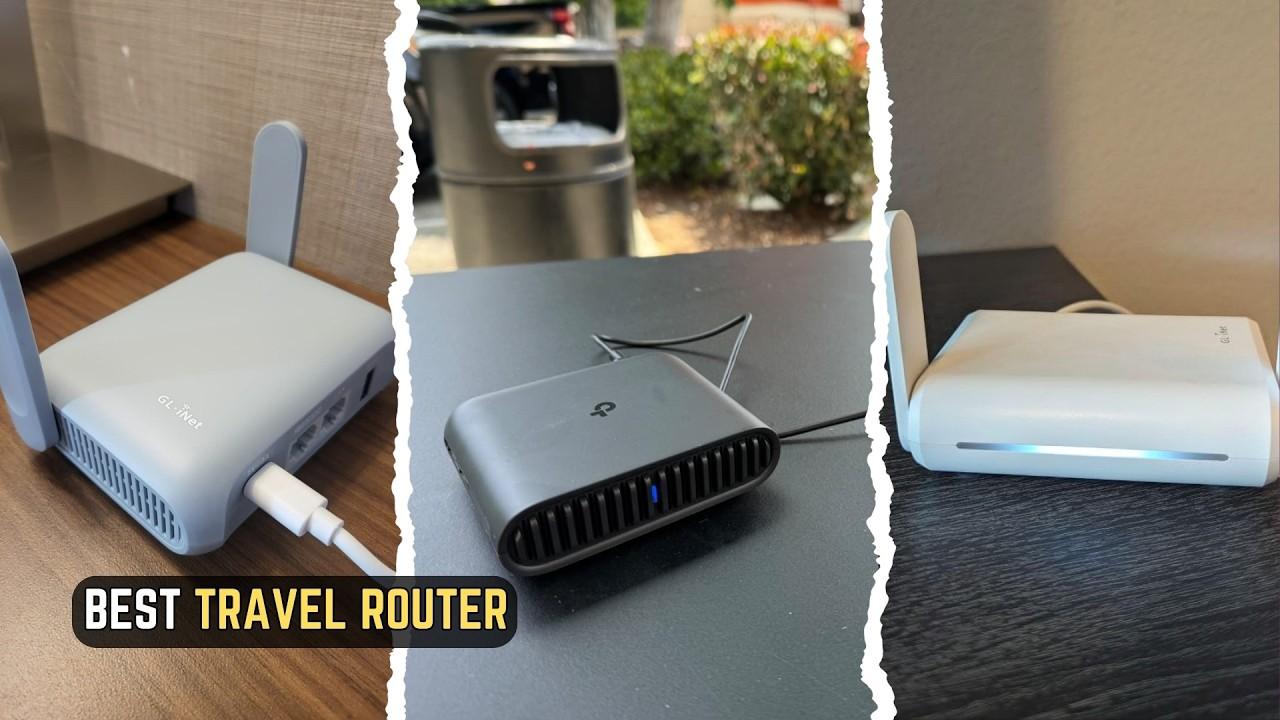
A reliable internet connection is no longer just a convenience. It is essential for remote work, online learning, streaming, gaming, business communication, and everyday digital activities. However, standard routers do not always provide the flexibility, portability, or advanced network controls that modern users need. This is where GL.iNet stands out.
GL.iNet develops networking hardware designed for different environments, including homes, offices, travel, and remote locations. Its product range includes compact travel routers, high-performance Wi-Fi routers, cellular routers, IoT gateways, and remote Keyboard, Video, and Mouse (KVM) devices. The brand also focuses on OpenWrt-based software, VPN connectivity, and advanced network management.
Whether you are a frequent traveler who wants a personal Wi-Fi network in hotels or a remote professional who needs greater control over internet security, GL.iNet offers several options worth exploring.
For users looking for flexible internet connectivity, GL.iNet networking solutions offers a range of travel routers, home Wi-Fi routers, VPN-enabled devices, and networking hardware designed for home, office, and on-the-go use.
What Is GL.iNet?
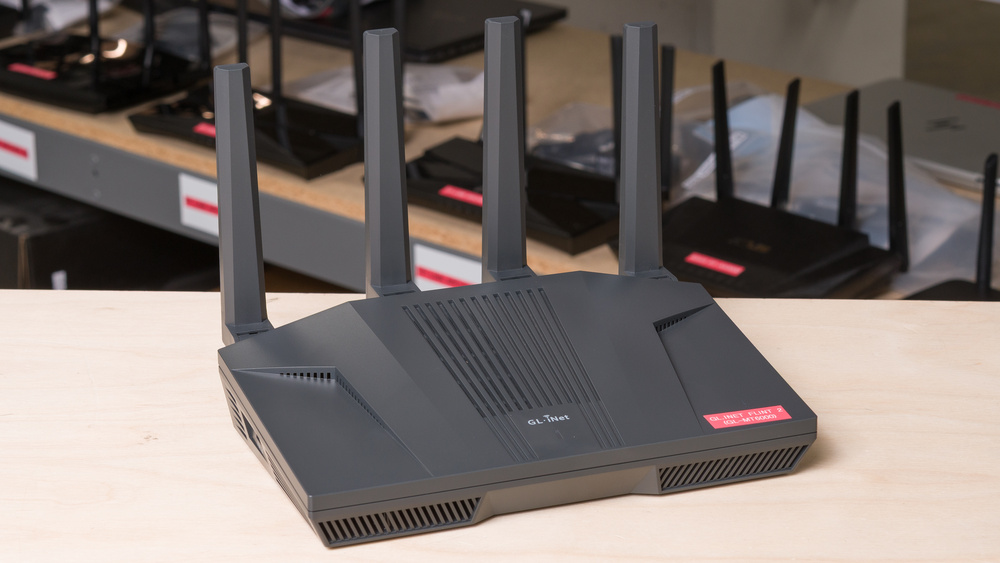
GL.iNet is a networking technology company that creates routers and connected devices for personal, professional, and technical use. Its products are particularly interesting to users who want more control over their internet connections than a typical plug-and-play router provides.
The company's portfolio covers several networking needs, from portable Wi-Fi devices to powerful home routers and cellular connectivity solutions. Many of its routers use customized OpenWrt-based firmware, giving users access to advanced configuration options and a broad ecosystem of network tools.
Some of the brand's key product areas include:
Travel routers: Compact devices for creating personal Wi-Fi networks while traveling.
Home routers: Wireless routers designed for home offices, families, and connected devices.
Cellular routers: Devices that use mobile networks for internet connectivity.
Remote KVM devices: Hardware that allows users to remotely access and control computers.
IoT gateways: Networking products designed for connected devices and smart environments.
This variety makes GL.iNet relevant to both everyday consumers and advanced networking enthusiasts.
GL.iNet Product Range: Which Devices Are Available?
One of GL.iNet's biggest strengths is its diverse product lineup. Instead of focusing only on traditional home routers, the company offers devices designed for specific connectivity situations.
The following table highlights some notable product families and examples from its current range.
Product | Category | Main Feature | Suitable For |
|---|---|---|---|
Beryl 7 | Travel Router | Dual-band Wi-Fi 7 | Frequent travelers |
Slate 7 Pro | Travel Router | Tri-band Wi-Fi 7 | Advanced mobile networking |
Mudi 7 | Cellular Travel Router | 5G and Wi-Fi 7 | Mobile professionals |
Flint 4 | Home Router | High-performance Wi-Fi 7 | Homes and demanding networks |
Flint 3 | Home Router | Tri-band Wi-Fi 7 | Multiple connected devices |
Spitz AX | Cellular Router | 4G/5G-oriented connectivity options | Remote locations |
Comet Pro | Remote KVM | Remote computer access | IT professionals |
Product availability and specifications can vary by region. Check the official product pages before purchasing.
Key Features That Make GL.iNet Stand Out
1. Portable Travel Routers
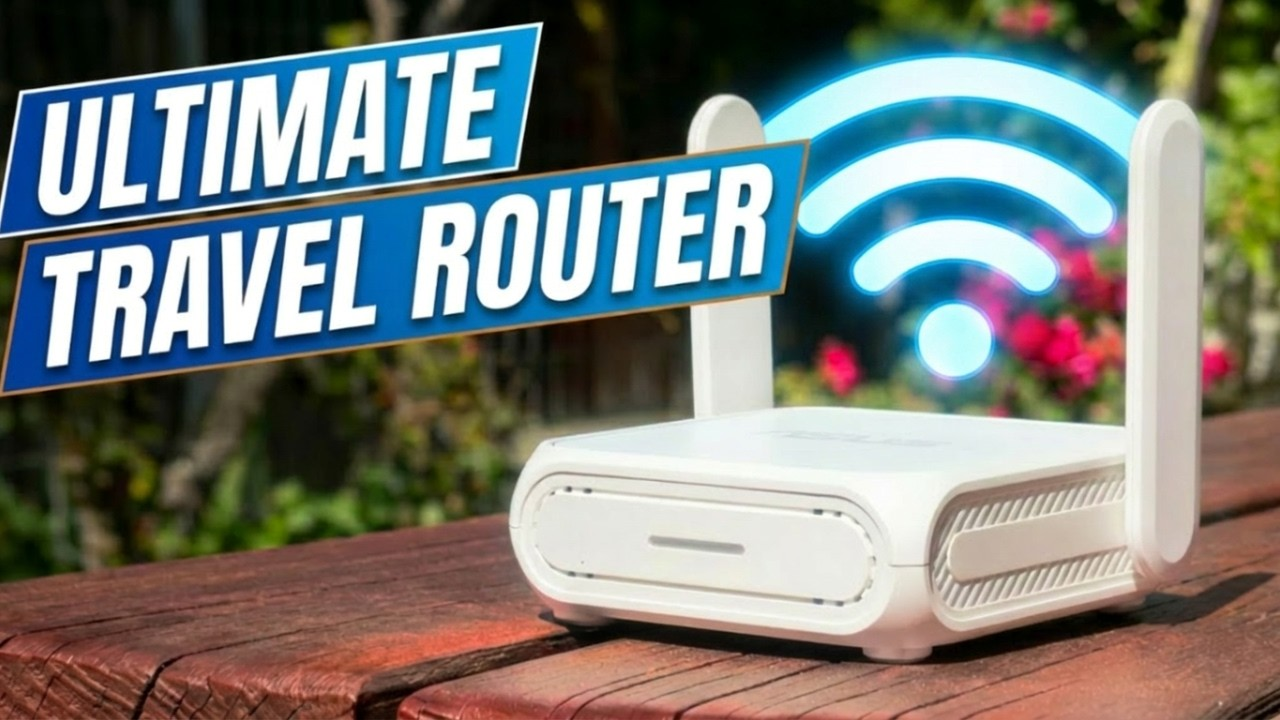
Travel routers are among GL.iNet's best-known products. They allow users to create a personal wireless network using an available internet connection, such as hotel Wi-Fi, an Ethernet connection, or compatible mobile tethering.
This can be useful when several devices need internet access while traveling. Instead of configuring every phone, laptop, or tablet separately, users can connect them through one router.
GL.iNet's travel router range includes compact options such as the Beryl and Slate series, with different wireless standards and hardware capabilities.
Why it matters: A travel router can make hotel connectivity easier to manage, particularly for people carrying multiple devices or working while away from home.
2. VPN Support for More Controlled Connections
VPN functionality is another important part of GL.iNet's product offering. Compatible devices support VPN technologies such as WireGuard and OpenVPN, allowing users to configure encrypted network connections.
This can be helpful for remote workers who need to connect to a private network or travelers who want to route their internet traffic through a VPN service.
However, VPN protection is not automatic protection against every online threat. Users still need to choose trustworthy VPN providers, configure their devices correctly, and keep firmware updated.
3. OpenWrt-Based Customization
GL.iNet routers use customized firmware based on OpenWrt, an open-source operating system for networking devices. This gives users access to advanced configuration options and a large collection of compatible plugins.
For technically confident users, this flexibility can make it easier to customize network behavior, manage connected devices, and configure additional services.
The trade-off is that advanced settings may feel complicated to beginners who only want a basic Wi-Fi connection.
4. Multiple Connectivity Modes
Different environments require different ways to connect to the internet. GL.iNet travel routers support several connectivity methods, including Ethernet, Wi-Fi repeater mode, and compatible USB tethering.
Some models also support cellular connectivity, giving users additional options when a wired or public Wi-Fi connection is unavailable.
This flexibility can be especially useful for people who move between hotels, offices, temporary workspaces, and home networks.
5. Advanced Home Networking
GL.iNet's home router lineup is designed for users who need more than basic wireless access. Depending on the model, features can include multi-WAN connectivity, external antennas, VPN support, AdGuard Home integration, and Tailscale support.
These options can help users build more customized home networks, manage different internet connections, and connect devices across locations.
Popular GL.iNet Routers Compared
You can also check out AltFTool Business Ops to explore sample business service interfaces across categories such as travel, insurance, real estate, home services, and business solutions. It offers a look at different digital service layouts and user experiences.
Router Model | Wi-Fi Standard | Main Strength | Best For |
|---|---|---|---|
Beryl AX | Wi-Fi 6 | Compact design and VPN support | Travel and small networks |
Beryl 7 | Wi-Fi 7 | Dual-band wireless connectivity | Modern travel setups |
Slate 7 | Wi-Fi 7 | Touchscreen and dual 2.5G ports | Flexible travel networking |
Slate 7 Pro | Tri-band Wi-Fi 7 | 2.4, 5, and 6 GHz bands | Advanced travel users |
Flint 2 | Wi-Fi 6 | Powerful home networking | Home and office use |
Flint 3 | Tri-band Wi-Fi 7 | High-speed multi-device networking | Demanding home networks |
The Slate 7 Pro is particularly notable for its tri-band Wi-Fi 7 support, touchscreen interface, dual 2.5G ports, and advertised WireGuard VPN speeds of up to 1,100 Mbps. Actual performance depends on network conditions, configuration, and the connected VPN service.
Benefits of Using GL.iNet Products
GL.iNet's products offer several advantages for people who want flexible networking hardware.
Useful for Frequent Travelers
Portable routers can help travelers create a consistent personal network across different locations. This is useful for people who regularly work from hotels, temporary accommodation, or shared spaces.
More Network Configuration Options
OpenWrt-based firmware gives users more control over network settings than many basic routers. Advanced users can configure VPN connections, network policies, and compatible plugins.
Support for Modern Wi-Fi Standards
The product range includes Wi-Fi 6 and Wi-Fi 7 devices. Wi-Fi 7 models can offer newer wireless capabilities, although the benefits depend on compatible devices, internet speeds, and the surrounding network environment.
Flexible Connectivity
Depending on the model, users can connect through Ethernet, Wi-Fi repeater mode, USB tethering, or cellular networks. Having multiple connection options can be helpful when the primary internet source is unreliable.
Options for Different Users
The brand serves several audiences, from travelers looking for a compact router to technical users building more advanced home networks.
Potential Limitations to Consider
Despite its feature-rich product range, GL.iNet may not be the perfect choice for everyone.
Potential Limitation | Why It Matters | Who May Be Affected | What to Consider |
|---|---|---|---|
Advanced settings | Configuration can take time | Beginners | Look for setup guides |
Model differences | Features vary by device | All buyers | Compare specifications |
VPN speed variations | Encryption can affect throughput | VPN users | Check independent tests |
Firmware maintenance | Updates are important for security | All owners | Install supported updates |
One important consideration is that a router supporting Wi-Fi 7 does not automatically deliver the same performance as every other Wi-Fi 7 device. Frequency bands, antenna design, ports, processor capability, and the internet connection all influence real-world results.
Independent testing of the Slate 7, for example, highlights useful travel features and strong wired connectivity while also identifying limitations, including the absence of 6 GHz support on that particular model. This is a reminder to compare individual specifications rather than relying only on a product's Wi-Fi generation label.
GL.iNet for Different Types of Users
Not every user needs the same networking setup. GL.iNet's range is designed to cover several use cases.
User Type | Recommended Product Type | Main Benefit | Important Consideration |
|---|---|---|---|
Frequent travelers | Portable travel router | Personal Wi-Fi while traveling | Check hotel network compatibility |
Remote workers | VPN-ready router | More controlled remote connectivity | Configure VPN correctly |
Families | Home Wi-Fi router | Connect multiple household devices | Check coverage requirements |
IT professionals | OpenWrt-based router | Advanced network customization | Requires technical knowledge |
Rural users | Cellular router | Mobile-network internet access | Check local signal coverage |
For Frequent Travelers
A travel router can be useful if you regularly connect laptops, phones, tablets, and other devices to hotel or public internet. It can simplify how you manage those connections and help maintain a familiar network setup.
For Remote Workers
People working remotely may appreciate VPN support, multiple connection modes, and the ability to configure a network around their work requirements. However, a router alone does not guarantee secure remote access; correct setup and good security practices remain essential.
For Home Users
GL.iNet's Flint series provides options for people who want advanced home networking features. Buyers should compare wireless coverage, Ethernet ports, device capacity, and internet plan speeds before choosing a model.
For Technical Enthusiasts
Users familiar with OpenWrt may find the brand's customization options especially attractive. The ability to work with plugins and advanced network settings can make these routers suitable for more specialized setups.
How to Choose the Right GL.iNet Router
Before purchasing a GL.iNet device, consider what you want your network to do. A compact travel router and a high-performance home router solve different problems.
Here are some important buying pointers:
Identify your main use: Decide whether you need a router for travel, home, cellular connectivity, or remote access.
Check the Wi-Fi standard: Compare Wi-Fi 6 and Wi-Fi 7 models based on your existing devices and expected performance.
Review Ethernet ports: Check the number and speed of WAN and LAN ports if you use wired devices.
Understand VPN requirements: Confirm that the model supports the VPN technology and configuration you plan to use.
Consider portability: For travel, look at size, weight, power requirements, and USB compatibility.
Check cellular support: If you need mobile internet, confirm supported bands, SIM or eSIM features, and local carrier compatibility.
Review firmware support: Look for current firmware updates, documentation, and security advisories.
Compare total cost: Consider accessories, adapters, and any additional services you may need.
A router should match your actual connectivity requirements rather than simply having the highest advertised speed.
Is GL.iNet Worth Considering in 2026?
GL.iNet is worth considering if you want networking hardware with more flexibility than a conventional basic router. Its product lineup covers travel connectivity, home networking, cellular internet, and remote computer access.
The brand's strongest appeal is its combination of portable hardware, VPN support, and OpenWrt-based customization. These features can be particularly valuable for travelers, remote professionals, and users who enjoy managing their own network settings.
However, buyers should understand that advanced customization can involve a learning curve. It is also important to compare individual models carefully because features such as Wi-Fi bands, Ethernet speeds, cellular support, and VPN performance differ across the range.
For someone who simply wants a basic home router with minimal setup, a simpler alternative may be more convenient. But if flexibility and network control are priorities, GL.iNet deserves a place on the shortlist.
Frequently Asked Questions (FAQs)
GL.iNet is known for travel routers, home Wi-Fi routers, cellular networking devices, and remote-access solutions. Its products often include VPN support and OpenWrt-based customization.
Yes. Its portable travel routers support connectivity options such as Wi-Fi repeater mode, Ethernet, and compatible USB tethering. They can help travelers connect multiple devices through one personal network.
Many GL.iNet routers support VPN technologies such as WireGuard and OpenVPN. Exact compatibility and performance depend on the model and configuration.
Travel routers are generally compact and designed for portability, while home routers typically focus on broader coverage, more connected devices, and additional networking capabilities.
Sources and notes
Links the author listed for this post.
This article is based on GL.iNet's official product pages, travel and home router information, product specifications, and independent router reviews. Product features and availability may vary by model and region. Check the manufacturer's website for the latest specifications and firmware information.
More on AltFTool
- AltFTool (opens in a new tab)
altftool.com


Discussion
0 comments
No comments yet
Discussion will appear here once it loads.