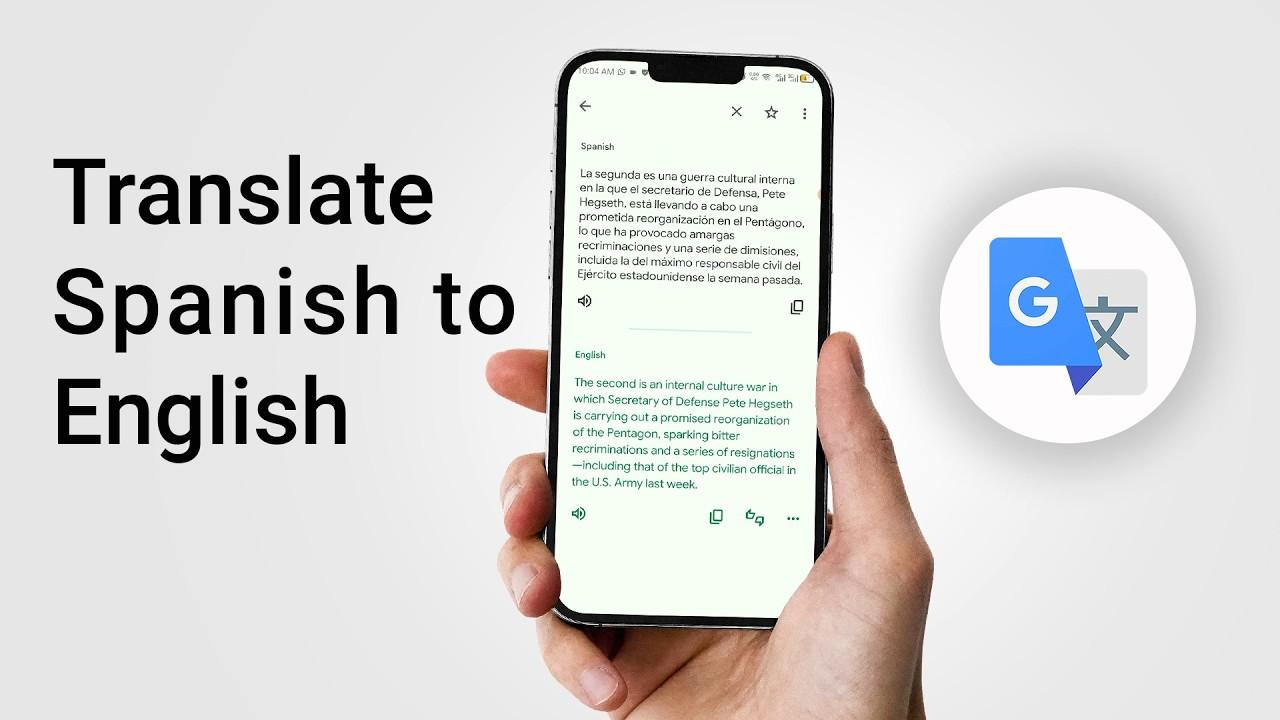
Language connects people, cultures, and communities across the world. However, understanding a foreign language can sometimes become challenging, especially when communicating with people who speak a different language. Spanish is one of the most widely spoken languages globally, making it useful to understand and communicate in Spanish for travel, education, business, and everyday conversations.
An English to Spanish Translator makes this process easier by converting English words, phrases, and sentences into Spanish within seconds. Whether you are a student completing an assignment, a traveller visiting a Spanish-speaking country, or a professional communicating with international clients, translation tools can save time and make communication more convenient.
Today, online translation tools offer more than basic word conversion. Many support complete sentences, voice input, document translation, and pronunciation features. Understanding how these tools work and how to use them effectively can help you communicate with greater confidence.
What Is an English to Spanish Translator
An English to Spanish translator is an online tool or application that converts English text into Spanish. It uses language-processing technology to understand words, sentence structures, and meanings before producing a translation.
For example:
English
Spanish
Hello
Hola
Good Morning
Buenos días
How are you?
¿Cómo estás?
Thank you
Gracias
Please
Por favor
I love learning
Me encanta aprender
See you soon
Hasta pronto
These simple translations can help beginners understand everyday Spanish expressions and develop their vocabulary.
Why Is an English to Spanish Translator Useful?
Here are some important reasons to use an online translator.
1. Saves Time and Effort
Manually translating every word can take considerable time. An online translator makes the process faster by converting entire sentences or paragraphs instantly.
This is particularly useful for students, office workers, writers, and people who regularly communicate with Spanish-speaking audiences.
2. Supports Better Communication
Language differences can create confusion during conversations. A translator helps users understand messages and express their thoughts in another language.
For example, businesses can use translation tools to prepare basic customer messages, while travellers can translate questions when asking for directions or ordering food.
3. Helps Students Learn Spanish
Students learning Spanish can use translation tools to understand unfamiliar vocabulary, sentence structures, and common expressions.
However, simply copying translations is not enough. Comparing English and Spanish sentences can help learners understand how the language works.
4. Makes International Travel Easier
Travelling to Spanish-speaking destinations becomes more convenient when you understand basic Spanish phrases.
You can translate restaurant menus, hotel instructions, transportation information, and everyday question10
Best English to Spanish Translation Tools
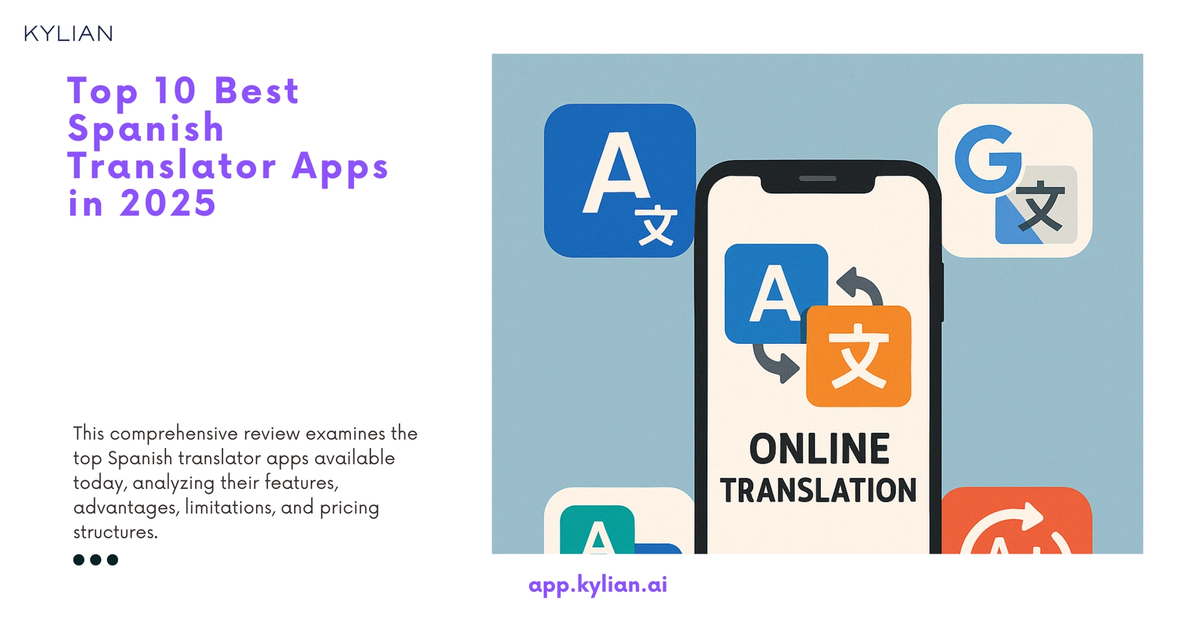
Several online platforms provide English-to-Spanish translation services. Each tool offers different features, so choosing one depends on your requirements.
Here are some popular options worth exploring.
1. Google Translate
Google Translate is a widely used translation service for everyday language needs. Users can enter English words or sentences and receive Spanish translations quickly.
Key features:
Text translation.
Voice and conversation translation.
Camera-based translation.
Website and document translation options.
Offline translation for supported downloaded languages.
It is a convenient starting point for students, travellers, and everyday users.
2. DeepL Translator

DeepL is another popular translation platform, particularly for written communication. It focuses on producing natural-sounding translations and can be useful for emails, reports, and longer passages.
Key features:
Text translation.
Document translation options.
Alternative wording suggestions.
Writing assistance in supported languages.
Tools for professional communication.
DeepL can be useful when you want to review sentence structure and improve the readability of translated content.
3. Microsoft Translator
Microsoft Translator supports text and speech translation, making it useful for conversations and everyday communication.
Key features:
Text translation.
Speech translation.
Conversation features.
Translation across supported devices.
Offline language packs in supported versions.
It can be particularly helpful for people who regularly use Microsoft products.
4. SpanishDict
SpanishDict is useful for people who want to learn Spanish rather than simply convert English sentences.
Key features:
English-Spanish dictionary.
Word definitions.
Verb conjugations.
Example sentences.
Pronunciation assistance.
It can help students understand how Spanish words are used in different situations.
Quick Comparison of Translation Tools
Translation Tool
Best For
Useful Features
Google Translate
Everyday translation
Text, voice, camera
DeepL
Written content
Natural wording, documents
Microsoft Translator
Conversations
Speech and text
SpanishDict
Language learning
Grammar and vocabulary
The best option depends on whether you need quick translations, professional writing support, or help learning Spanish.
Practical tip
Using an online translator is generally simple. Most platforms follow a similar process.
Open a translation website: Visit your preferred translation platform.
Choose the languages: Select English as the source language and Spanish as the target language.
Enter your text: Type or paste the English word, sentence, or paragraph.
View the translation: The platform will generate the Spanish version.
Check the result: Review the translation to make sure it communicates your intended meaning.
Copy and use: Copy the translated text for your message, assignment, or other purpose.
Important Features to Look for in a Translation Tool
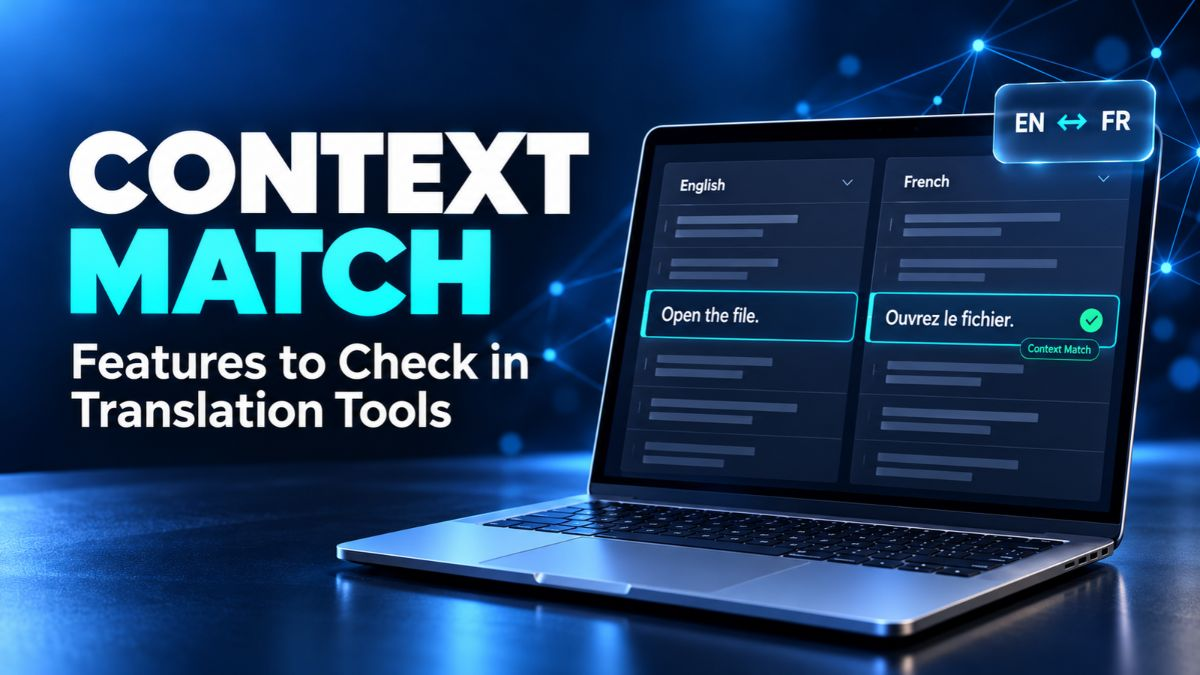
Not every translator provides the same experience. Before choosing a platform, consider the features that matter most to you.
Feature
Why It Matters
Instant translation
Saves time when translating short text
Voice translation
Helps with spoken conversations
Pronunciation support
Helps learners speak Spanish
Document translation
Useful for longer written content
Offline access
Helpful when internet connectivity is unavailable
Grammar assistance
Helps improve sentence structure
Context-based translation
Helps understand the intended meaning
A good translation tool should be easy to use, provide understandable results, and support the type of translation you need.
Tips for Getting Better English to Spanish Translations
Although online translators are convenient, the quality of the result depends partly on the text you enter.
Follow these practical tips to improve your translations.
1. Use Clear and Simple Sentences
Avoid complicated sentence structures whenever possible. Short, direct sentences are generally easier for translation tools to interpret.
2. Check the Context
Some English words have multiple meanings. For example, the word "light" can refer to brightness, weight, or a lamp.
Always consider the surrounding sentence before accepting a translation.
3. Understand Regional Differences
Spanish is spoken in different countries, including Spain, Mexico, Colombia, and Argentina. Vocabulary and expressions can vary between regions.
Choose wording that suits your intended audience.
4. Review Grammar and Pronunciation
Check accents, punctuation, verb forms, and sentence structure. If you are learning Spanish, listen to pronunciation examples and practise speaking the translated phrases.
5. Avoid Translating Sensitive Documents Without Review
Automatic translation can make mistakes, especially with complicated or technical language. Important legal, medical, financial, and official documents should be reviewed by a qualified human translator.
Common English to Spanish Translation Mistakes
Beginners sometimes assume that every English word has one direct Spanish equivalent. However, languages have different grammar rules and expressions.
Here are some common mistakes to avoid:
Common Mistake
Better Practice
Translating every word separately
Translate complete sentences
Ignoring accent marks
Check Spanish spelling
Using informal language everywhere
Match the required tone
Ignoring regional expressions
Consider your audience
Trusting every automatic result
Review important translations
Understanding these differences can help you use translation tools more effectively.
Benefits of Using an Online English to Spanish Translator

An online translator offers several advantages for people who need quick language support.
Convenient Access Anytime
Most online translation services are accessible through web browsers and mobile applications. Users can translate text whenever they need it without installing complicated software.
Useful for Personal and Professional Needs
Translation tools can support different activities, including:
Writing emails and messages.
Understanding international websites.
Preparing educational assignments.
Communicating with overseas customers.
Reading foreign-language information.
Planning international trips.
Supports Language Learning
Regularly comparing English and Spanish sentences can help learners build vocabulary and understand basic grammar patterns.
Reduces Language Barriers
Translation technology makes it easier for people from different linguistic backgrounds to exchange information and communicate more comfortably.
Limitations of Automatic Translation
Despite their convenience, translation tools are not perfect. They may sometimes misunderstand expressions, cultural references, humour, or complicated sentence structures.
Some common limitations include:
Incorrect context: A translated word may not match the intended meaning.
Grammar differences: Sentence structures may sound unnatural.
Regional variations: Expressions can differ between Spanish-speaking countries.
Technical terminology: Specialised words may require expert knowledge.
Cultural differences: Certain phrases may not have a direct equivalent in Spanish.
Therefore, always review important translations before publishing or sharing them.
The Future of English to Spanish Translation Technology

Translation technology continues to improve with artificial intelligence and machine learning. Modern tools are becoming better at understanding sentence context, recognising speech, and providing more natural language suggestions.
In the coming years, translation platforms may offer more advanced conversational support, improved pronunciation guidance, and better real-time communication experiences.
These developments could make international education, business communication, and travel even more accessible.
FAQ'S
An English to Spanish translator is an online tool or application that converts English words, sentences, and paragraphs into Spanish.
Google Translate is a popular free option for everyday translations. DeepL and Microsoft Translator are also useful alternatives.
Yes. Most online translation platforms allow users to enter complete sentences and paragraphs and receive Spanish translations.
Google Translate can provide useful translations for everyday communication. However, complex sentences, idioms, and technical content should be reviewed.
Some applications, including Google Translate, offer offline translation for supported languages after downloading the required language packs.
Sources and notes
Links the author listed for this post.
Google Translate DeepL Translator Microsoft Translator SpanishDict Preply – Spanish Translation Apps
More on AltFTool
- AltFTool (opens in a new tab)
altftool.com


Discussion
0 comments