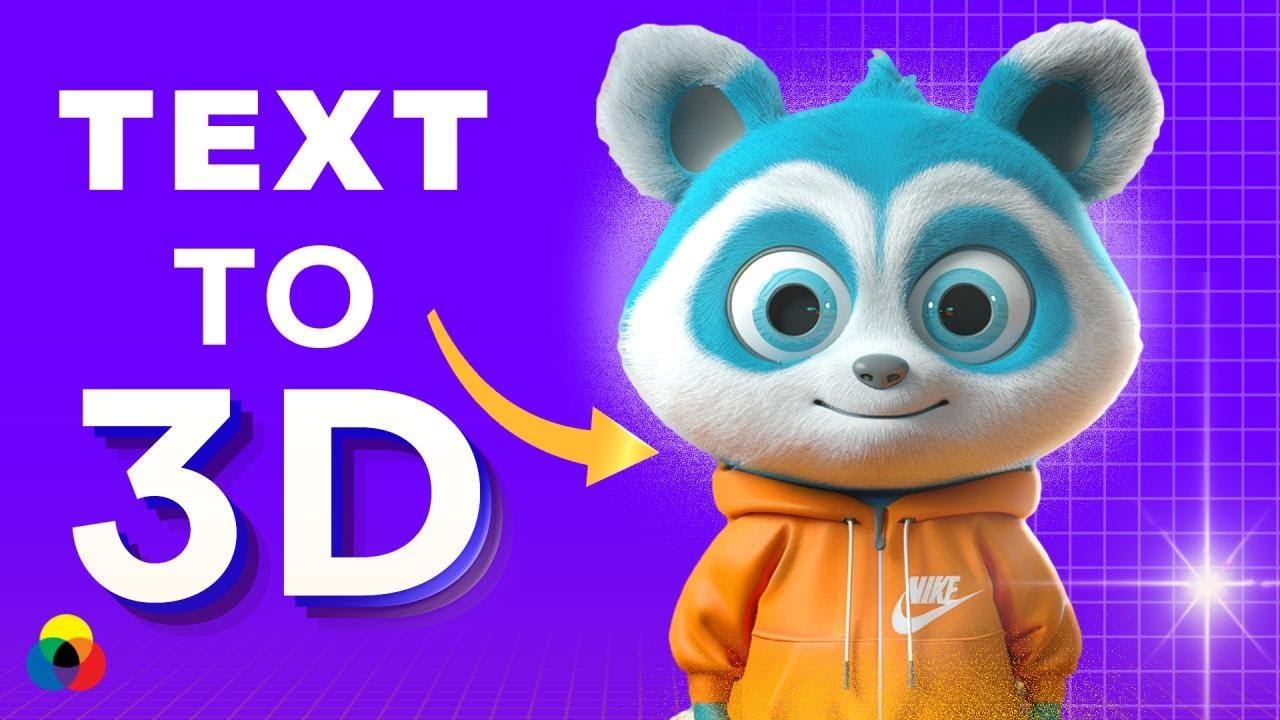
Have you ever imagined creating a 3D object simply by describing it in a few sentences? Something like a modern chair, a fantasy castle, a stylish lamp, or even a character for a video game? Not long ago, turning such an idea into a 3D model required specialised software, technical knowledge, and plenty of patience. Today, artificial intelligence is making this creative process much easier.
Text-to-3D technology allows users to turn written descriptions into three-dimensional digital objects. Instead of building everything manually, creators can explain what they have in mind and let AI generate a model based on those instructions.
This approach is opening new possibilities for designers, artists, students, game developers, and people who simply enjoy experimenting with creative ideas. But how does it actually work, and can a simple text description really become a useful 3D model?
Let's explore.
What Is Text-to-3D Model Generation?
Text-to-3D generation is an AI-powered process that converts written descriptions into three-dimensional digital models. It uses artificial intelligence to understand the objects, shapes, materials, and visual details mentioned in a prompt.
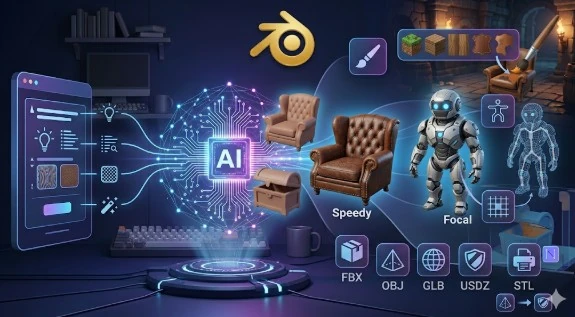
For example, someone might enter:
Create a modern wooden coffee table with four curved legs, a round tabletop, and a natural light-brown finish.
An AI tool can use this description to generate a 3D representation of the table.
The result may not be perfect on the first attempt, but it provides a starting point that users can review, modify, and improve.
Unlike traditional modelling, where every shape and surface may need to be created manually, text-to-3D tools allow users to begin with an idea rather than a blank workspace.
How Does AI Turn Simple Text Into a 3D Model?
The process may look complicated behind the scenes, but using a text-to-3D tool is generally straightforward.
AI systems analyse the written prompt and identify the important visual elements. They then use trained models to generate the object's shape, structure, and appearance.
Here is how the process usually works:
1. Start With a Clear Text Description
The first step is explaining what you want to create. The more specific the description, the easier it is for an AI system to understand your idea.
For example, instead of writing "a chair", describe it as:
A modern minimalist chair.
Made from light-coloured wood.
With a curved backrest.
Featuring a soft cream-coloured cushion.
Designed with four slim legs.
These details help guide the generation process.
2. AI Understands the Visual Instructions
After receiving the prompt, the AI system identifies different elements within the description.
It may recognise:
The main object being requested.
Its shape and proportions.
The materials and textures.
Its colours and visual style.
Additional design features.
This information helps the system create a digital representation of the requested object.
3. The 3D Model Is Generated
The AI then produces a three-dimensional model based on the instructions.
Depending on the tool, the output may include geometry, textures, and other visual details. Some platforms also provide options to rotate, inspect, or refine the generated object.
4. Review and Improve the Result
The first version is not always exactly what you imagined. Sometimes a shape may look different, certain details may be missing, or the proportions may need adjustment.
This is where editing becomes important.
Users can modify their prompts, regenerate the model, or make additional changes using compatible 3D software.
What Types of 3D Models Can Be Created Using Text?
One interesting thing about text-to-3D technology is the variety of creative possibilities it offers.
A simple written prompt can become the starting point for several types of digital objects.
Some popular examples include:
Model Type | What You Can Create |
Characters | Cartoon figures, fantasy characters, and game avatars |
Furniture | Chairs, tables, sofas, and decorative items |
Architecture | Buildings, houses, rooms, and conceptual structures |
Game Assets | Weapons, objects, props, and environmental elements |
Decorative Objects | Sculptures, lamps, vases, and artistic designs |
Product Concepts | Packaging ideas, accessories, and product prototypes |
The quality and complexity of the output depend on the AI tool, the prompt, and the type of model being generated.
Where Can Text-to-3D Technology Be Used?
Text-to-3D generation is not limited to professional designers. It can also support people who are learning, experimenting, or working on personal creative projects.
Let's look at some practical applications.
1. Game Development
Game developers often need different objects to build engaging digital environments. These may include furniture, buildings, characters, decorative objects, and other game assets.
Text-to-3D tools can help create early versions of these objects without designing every element from scratch.
For independent developers and small creative teams, this can make the initial design process more accessible.
2. Product Design and Visualisation
Imagine having an idea for a new water bottle, decorative lamp, or furniture piece but not knowing how to create its 3D design.
Text-to-3D technology can help turn that early concept into a visual model.
Designers can use these models to explore different shapes, styles, and appearances before moving towards detailed product development.
3. Animation and Digital Storytelling
Animation projects often require characters, backgrounds, props, and other visual elements.
AI-generated 3D models can provide useful starting assets for creative experiments, story concepts, and early animation development.
However, professional animation may still require detailed modelling, rigging, and adjustments.
4. Education and Learning
Students learning about 3D design can experiment with text prompts instead of immediately dealing with complex modelling techniques.
For example, a student could describe a planet, historical building, or scientific object and generate a basic 3D representation.
This can make visual learning more interactive and encourage creative exploration.
5. Marketing and Creative Content
Content creators and marketing teams regularly need visual material for presentations, advertisements, and digital campaigns.
Text-to-3D tools can help generate product concepts and decorative assets that support these creative projects.
Text-to-3D vs Traditional 3D Modelling
Both approaches have their own advantages. The right choice depends on the project, available skills, and the level of control required.
Comparison | Text-to-3D | Traditional 3D Modelling |
Starting Point | Written description | Manual design |
Technical Skills | Basic prompt-writing skills can be enough to start | Requires modelling knowledge |
Creation Process | AI-assisted generation | Manual modelling and editing |
Design Control | Depends on the AI tool | More direct control |
Speed | Can produce initial concepts quickly | May take longer |
Customisation | May require additional editing | Detailed customisation is possible |
Text-to-3D is useful for quick experimentation, while traditional modelling remains valuable when a project requires precise geometry and detailed control.
Many creators may find that combining both approaches gives them better results.
Benefits of Using AI for Text-to-3D Creation
Why are more creative professionals and beginners becoming interested in this technology?
The biggest reason is that it makes the early stages of 3D creation easier to approach.
Here are some important benefits.
1. Makes 3D Creation More Accessible
People who have never worked with professional modelling software can experiment with creating digital objects using everyday language.
2. Saves Time During Initial Designing
Instead of starting every concept from scratch, users can generate an initial model and use it as a foundation for further development.
3. Encourages Creative Experimentation
Users can try different colours, shapes, materials, and styles simply by changing their descriptions.
4. Helps With Idea Visualisation
Sometimes explaining an idea is easy, but imagining how it will look in three dimensions is difficult. AI-generated models can help bridge that gap.
5. Supports Different Creative Projects
From game assets to product concepts, text-to-3D technology can support a wide range of design experiments.
What Are the Limitations of Text-to-3D Tools?
Although the technology is impressive, it is important to understand that AI-generated models are not always ready for professional use.
There are still some challenges that creators should consider.
Inaccurate Details: AI may misunderstand certain parts of a written description.
Geometry Issues: Generated models can sometimes contain uneven surfaces or structural problems.
Limited Design Control: Getting an exact shape or measurement may require additional editing.
Texture Problems: Materials and surface details may not always look realistic.
Software Compatibility: Some generated models may need conversion or optimisation before being used in other applications.
For professional projects, checking the model carefully is essential.
Tips for Writing Better Text Prompts for 3D Models
A good prompt can make a noticeable difference in the generated result. Instead of writing a short or unclear description, try to explain the object as if you were describing it to a designer.
Here are a few useful tips:
Prompt Element | What to Mention |
Object | Clearly identify what you want to create |
Shape | Explain its structure and proportions |
Material | Mention wood, metal, glass, plastic, etc. |
Colour | Specify the preferred colour combination |
Style | Choose modern, realistic, futuristic, or cartoon |
Details | Include important features and decorative elements |
Example of a basic prompt:
"A table with four legs."
Example of a more detailed prompt:
"Create a modern rectangular dining table made from natural oak wood, with four slightly tapered legs, smooth rounded edges, and a warm matte finish. Keep the design minimal and realistic."
The second description gives the AI more information to work with and helps communicate the intended appearance.
Is Text-to-3D Technology Useful for Beginners?
Yes, it can be a helpful starting point for beginners who want to explore 3D design without spending too much time learning complicated modelling techniques immediately.
A beginner can start with simple objects, experiment with different prompts, and gradually understand how shapes, proportions, materials, and textures influence the final output.
However, learning basic 3D concepts is still valuable.
Understanding how a model is structured, how surfaces work, and how objects behave in different software environments can help users improve AI-generated results.
The best approach is to treat AI as a creative assistant rather than expecting it to handle every part of the design process.
The Future of Text-to-3D Model Generation
Text-to-3D technology is still developing, and its potential goes beyond creating simple digital objects.
As AI models improve, the process may become more capable of understanding detailed instructions, generating complex structures, and producing models that require less manual correction.
Some emerging possibilities include:
More realistic digital characters and environments.
Better control over object dimensions and proportions.
Improved textures and material generation.
Easier integration with animation and game development workflows.
More accessible tools for product designers and independent creators.
Another interesting possibility is combining text, reference images, and voice instructions to make 3D creation even more flexible.
Still, professional results will continue to depend on design knowledge, quality checks, and the ability to refine generated models.
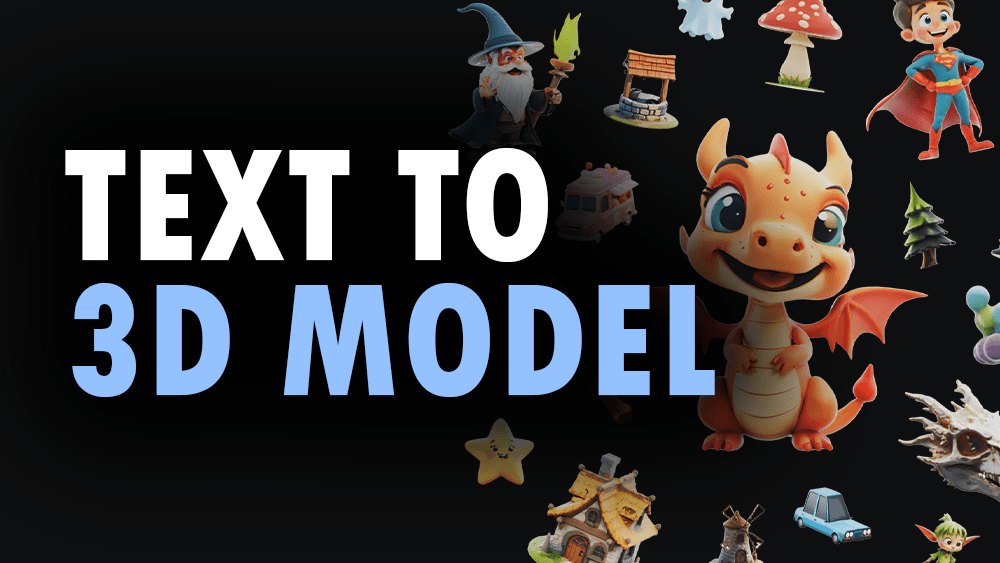
Turning simple text into a 3D model is no longer just an interesting concept. AI-powered tools are making it possible for people to transform written ideas into visual objects and explore creative possibilities in a much more accessible way.
Whether someone wants to design a game character, experiment with furniture concepts, create digital decorations, or visualise a product idea, text-to-3D technology can provide a useful starting point.
It does not completely replace traditional 3D modelling, but it can make the first step easier and encourage more people to experiment with digital design.
Ultimately, the most exciting part is simple: an idea that once existed only in someone's imagination can now become something they can see, explore, and improve in three dimensions.
Frequently Asked Questions
Yes, AI-powered text-to-3D tools can transform written descriptions into three-dimensional digital objects.
No, beginners can start with simple text prompts without having advanced 3D modelling knowledge.
AI can generate characters, furniture, buildings, decorative objects, game assets, and product concepts.
Not always. Some models require additional editing, texture improvements, and geometry corrections.
Yes, it can speed up initial design work by turning written ideas into editable visual concepts.
Sources and notes
Links the author listed for this post.
Content prepared using general information about AI-powered text-to-3D generation, digital modelling techniques, and creative design applications.
- 1tripo3d.ai (opens in a new tab)
tripo3d.ai


Discussion
0 comments