Finding the right software does not always mean paying for an expensive subscription. With so many digital tools available today, users can often find free plans, limited-time discounts, affordable alternatives, and flexible pricing options that suit different needs and budgets.
The Deals section on AltFTool helps users discover software offers and explore practical alternatives before spending money on a digital product. Whether you need a productivity app, creative platform, marketing tool, AI service, or business software, comparing available options can make it easier to choose what works for you.
Why Software Deals Matter
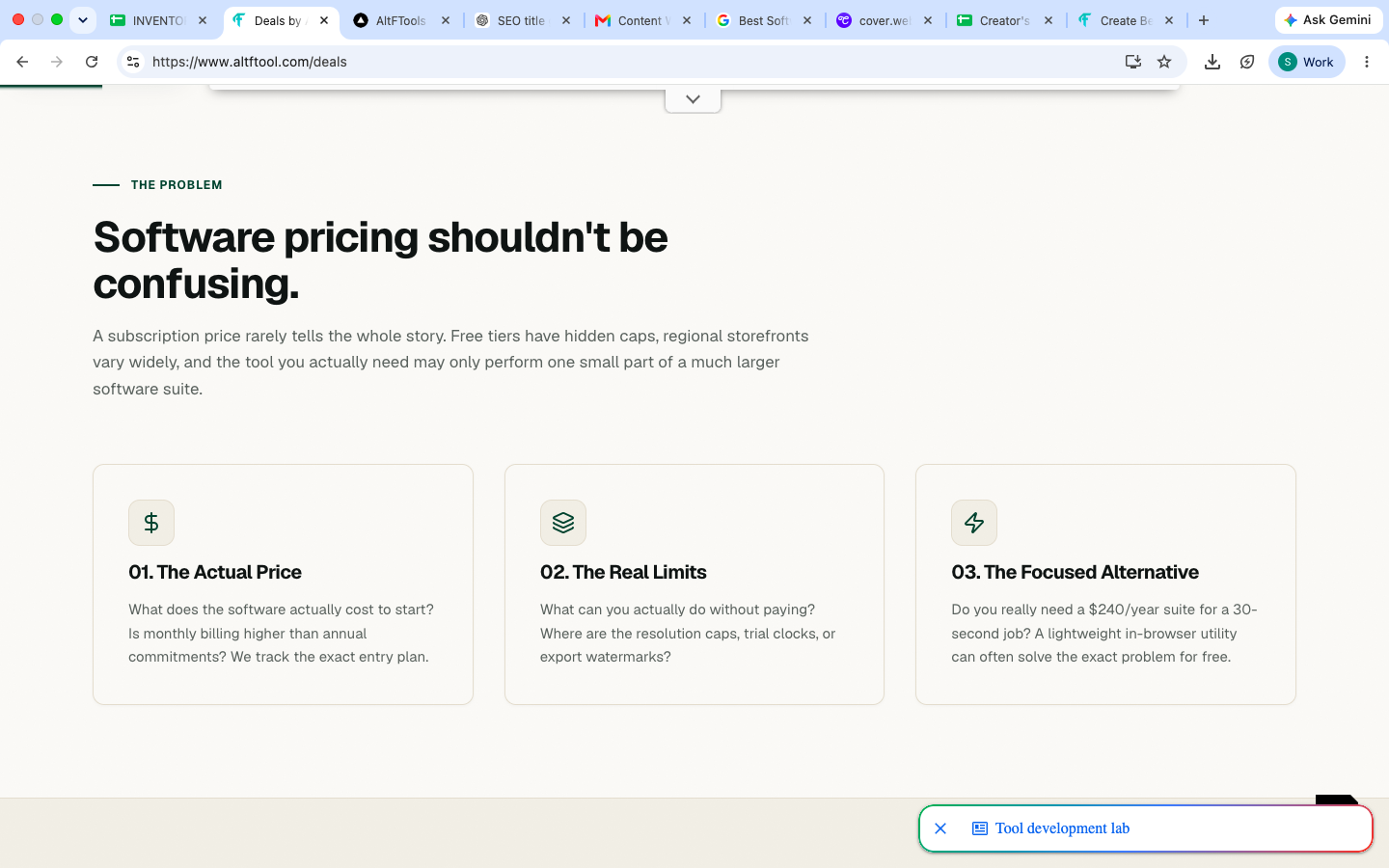
Software subscriptions can quickly become a regular expense, especially when several tools are needed for work, studies, content creation, or business. A useful deal can reduce that cost without requiring users to compromise on essential features.
Deals may include discounted subscriptions, promotional pricing, free trials, lifetime offers, student plans, or upgraded features at a reduced price. However, the cheapest option is not always the most suitable one. It is important to consider what you actually need from the software.
Types of Software Deals to Explore
Software deals can appear in several forms. Understanding the difference can help you make better purchasing decisions.
Discounted Subscriptions
Some software companies offer reduced prices on monthly or annual plans. These discounts may be available during seasonal promotions, special campaigns, or product launches.
Free Plans
Many digital tools provide free versions with a limited selection of features. For casual users, a free plan may provide everything needed without requiring a paid subscription.
Free Trials
Free trials allow users to test premium features before committing to a subscription. This can be useful when you are unsure whether a particular tool fits your workflow.
Lifetime Deals
Some platforms offer one-time payment options that provide access for an extended period. These deals can be attractive for users who expect to use a particular tool regularly, but it is still worth checking exactly what the offer includes.
Special Offers
Promotional offers may include coupon codes, additional features, extended trial periods, or temporary price reductions. Since these offers can expire, users should always check the current terms.
Free Alternatives Can Be Useful
A paid tool is not automatically the only option. In many cases, free alternatives can handle everyday tasks surprisingly well.
For example, someone who only needs basic image editing may not need a premium design platform. A student who occasionally creates documents may be comfortable with a free office tool. Similarly, a small creator may be able to manage basic video editing with a free application instead of paying for advanced software.
The right choice depends on the features you actually use.
How to Choose Between Paid and Free Software
Before choosing a deal or alternative, start by identifying the task you want to complete.
Ask yourself:
What do I need the software to do?
Which features are essential?
How frequently will I use it?
Does the free version cover my requirements?
Is the paid plan worth the additional cost?
Are there usage limits?
Can I cancel the subscription easily?
Will I need the tool for a long time?
These simple questions can prevent unnecessary subscriptions.
Check the Features Before Buying
A discounted price can look attractive, but the actual value depends on what you receive.
For example, one plan may offer unlimited projects but restrict storage, while another may provide more storage but limit the number of users. AI-powered tools may also have monthly generation limits or credit systems.
Always compare important features rather than looking only at the percentage discount.
Compare Monthly and Annual Pricing
Many software services offer both monthly and annual plans. Annual subscriptions often have a lower effective monthly cost, but they require a larger payment upfront.
If you are trying a new tool for the first time, a monthly plan or free trial may be more flexible. If you already know that you will use the software regularly, an annual plan may make more sense depending on its current pricing.
Best Software Deals & Free Alternatives 2026: Save More is easier when the workflow is broken into clear steps. This guide explains what to check first, how to avoid common mistakes, and where AltFTool can speed up the task.
Before you start
Define the result you want from best software deals & free alternatives 2026: save more.
Collect the files, links, or details you need before using a tool.
Check the final output before downloading, sharing, or publishing it.
Step-by-step workflow
Choose the right method. Match the tool or process to the exact task.
Review the settings. Look for quality, format, privacy, and output options.
Save the result. Keep the final file or link in a place you can find later.
Final thoughts
Use this process when you need a fast but careful way to handle best software deals & free alternatives 2026: save more. Keep the steps simple, check the source details, and use related AltFTool resources when the task needs a dedicated utility.
Look Beyond the Headline Discount
A deal advertised as a large percentage discount does not necessarily mean it is the best value.
Check the original price, renewal price, included features, billing period, and conditions attached to the offer. Some introductory prices may apply only to the first billing period and increase later.
Understanding the complete pricing structure helps you avoid surprises.
Software Deals for Different Needs
Different users have different software requirements. A useful deal for one person may not be useful for someone else.
For Students
Students may benefit from free plans, educational discounts, note-taking tools, research platforms, presentation software, and productivity applications.
For Content Creators
Creators can explore deals on video editors, graphic design platforms, AI writing tools, image generators, audio software, and social media tools.
For Businesses
Businesses may look for discounts on project management, communication, customer relationship management, marketing, accounting, and collaboration software.
For Developers
Developers can explore offers related to coding environments, hosting, APIs, databases, testing platforms, productivity tools, and developer resources.
For Freelancers
Freelancers often need a combination of productivity, invoicing, communication, design, writing, and project management tools. Choosing affordable software can help keep operating costs under control.
How to Find Useful Software Deals
Finding a good deal does not have to take hours. Start by making a list of the tools you currently use or are considering.
Then compare:
Current pricing
Free-plan availability
Premium features
Usage limits
Trial period
Renewal pricing
User reviews
Available alternatives
This approach makes the search more practical and reduces the chance of buying software simply because it is on sale.
Why Free Alternatives Are Worth Exploring
Free alternatives can be particularly useful when you are experimenting with a new workflow.
Instead of immediately purchasing a premium service, you can test a free tool first. If it handles your requirements, you may not need to upgrade. If you eventually need additional features, you can compare the paid version with other available options.
This makes software selection more flexible.
Be Careful With Expiring Deals
Software promotions can change quickly. A discount available today may not be available later, and a free trial may have specific eligibility requirements.
Before purchasing, check:
Offer expiration date
Subscription period
Renewal price
Refund policy
Feature restrictions
Regional availability
Terms and conditions
This is especially important when purchasing an annual subscription or a lifetime deal.
Avoid Paying for Features You Do Not Need
One of the easiest ways to spend more on software is choosing a plan packed with features that you rarely use.
For example, if you only need basic document editing, advanced enterprise collaboration features may not be necessary. Similarly, a beginner content creator may not need an expensive professional plan when a free or entry-level option covers the required tasks.
Choosing based on actual usage can make software expenses easier to manage.
Keep Track of Your Subscriptions
Finding a great deal is useful, but managing subscriptions afterward is just as important.
Keep a simple record of the services you have subscribed to, their billing dates, and their renewal prices. Review these subscriptions occasionally and cancel tools you no longer use.
This can prevent small recurring payments from becoming unnecessary monthly expenses.
Quick checklist
Confirm the main goal for best software deals & free alternatives 2026: save more.
Compare the available options before choosing one workflow.
Use the related AltFTool utilities to finish the task faster.
Many free tools can be useful for everyday tasks, but their features, support, and limitations vary. Check the tool's current features and terms before relying on it for important work.
Some offers are available throughout the year, while others are connected to seasonal promotions, product launches, or special events. Availability can change frequently.
A lifetime deal can be useful if the software meets your needs and the terms are clear. Before purchasing, check what features are included and how future updates or support are handled.
Compare the current price with the regular price, check the features included, review renewal costs, and consider whether you will actually use the software regularly.
Software deals can make useful digital tools more affordable, but the best approach is to focus on value rather than the size of the discount. A free plan may be enough for one user, while another may benefit from premium features or a long-term subscription.
Who should use Customer Deals
Best Software Deals & Free Alternatives 2026: Save More is built for readers who want a faster way to finish everyday web tasks. The main goal is shorter workflows, clearer outputs, and reusable tool habits, so the guide focuses on practical choices instead of broad theory.
Use it when you need one of these outcomes:
- testing a task before choosing a heavier app
- saving time on a repeated browser workflow
- combining a guide with a related AltFTool utility
How to get a better result
- Read the core use case and decide what output you need.
- Open the related AltFTool utility and test it with a small sample.
- Review the result, adjust settings, and repeat only if needed.
- Continue with related tools or guides for the next step in the workflow.
Start small, check the first output, and only then repeat the workflow with the full file, text, media, or game session. That gives you a quick quality check before you spend more time.
Quality checks before you trust the output
- the input is clean before running the tool
- the output matches the format you need
- private details are removed before sharing or downloading
Do not overcomplicate a simple task. Start with the smallest sample that proves the workflow, then scale up once the output looks right.
Continue your workflow
If you want to try the workflow now, open the related AltFTool tool area. For more reading, continue through the Customer Deals archive or the AltFTool tools directory.
This creates a cleaner path from explanation to action: read the guide, test the tool, compare the output, and move into the next related AltFTool resource only when it helps the task.
Sources and review notes
References used to check facts, freshness, and reader-safe recommendations in this guide.
Information is based on publicly available software pricing, official product pages, promotional offers, free-plan details, and relevant digital tool resources. Prices, features, discounts, and availability may change, so users should verify current details before making a purchase.
- 1AltFTool
altftool.com
Discussion
0 comments
No comments yet
Discussion will appear here once it loads.