AI video tools have made it much easier to turn an idea into a visual story. Instead of starting with a camera, actors, locations, and complicated editing software, creators can describe a scene in words and let an AI video tool turn that description into a video.
But there is an important part that often gets overlooked: the prompt.
A simple prompt may produce a basic result, while a detailed and well-structured prompt can give the AI a much clearer idea of the scene, movement, lighting, camera style, and overall mood. This is why AI video prompts have become increasingly useful for creators, marketers, filmmakers, and businesses.
What Are AI Video Prompts?
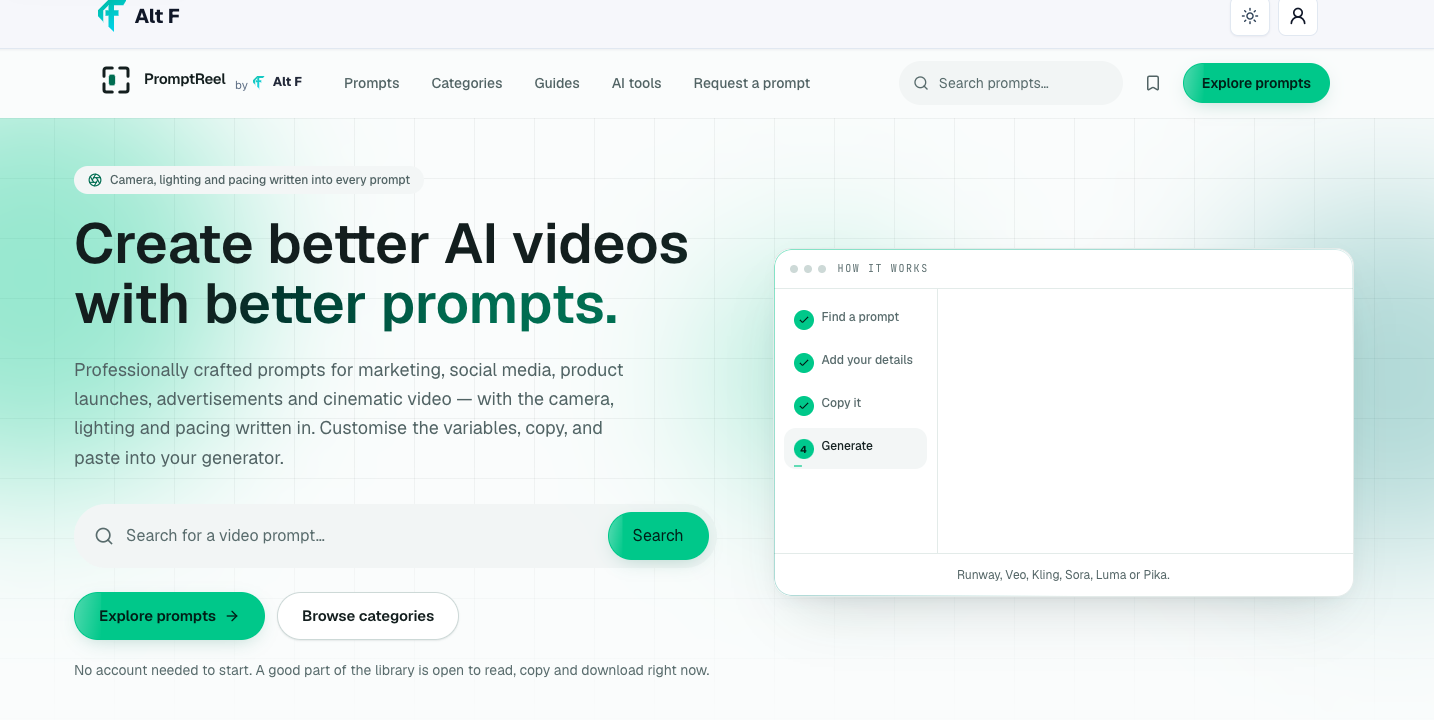
An AI video prompt is a written instruction that tells an AI video generation tool what you want to see.
A prompt can describe almost anything about a video, including:
The main subject
Location or environment
Camera angle
Camera movement
Lighting
Colors
Visual style
Character movement
Background activity
Mood and atmosphere
Video duration or pacing
For example, instead of writing:
“A woman walking in a city.”
you could describe the scene in more detail:
“A young woman walking through a busy city street at night, cinematic lighting, soft reflections on wet pavement, slow camera tracking, shallow depth of field, realistic urban atmosphere.”
The second prompt gives the AI much more visual information to work with.
Why AI Video Prompts Matter
AI video generators are powerful, but they still need clear instructions. The quality of the prompt can influence how closely the generated video matches the creator's original idea.
A detailed prompt can help communicate the visual direction before the video is generated. This is especially useful when creating marketing videos, social media reels, product advertisements, cinematic scenes, and brand content.
Good prompts can also save time. Instead of repeatedly generating random versions of a scene, creators can describe the important details from the beginning.
What Makes a Good AI Video Prompt?
There is no single formula that works for every video. However, most effective prompts include several important elements.
1. Start With the Main Subject
Clearly explain what the viewer should focus on.
It could be a person, product, vehicle, landscape, building, animal, or fictional character.
For example:
“A futuristic electric car driving through a modern city.”
This establishes the main subject immediately.
2. Describe the Environment
The setting gives the AI more context.
You could mention a city street, beach, forest, office, studio, mountain, restaurant, or futuristic environment.
For example:
“A futuristic electric car driving through a neon-lit city at night.”
Now the scene has a clearer location and atmosphere.
3. Add Camera Movement
Camera direction can make a generated video feel more dynamic.
Common camera movements include:
Slow pan
Tracking shot
Dolly-in
Dolly-out
Crane shot
Aerial shot
Close-up
Wide shot
Orbit shot
For example:
“The camera slowly moves toward the car from a low-angle perspective.”
This gives the AI a better idea of how the scene should be presented.
4. Explain the Lighting
Lighting can dramatically change the appearance of a scene.
You can describe:
Soft natural light
Golden-hour lighting
Neon lighting
Studio lighting
Dramatic shadows
Low-key lighting
Backlighting
Cinematic lighting
For example:
“Soft blue and purple neon lights reflect across the wet road.”
This creates a much more specific visual direction.
5. Mention the Mood
The same location can look completely different depending on the mood.
Words such as cinematic, peaceful, energetic, dramatic, mysterious, futuristic, romantic, luxurious, or adventurous can help establish the desired atmosphere.
This review looks at AI Video Prompts 2026: Create Cinematic Videos with AI from a practical user perspective: what it helps with, where it fits best, and what to check before relying on it.
Best for
Readers who need a quick workflow for ai video prompts 2026: create cinematic videos with ai.
One-time tasks where speed matters more than heavy setup.
Comparing simple options before choosing a final tool.
Key features to check
Feature | Why it matters | What to test |
|---|---|---|
Ease of use | Reduces setup time | Can a new user finish the task quickly? |
Output quality | Protects the final result | Does the result look clean and accurate? |
Privacy | Keeps sensitive data safer | Does the workflow require uploads or accounts? |
Verdict
AI Video Prompts 2026: Create Cinematic Videos with AI is most useful when the goal is clear and the result can be checked immediately. For repeat work, save the best settings and pair it with related AltFTool utilities.
AI Video Prompts for Cinematic Scenes
Cinematic prompts are useful when you want a scene that feels more like a movie rather than a simple AI-generated clip.
A cinematic prompt could look like:
“A lone traveler walking across a vast desert at sunset, warm golden light, long shadows, wide cinematic shot, gentle wind moving the clothing, slow camera tracking, atmospheric and dramatic mood, realistic details.”
The prompt describes the subject, environment, lighting, movement, camera style, and mood together.
This gives the AI a more complete visual direction.
AI Video Prompts for Product Videos
AI video can also be useful for product marketing.
A product prompt could describe the product, background, camera movement, lighting, and presentation style.
For example:
“A premium smartwatch rotating slowly on a reflective black surface, dramatic studio lighting, subtle highlights around the edges, smooth camera movement, luxury advertisement style, highly detailed product presentation.”
This type of prompt can work well for promotional videos, product launches, advertisements, and social media content.
AI Video Prompts for Social Media Reels
Short-form content usually needs a strong visual idea from the beginning.
A reel prompt might focus on fast movement, interesting transitions, bold visuals, or a specific storytelling style.
For example:
“A colorful street-food market coming alive at sunset, quick cinematic cuts between food preparation and customers, handheld camera movement, vibrant atmosphere, energetic social media reel style.”
Creators can then adapt the prompt according to the platform and content style they are targeting.
AI Video Prompts for Marketing
Marketing videos often need to communicate an idea quickly.
A good marketing prompt should explain what is being promoted and what type of visual experience the audience should see.
For example:
“A modern freelancer working from a bright home office, multiple digital tools visible on the desk, smooth camera movement, natural morning light, clean professional atmosphere, modern technology advertisement style.”
The more clearly the visual message is defined, the easier it becomes to create a video around the intended concept.
AI Video Prompts for Storytelling
AI video prompts do not have to focus on individual shots. They can also help build a short story.
A storytelling prompt can describe:
The character
The location
The action
The mood
The camera movement
How the scene changes
For example:
“A young explorer discovers an abandoned train station in a foggy forest, slowly walks inside, discovers an old glowing map, close-up on the map, mysterious cinematic lighting, slow camera movement, suspenseful atmosphere.”
Breaking a larger story into individual scenes can make it easier to maintain a consistent visual direction.
How to Make AI Video Prompts More Detailed
Adding more words does not automatically make a prompt better. The goal is to add useful visual information.
Instead of adding unnecessary descriptions, focus on details that affect the final video.
A useful structure can be:
Subject + Action + Environment + Camera + Lighting + Style + Mood
For example:
“A professional chef preparing pasta in a modern restaurant kitchen, carefully plating the dish, close-up camera movement, warm restaurant lighting, shallow depth of field, realistic cinematic style, elegant atmosphere.”
This structure is simple enough to remember and flexible enough for many types of videos.
Keep Camera Instructions Clear
Camera instructions can make a significant difference in AI-generated videos.
Instead of saying:
“Make it cinematic.”
you can specify:
“Slow dolly-in toward the subject with a shallow depth of field.”
Specific instructions are generally easier to interpret than broad descriptions.
You can experiment with different perspectives, including close-ups, wide shots, low angles, overhead views, and tracking shots.
Use Lighting to Create the Right Atmosphere
Lighting is one of the easiest ways to change the feeling of a scene.
For example:
Warm lighting can create a welcoming feeling.
Cool lighting can create a modern or futuristic appearance.
Strong shadows can create drama.
Soft daylight can create a natural look.
Neon lighting can create an energetic urban atmosphere.
Think about the emotion you want the viewer to experience and choose the lighting accordingly.
Avoid Overloading the Prompt
More detail is not always better.
If a prompt contains too many unrelated instructions, the AI may struggle to prioritize them. It is usually better to describe the important elements clearly and keep the scene focused.
For example, if the main goal is a product advertisement, focus on the product, setting, lighting, camera movement, and visual style rather than adding unnecessary characters and background events.
Experiment With Different Prompt Versions
AI video generation often involves experimentation.
An AI video prompt is a written description that tells an AI video tool what kind of video or scene to generate. It can include subjects, actions, environments, camera movement, lighting, and visual style.
Start with the main subject and action, then describe the environment, camera movement, lighting, visual style, and mood. Keep the instructions clear and focused.
Yes. Prompts can be created for product advertisements, brand videos, social media content, promotional campaigns, and other marketing visuals.
AI video tools use different models, settings, and generation systems. Even the same prompt can produce different results across tools or different generations, so some experimentation is normal.
AI video generation is becoming a practical creative option for people who want to experiment with visual storytelling without building every scene from scratch.
Your first prompt may not produce exactly what you imagined. Instead of completely changing the concept, adjust one or two elements at a time.
You might change:
Camera movement
Lighting
Background
Subject action
Visual style
Composition
Mood
This makes it easier to understand which prompt changes improve the result.
AI Video Prompts for Different Creative Needs
AI prompts can be adapted for many types of content.
Social Media Content
Create short visual scenes designed for reels, shorts, advertisements, and promotional posts.
Brand Videos
Use consistent visual language to present a brand, product, service, or campaign.
Product Advertisements
Focus on product details, camera movement, lighting, and premium presentation.
Cinematic Videos
Build dramatic scenes using detailed environments, camera directions, lighting, and atmosphere.
Creative Experiments
AI video prompts can also be used to explore unusual concepts that would be difficult or expensive to film traditionally.
Using AI Video Prompts With Different Tools
Different AI video platforms may interpret prompts differently. Some may provide more control over camera movement, while others may focus on text-to-video generation or image-to-video workflows.
Popular AI video platforms and models can include tools such as Runway, Veo, Kling, Sora, Luma, and Pika. Their available features and prompt behavior can change over time.
For this reason, it is useful to experiment with the same basic concept across different tools and adjust the wording based on the platform you are using.
Common AI Video Prompt Mistakes
Beginners often make a few simple mistakes when writing prompts.
Being Too Vague
A prompt such as “make a cool cinematic video” does not provide enough information about the scene.
Forgetting Camera Direction
Without camera guidance, the generated result may not have the movement or perspective you expected.
Adding Conflicting Instructions
If a prompt asks for both a fast-paced action scene and an extremely slow, peaceful sequence, the AI may not know which direction to prioritize.
Ignoring the Environment
The background can have a major impact on the final video. Mentioning the environment helps create a more complete scene.
Expecting One Prompt to Create an Entire Film
Complex stories are usually easier to create as a series of smaller scenes rather than one extremely long prompt.
Tips for Better AI Video Results
A few practical habits can make prompt writing easier:
Start with a clear subject.
Describe the action precisely.
Add a specific environment.
Mention camera movement when necessary.
Use lighting to establish the visual mood.
Keep the scene focused.
Experiment with different versions.
Adjust prompts based on the AI tool being used.
Break longer stories into individual scenes.
Review the generated result and refine the prompt.
Quick checklist
Confirm the main goal for ai video prompts 2026: create cinematic videos with ai.
Compare the available options before choosing one workflow.
Use the related AltFTool utilities to finish the task faster.
Who should use Digital Tools
AI Video Prompts 2026: Create Cinematic Videos with AI is built for readers who want a faster way to finish everyday web tasks. The main goal is shorter workflows, clearer outputs, and reusable tool habits, so the guide focuses on practical choices instead of broad theory.
Use it when you need one of these outcomes:
- testing a task before choosing a heavier app
- saving time on a repeated browser workflow
- combining a guide with a related AltFTool utility
How to get a better result
- Read the core use case and decide what output you need.
- Open the related AltFTool utility and test it with a small sample.
- Review the result, adjust settings, and repeat only if needed.
- Continue with related tools or guides for the next step in the workflow.
Start small, check the first output, and only then repeat the workflow with the full file, text, media, or game session. That gives you a quick quality check before you spend more time.
Quality checks before you trust the output
- the input is clean before running the tool
- the output matches the format you need
- private details are removed before sharing or downloading
Do not overcomplicate a simple task. Start with the smallest sample that proves the workflow, then scale up once the output looks right.
Continue your workflow
If you want to try the workflow now, open the related AltFTool tool area. For more reading, continue through the Digital Tools archive or the AltFTool tools directory.
This creates a cleaner path from explanation to action: read the guide, test the tool, compare the output, and move into the next related AltFTool resource only when it helps the task.
Sources and review notes
References used to check facts, freshness, and reader-safe recommendations in this guide.
Information is based on publicly available AI video prompt guides, creative AI resources, and current industry references. Prompt techniques and AI video capabilities may vary between tools and models, so users should check the latest tool-specific guidance when creating videos.
- 1AltFTool
altftool.com
Discussion
0 comments
No comments yet
Discussion will appear here once it loads.