Creating images with AI has become much easier, even for people who do not have professional design skills. OpenArt AI is one such AI-powered creative platform that helps users generate images, edit existing visuals, create characters, and explore different artistic styles using simple text prompts.
What I like about tools like OpenArt AI is that you do not always need to start with a blank canvas. You can describe what you want, choose a style, make adjustments, and create a visual in much less time than traditional designing.
Whether you are a blogger, social media creator, marketer, designer, student, or simply someone who enjoys experimenting with AI art, OpenArt AI can be useful for turning ideas into visuals.
In this guide, we will look at what OpenArt AI is, its main features, how it works, its advantages and limitations, and how beginners can use it effectively.
What Is OpenArt AI?
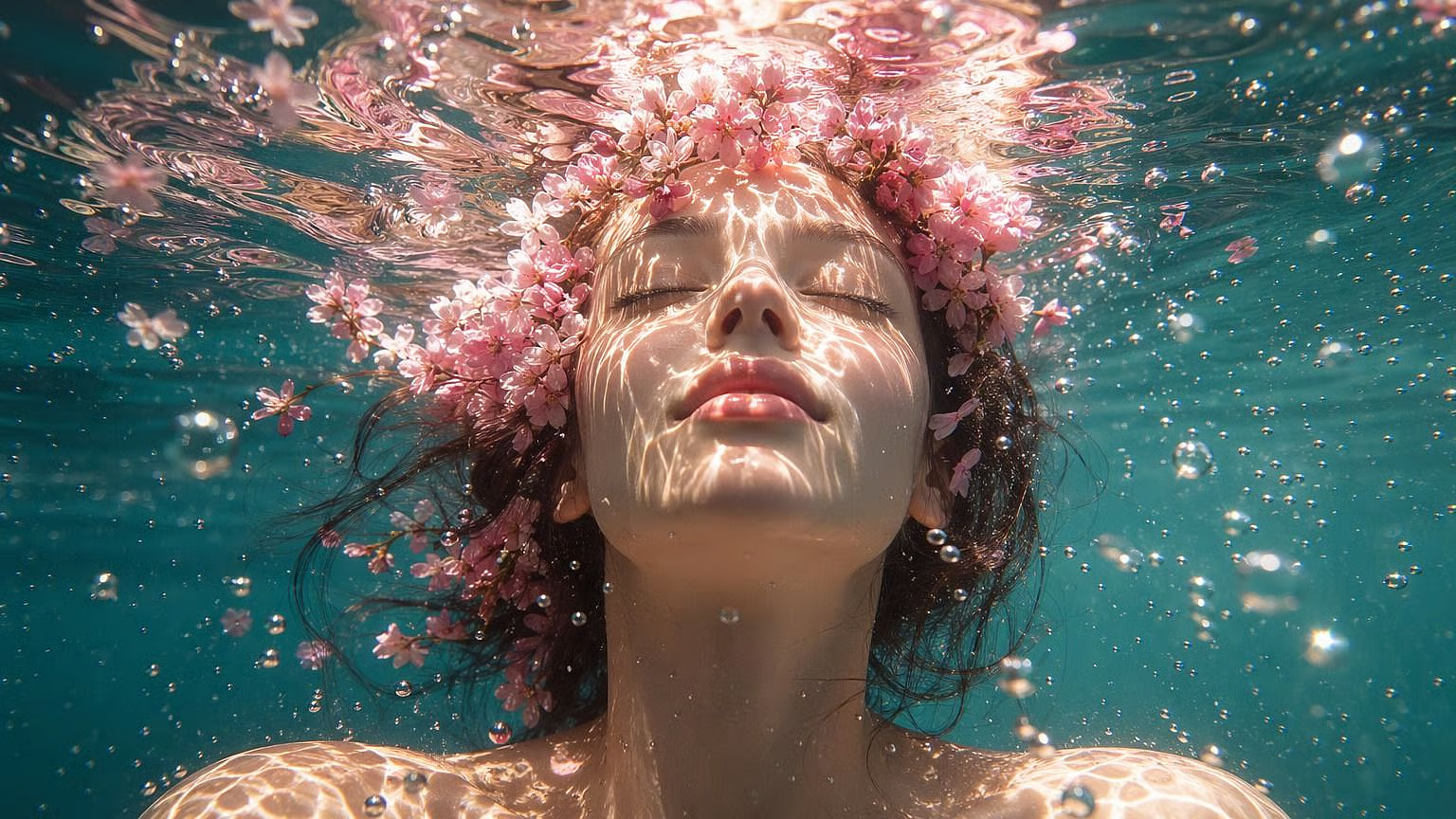
OpenArt AI is an AI-based creative platform designed for generating and editing visual content. Users can provide text prompts to create images and can also work with existing images for different types of creative edits.
Instead of manually designing every element, you can explain your idea in natural language.
For example, you could write:
“A cozy modern bedroom with warm lighting, indoor plants, wooden furniture, and a large window.”
The AI can then generate an image based on the description.
OpenArt AI is useful for more than simple text-to-image generation. Depending on the available tools and features, creators can work on image editing, character creation, styles, variations, and other AI-assisted visual projects.
OpenArt AI at a Glance
Feature | Details |
|---|---|
Platform | Web-based AI creative platform |
Main purpose | AI image generation and editing |
Input | Text prompts and images |
Suitable for | Beginners, creators, marketers and designers |
Image creation | Yes |
Image editing | Yes |
Creative styles | Multiple styles and visual approaches |
Character creation | Available through AI-based workflows |
Skill level | Beginner to advanced |
Best use | Fast visual content creation |
How Does OpenArt AI Work?
Using OpenArt AI is generally straightforward. The basic process starts with an idea and turns it into an AI-generated visual.
Step 1: Open the Platform
Start by visiting the OpenArt AI platform and creating or accessing your account.
Step 2: Choose a Creative Tool
Depending on what you want to create, select an appropriate image-generation or editing feature.
Step 3: Write Your Prompt
Describe your desired image clearly.
For example:
Basic prompt:
“Beautiful mountain landscape at sunrise.”
Detailed prompt:
“A realistic Himalayan mountain landscape during sunrise, golden morning light, snow-covered peaks, pine trees in the foreground, soft clouds, cinematic photography.”
The second prompt gives the AI more information about the scene.
Step 4: Generate the Image
Submit your prompt and allow the AI to create the visual.
Step 5: Refine Your Result
If the first result is not exactly what you imagined, modify your prompt or use available editing and variation options.
This process makes experimentation much faster than creating every element manually.
Key Features of OpenArt AI
OpenArt AI offers several features that can make AI-assisted visual creation easier.
1. AI Image Generation
The main attraction is the ability to generate images from text prompts.
You can describe a person, place, object, product, environment, illustration, or imaginary scene and let AI create a visual interpretation.
This can be especially useful for:
Blog images
Social media posts
Concept art
Marketing visuals
Character ideas
Creative projects
Presentation graphics
2. AI Image Editing
AI image editing can help users modify existing visuals instead of generating everything from scratch.
Depending on the tool being used, you may be able to change parts of an image, remove unwanted elements, or transform its overall appearance.
This is useful when you already have a basic image but want to improve or change it.
3. Multiple Artistic Styles
Different projects require different visual styles.
A product advertisement may need a clean commercial appearance, while a fantasy project may require a completely different look.
OpenArt AI can be used to experiment with different styles such as:
Realistic photography
Digital art
Illustration
Fantasy
Anime-inspired visuals
Cinematic scenes
Concept art
4. Character Creation
Character-focused AI tools can be useful for creators who want consistent visual characters.
For example, a writer could create a character concept before developing a story, while a content creator could experiment with different character appearances for social media content.
5. Creative Experimentation
One of the biggest advantages of AI image tools is experimentation.
You can take the same idea and create different versions by changing:
Lighting
Camera angle
Background
Clothing
Mood
Colour style
Art style
Composition
This makes AI particularly useful during the brainstorming stage.
OpenArt AI for Different Users
📝 Bloggers
Feature images and article visuals
📱 Social Media Creators
Posts and creative graphics
🎨 Designers
Concept development
📢 Marketers
Campaign visuals
▶️ YouTubers
Thumbnail concepts
✍️ Writers
Character and story visuals
🎓 Students
Creative presentations
🏪 Small Businesses
Product and promotional ideas
How to Write Better OpenArt AI Prompts
The quality of your prompt can make a major difference.
Instead of writing only:
“A woman in a city.”
Try providing more details:
“A young woman walking through a modern city street at sunset, soft golden lighting, casual outfit, realistic photography, cinematic composition, shallow depth of field.”
A useful prompt can include:
Main subject – What should appear?
Location – Where is it happening?
Appearance – What should the subject look like?
Lighting – Daylight, sunset, studio lighting, etc.
Mood – Calm, dramatic, cheerful, mysterious.
Style – Realistic, illustration, cinematic, etc.
Composition – Close-up, wide shot, portrait, landscape.
Prompt Formula
You can use this simple structure:
Subject + Setting + Details + Lighting + Style + Composition
For example:
“A vintage red car parked outside a small European café, rainy evening, warm window lights, cinematic photography, wide composition.”
OpenArt AI for Bloggers
For bloggers, AI image generation can be particularly helpful.
A good article often needs a strong featured image, supporting visuals, or illustrations. Creating these manually can take time and may require design software.
OpenArt AI can help generate visuals based on the topic of the article.
For example, a travel blogger writing about Rajasthan could create a visual showing:
Desert landscapes
Traditional architecture
Local markets
Cultural scenes
Palace interiors
However, AI-generated visuals should not be presented as actual photographs of real places or events when they are fictional or generated.
OpenArt AI for Social Media
Social media depends heavily on visual content. AI tools can help creators experiment with different concepts before publishing.
For example, a fashion creator could generate several visual concepts for:
Festive outfits
Winter fashion
Wedding looks
Streetwear
Accessories
This can save time during the idea-development stage.
Advantages and Limitations
Advantages | Limitations |
|---|---|
Easy for beginners | Results may vary |
Fast image generation | Some results may need editing |
Many creative possibilities | Detailed prompts may take practice |
Useful for brainstorming | AI can make visual mistakes |
Helpful for content creators | Usage rights should be checked |
Can reduce manual design time | Not every result is production-ready |
Tips for Getting Better Results
If you are new to OpenArt AI, keep these simple tips in mind.
Be Specific
Give the AI enough information about the scene instead of using a very short prompt.
Experiment With Prompts
Your first result does not have to be your final result. Change one or two details and generate another version.
Keep Your Main Idea Clear
Adding too many unrelated instructions can make the result confusing.
Try Different Styles
The same concept can look completely different in realistic, cinematic, illustrated, or artistic styles.
Review the Final Image
Always check the generated image carefully, especially faces, hands, text, logos, objects, and other important details.
Is OpenArt AI Easy for Beginners?
Yes. One of the biggest benefits of AI image platforms is that beginners can start without advanced graphic-design knowledge.
You do not need to understand complicated editing software before creating your first image.
However, getting consistently good results takes practice. The more you experiment with prompts and understand how different instructions affect the output, the better your results can become.
Who Should Use OpenArt AI?
OpenArt AI can be a good choice if you regularly need creative visuals but do not want to create every image manually.
It can be particularly useful for:
Content creators
Bloggers
Digital marketers
Designers
Social media managers
Small business owners
Creative writers
Students
If your work involves creating visual ideas quickly, an AI image-generation platform can become a useful part of your workflow.
Conclusion
OpenArt AI is a useful creative tool for people who want to create images without spending hours on traditional design work. From bloggers and social media creators to designers, marketers, and small businesses, it can help turn simple ideas into attractive visuals.
What makes OpenArt AI interesting is its flexibility. You can experiment with different prompts, styles, characters, and image-editing options until you find a result that matches your idea. While AI-generated images may still need some editing and checking, the tool can save time and make the creative process easier.
FAQ's
OpenArt AI is an AI-powered platform for creating and editing visual content.
Yes. Its AI-based workflow allows beginners to create images using text prompts.
Yes, text prompts can be used to describe the image you want to create.
OpenArt AI also provides AI-assisted image editing and transformation features.
Yes. Bloggers can use AI-generated visuals for feature images, creative concepts, and supporting content.
Sources and notes
Links the author listed for this post.
This article is based on information available about OpenArt AI and its AI-powered creative features.
Discussion
0 comments
No comments yet
Discussion will appear here once it loads.