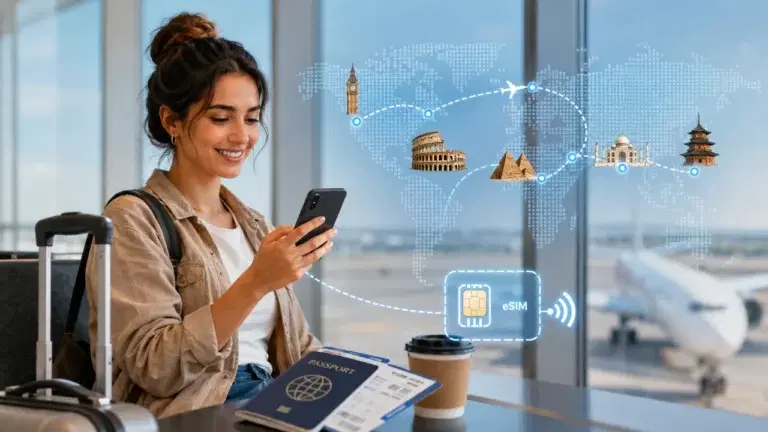
On my cousin's first trip abroad, he landed late at night in a new city with a dead phone signal, no map and a taxi driver who wanted the hotel address. He spent forty minutes hunting for Wi-Fi at the airport. By the time he found it, he'd missed two messages from his family and paid a lot more for his ride than he needed to.
Travelling abroad becomes easier when you have reliable internet access. From using eSIMs and international SIM cards to choosing affordable roaming plans, there are several ways to stay connected across borders. Travellers can use mobile data to access maps, book transport, contact family, and explore new destinations without depending on public Wi-Fi. Choosing a secure and affordable connection also helps protect personal information and avoid unexpected roaming charges. With a little planning, you can enjoy a smoother and more convenient travel experience wherever you go.
Staying connected abroad doesn't have to be stressful or expensive. With a little planning before you leave, you can land with internet already working, your maps loaded and your bank messages still reaching you. Here's how to do it.
Know Your Main Options

There are a few ways to get mobile data overseas, and each suits a different kind of trip. The best choice depends on where you're going, how long you'll stay and how much data you need.
International roaming
You use your regular SIM, and your home provider charges you for data abroad, either through a daily pack or a pay-as-you-go rate. It's the simplest option, because you don't have to do anything. The downside is cost, since roaming is often pricier than other options, especially on longer trips. Pay-as-you-go rates can be extremely high, so always check before you switch on data.
Travel eSIM
An eSIM is a digital SIM you install by scanning a QR code or using an app, with no plastic card needed. You can set it up before you leave and have data as soon as you land. It's usually cheaper than roaming, and it lets you keep your regular SIM active for calls and messages on a dual-SIM phone.
Local SIM card
You buy a SIM from a shop or kiosk in the country. It can offer generous data at low prices, especially for longer stays. The catch is the time spent finding a shop, queuing and sorting out the paperwork, and you'll usually get a new number.
Option | Best For | Main Drawback |
|---|---|---|
International roaming | Very short trips and convenience | Often the most expensive choice |
Travel eSIM | Most short and medium trips | Needs a compatible, unlocked phone |
Local SIM | Long stays and heavy data users | Time spent buying and setting up |
Pocket Wi-Fi | Groups sharing one connection | Another device to carry and charge |
Free Wi-Fi only | Light users on a tight budget | Patchy coverage and security risks |
Check Your Phone Before You Go
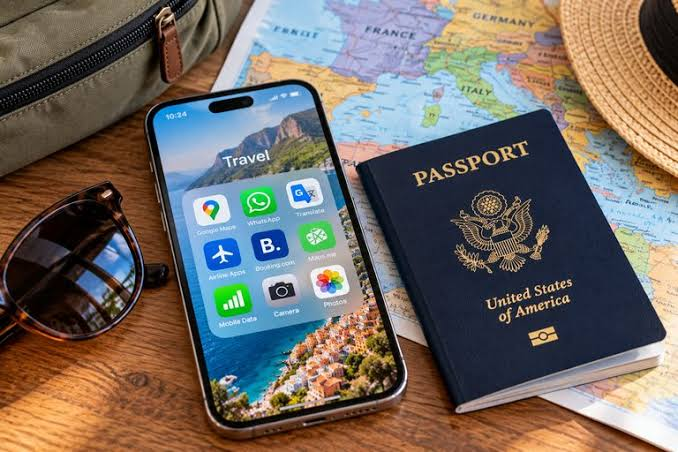
A few minutes of checking at home can save a lot of trouble abroad. First, make sure your phone is unlocked, because a locked phone may refuse a foreign SIM or eSIM. Second, check whether it supports eSIM, since most newer phones do but not all.
If your phone has dual SIM, you can keep your home number active for calls and one-time passwords while using a travel eSIM for data. This matters more than people think, because many banks and apps send OTP codes to your home number. Without it, you may be unable to confirm a payment or log in.
Confirm that your phone is unlocked
Check eSIM compatibility in your phone settings
Keep your home SIM active for OTPs and important calls
Turn off data roaming on your home SIM if you're using an eSIM for data
Set Things Up Before You Fly
The best time to install a travel eSIM is at home, with a stable Wi-Fi connection. Buy your plan from a reputable provider, install it by following the instructions and keep it switched off until you land. When you arrive, switch it on, enable data on that line and you're connected.
Also, download what you need while you still have good Wi-Fi. Offline maps, translation packs, boarding passes, hotel bookings and entertainment for the flight are all worth saving ahead of time.
Quick card: The Landing Checklist
Before takeoff, install your eSIM, download offline maps for your destination, save your hotel address in the local language and screenshot your bookings. You'll be ready the moment the plane touches down.
Smart Ways to Save Data
Even with a good plan, it helps to be careful with data. A few habits stretch your allowance and keep your phone from running out in the middle of a day trip.
Download offline maps in Google Maps or similar apps
Use Wi-Fi at your hotel for big downloads and video calls
Turn off automatic app updates and cloud backups while abroad
Lower video quality on streaming apps
Use messaging apps for calls instead of regular voice calls
Check which apps use the most data in your phone settings, and restrict those in the background. A small tweak can save a surprising amount over a week.
Keep Your Information Safe
🔐 1. Protect Your Passwords
1. Create strong passwords.
2. Avoid easy combinations.
3. Use different passwords.
4. Enable two-factor authentication.
5. Protect travel accounts.
6. Never share login details.
💡 Trick: Use a trusted password manager.
🛡️ 2. Choose Safe Wi-Fi
1. Avoid unknown networks.
2. Prefer mobile data.
3. Verify network names.
4. Avoid banking on public Wi-Fi.
5. Use a trusted VPN if needed.
6. Disconnect unused networks.
💡 Trick: Don't trust every free hotspot.
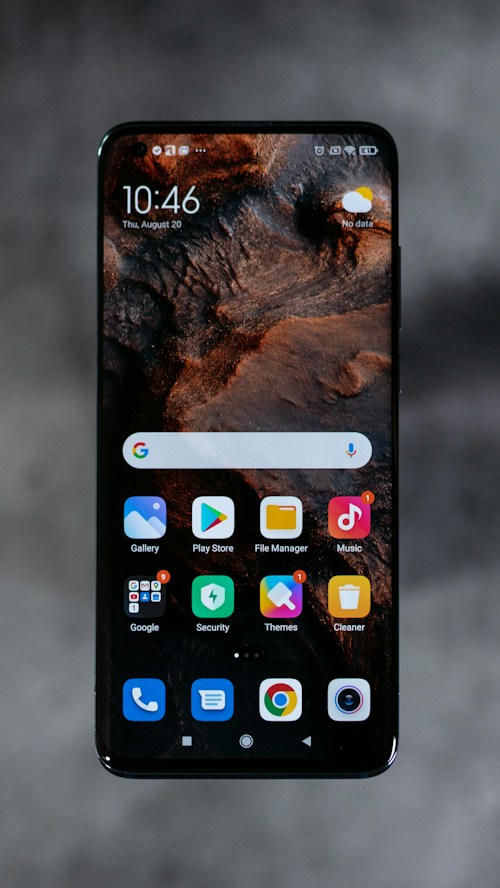
📱 3. Secure Your Smartphone
1. Set a strong screen lock.
2. Enable fingerprint security.
3. Turn on device tracking.
4. Update phone software.
5. Hide private notifications.
6. Back up important files.
💡 Trick: Activate phone tracking before travelling.
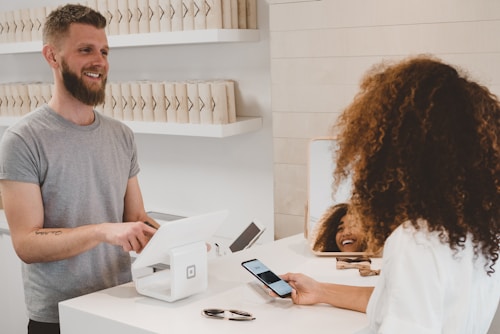
💳 4. Keep Payments Safe
1. Use trusted payment apps.
2. Check website addresses.
3. Avoid suspicious links.
4. Enable transaction alerts.
5. Never share OTPs.
6. Monitor bank activity.
💡 Trick: Double-check payment details before confirming.
Public Wi-Fi in airports, cafes and hotels is convenient, but it isn't always secure. Avoid logging in to banking apps or entering card details on open networks. If you must use public Wi-Fi, a VPN adds a layer of protection, and mobile data from your eSIM is generally safer for sensitive tasks.
Turn on two-factor authentication for your important accounts before you travel, and keep backup codes somewhere safe. Enable "find my phone" features and consider a screen lock that isn't easy to guess. Losing a phone abroad is stressful, but being able to lock or wipe it remotely helps a lot.
Power and Backup Plans
Connectivity doesn't help if your phone is dead. A small power bank is one of the most useful things you can pack, and a universal travel adapter is just as important. Keep a short cable in your day bag, and charge your phone whenever you stop for a meal.
It's also smart to have a backup. If your main connection fails, you could use a second eSIM, a hotspot from a travel companion's phone or a plan from a different provider. Write down important contact numbers and addresses on paper or in a note that doesn't need the internet.
Item | Why You Need It | Quick Tip |
|---|---|---|
Power bank | Keeps your phone alive during long days | Check airline rules for battery size |
Travel adapter | Fits foreign sockets | Choose one with USB ports |
Offline maps | Navigation without data | Download the area before you leave |
Paper backup | Works without battery or signal | Note hotel address and emergency contacts |
Backup connection | Helps if your main plan fails | Keep a second eSIM or hotspot option |
Mistakes That Cost Travellers Money
Some mistakes happen again and again, and most are easy to avoid.
Leaving data roaming on by accident
Buying an eSIM for the wrong country or region
Forgetting that a locked phone can't use a foreign SIM
Relying only on airport Wi-Fi to plan the whole trip
Running out of data because background apps kept updating
Final Thoughts
Staying connected abroad is mostly about choosing the right tool for your trip. For many travellers, a travel eSIM is the easiest balance of cost and convenience, while roaming suits very short trips and local SIMs suit long stays. Check your phone, set things up early, save data and protect your information.
My cousin now does it all before leaving home. On his last trip, he landed, switched on his eSIM and ordered a cab in under two minutes. He says the best part wasn't the money he saved. It was starting the trip calmly instead of in a panic.
FAQ's
Use an eSIM, international SIM card, or roaming plan.
Not always. Avoid accessing sensitive accounts on unknown networks.
An eSIM is a digital SIM that provides mobile connectivity without a physical card.
Use strong passwords, secure connections, and two-factor authentication.
Compare international data plans and check roaming rates before travelling.
Sources and notes
Links the author listed for this post.
Information based on international roaming guidance, mobile network providers, travel connectivity services, and cybersecurity recommendations.


Discussion
0 comments