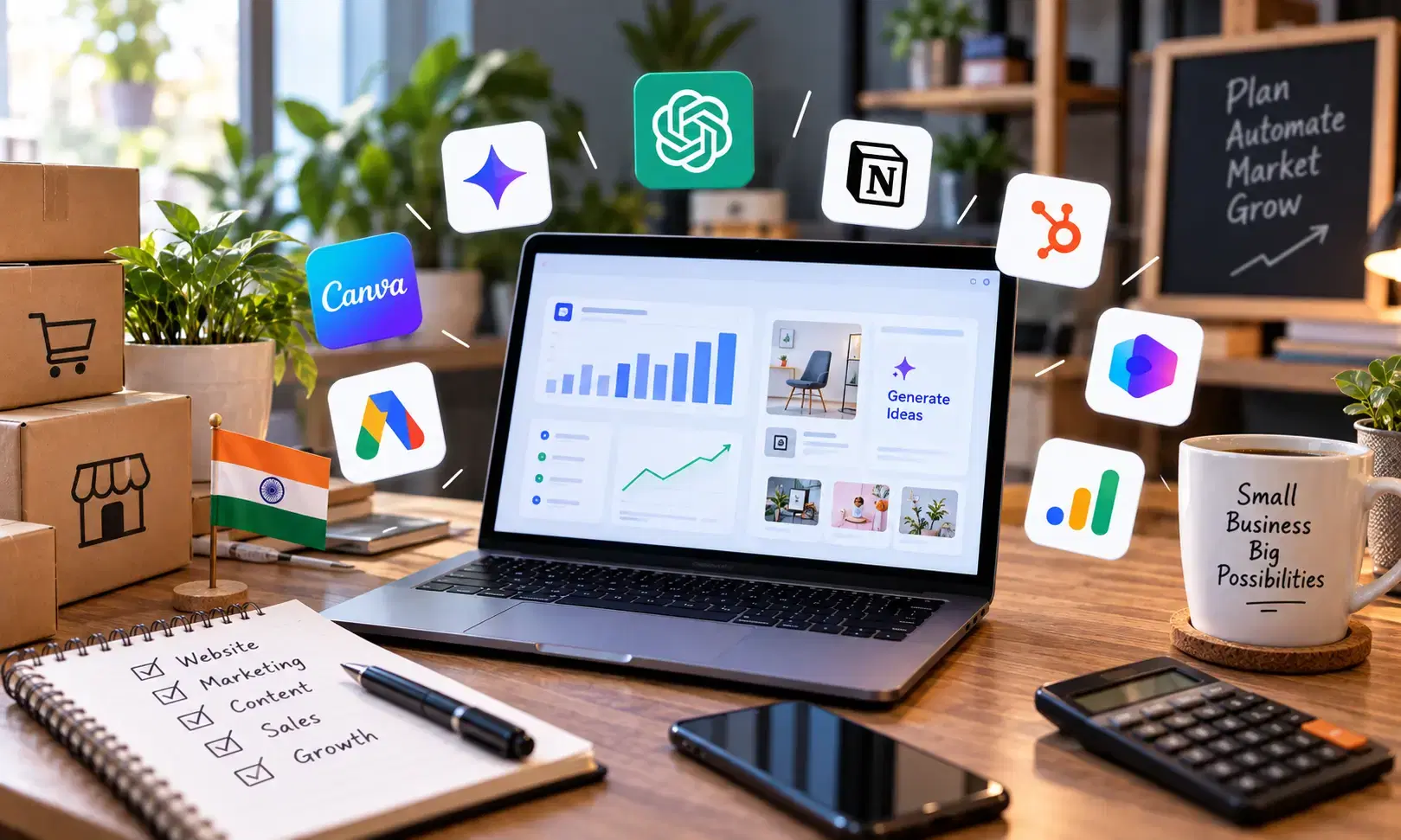
Running a small business today involves much more than selling products or providing services. Business owners need to manage customer relationships, create marketing campaigns, maintain websites, track projects, communicate with teams, and analyse performance. Each activity may require a different software solution, and purchasing multiple subscriptions can quickly become expensive.
For startups, freelancers, and growing businesses, managing these costs is especially important. Every investment should contribute to productivity, customer satisfaction, or business growth. Fortunately, building a useful digital toolkit does not always require enterprise-level spending.
Platforms such as AppSumo help entrepreneurs discover software deals, productivity applications, marketing tools, and business solutions at competitive prices. By combining affordable software with free tools and thoughtful planning, small businesses can create a digital environment that supports their everyday operations without stretching their budgets.
Why Small Businesses Need a Smart Digital Toolkit
A digital toolkit is a collection of software applications that help a business complete its daily tasks efficiently. Instead of relying entirely on manual processes, businesses can use technology to organise information, automate repetitive work, and improve communication.
However, choosing software simply because it is popular or inexpensive can create unnecessary complications.
A smart digital toolkit should focus on three essential goals:
Efficiency: Reduce the time spent on repetitive activities.
Affordability: Keep software expenses within a realistic budget.
Scalability: Choose solutions that can support future business growth.
When these priorities guide software decisions, businesses can avoid unnecessary purchases and build a more organised working environment.
Start With the Business Problems You Need to Solve
Before exploring software deals, identify the challenges affecting your business.
For example, a small online store may struggle with customer follow-ups, product descriptions, inventory tracking, and social media management. A freelance consultant may need better scheduling, invoicing, project organisation, and client communication.
Creating a list of these problems makes software selection easier.
Common Business Needs and Suitable Digital Tools
Business Need | Type of Software | Main Benefit |
|---|---|---|
Project management | Task and project management tools | Organises deadlines and responsibilities |
Marketing | Email and social media platforms | Helps reach and engage customers |
Customer management | CRM software | Keeps customer information organised |
Content creation | Writing and design tools | Supports marketing and communication |
Website management | Website builders and hosting | Establishes an online presence |
Finance | Invoicing and accounting software | Simplifies financial administration |
Communication | Team messaging and meeting tools | Improves collaboration |
The objective is not to purchase every category immediately. Start with the tools that solve your most urgent problems.
Explore Affordable Software Deals Through AppSumo
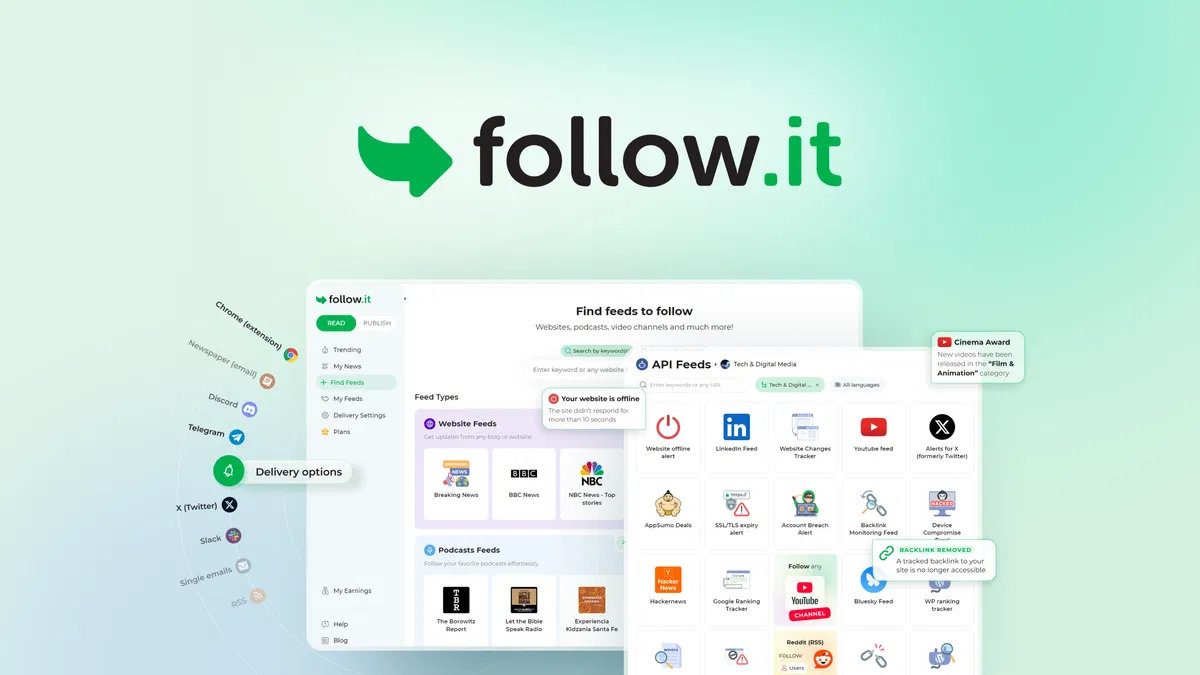
AppSumo is a software marketplace that connects entrepreneurs with digital products and business tools. It features offers from software companies, including promotional pricing and selected lifetime deals.
The platform focuses on helping businesses discover tools for marketing, productivity, sales, content creation, and other operational needs. Its official website describes its marketplace as a destination for entrepreneurs seeking software deals that support business growth.
For small businesses, this can provide an alternative to paying full subscription prices for every application.
What Makes Software Deals Attractive?
Software deals can offer several advantages:
Lower initial investment: Promotional pricing may make certain tools more accessible to businesses with limited budgets.
Access to specialised solutions: Businesses can discover applications designed for specific tasks rather than relying on expensive, broad enterprise platforms.
Opportunity to experiment: Affordable tools can help entrepreneurs test new workflows and technologies.
Potential reduction in recurring costs: Some offers provide lifetime access to a particular software plan, subject to the product's terms.
However, every deal should be evaluated carefully. A low price does not automatically mean a product is suitable for your business.
Build Your Toolkit Around Essential Business Functions
A complete digital toolkit does not need to contain dozens of applications. A smaller collection of reliable tools can often support most daily business activities.
A. Marketing and Customer Engagement
Marketing helps small businesses attract new customers and maintain relationships with existing ones.
Useful software categories include:
Email marketing platforms
Social media scheduling tools
Landing page builders
SEO research applications
Customer feedback and survey tools
These applications can help businesses organise campaigns, maintain consistent communication, and understand audience behaviour.
For example, a small online business could use an email marketing platform to share product updates while using a social media scheduler to plan promotional content.
The key is to select tools that work together instead of creating separate, disconnected marketing processes.
B. Project Management and Productivity
When a business grows, managing tasks through scattered messages and spreadsheets can become difficult.
Project management software helps teams assign responsibilities, monitor deadlines, and track progress.
A simple project management setup may include:
A task board for daily activities
A shared calendar for deadlines
A document management system
A team communication platform
These tools can improve accountability without requiring a complex enterprise workflow.
C. Content Creation and Design
Content plays an important role in digital marketing. Businesses frequently need blog articles, social media graphics, presentations, promotional banners, and website visuals.
Affordable content and design tools can help small teams produce professional-looking materials more efficiently.
Instead of purchasing several applications with overlapping features, compare their capabilities and select the one that supports your primary content requirements.
Understand the Difference Between Free, Subscription, and Lifetime Tools
One of the most important decisions when building a digital toolkit is understanding how software pricing works.
Pricing Model | How It Works | Best Consideration |
|---|---|---|
Free plan | Basic features are available without payment | Check usage and feature limits |
Monthly subscription | Payment is made every month | Useful when flexibility is important |
Annual subscription | Payment is generally made for a year | Compare the total yearly cost |
Lifetime deal | One-time payment for access under specific terms | Review product lifetime and included features |
Lifetime deals can appear particularly attractive because they may reduce recurring expenses. However, the word "lifetime" generally refers to the lifetime of the product, not the buyer.
AppSumo explains that lifetime access depends on the product continuing to exist and that the purchased plan's terms determine which features and updates are included.
Therefore, businesses should review the deal conditions before making a purchase.
Calculate the Real Cost Before Buying
A software deal should be evaluated according to its long-term value, not just its advertised discount.
Consider a hypothetical business comparing two options for a project management tool.
Cost Factor | Subscription Option | One-Time Deal |
|---|---|---|
Initial payment | ₹800 per month | ₹5,000 once |
Cost after 12 months | ₹9,600 | ₹5,000 |
Cost after 24 months | ₹19,200 | ₹5,000 |
Recurring payment | Yes | No, if covered by the deal |
Illustrative example only. Actual software prices, currencies, and deal conditions vary.
In this example, the one-time deal may offer savings if the business uses the software for a sufficient period and the product continues to meet its needs.
But the cheapest option is not always the best option. A subscription may provide better support, stronger integrations, or more reliable functionality.
Avoid the Trap of Buying Too Many Tools

Software marketplaces can make discovering new applications exciting. However, purchasing too many tools can create a different problem: digital clutter.
Businesses may end up with several applications performing nearly identical tasks, unused licences, complicated workflows, and scattered data.
To avoid this situation, follow a simple purchasing checklist:
Identify the specific problem the software will solve.
Compare it with tools you already use.
Check whether it integrates with your existing workflow.
Review the features included in the deal.
Understand the refund and cancellation conditions.
Test the software before relying on it for critical operations.
AppSumo's refund guidance states that eligible products have a refund period specified in their deal terms, while some products may be excluded. Buyers should check the individual listing rather than assume every purchase has identical conditions.
Create a Budget-Friendly Software Strategy
Building a digital toolkit becomes easier when software purchases follow a clear strategy.
Step 1: Establish a Monthly Software Budget
Decide how much your business can comfortably spend on digital tools.
Include existing subscriptions, website hosting, storage, communication services, and any planned software purchases.
Step 2: Prioritise High-Impact Applications
Choose tools that save time, improve customer experience, or support revenue generation.
A business may benefit more from reliable customer management software than from purchasing several optional design applications.
Step 3: Use Free Tools Where They Are Sufficient
Free software can be useful for basic tasks, especially during the early stages of business development.
Upgrade only when the free version no longer supports your requirements.
Step 4: Review Your Toolkit Regularly
Every few months, check which applications are being used and whether they still provide value.
Cancel unnecessary subscriptions, remove duplicate tools, and reassess your workflow as the business changes.
Can a Small Business Really Operate Without Enterprise Software?
In many cases, yes.
Enterprise software is designed for complex requirements, large teams, advanced security controls, and extensive integrations. Smaller businesses may not need all these features immediately.
A carefully selected combination of affordable applications can support:
Customer communication
Marketing activities
Project tracking
Content creation
Basic financial administration
Website operations
Team collaboration
The important distinction is between having access to powerful software and having software that genuinely supports your business.
A small business does not need to replicate the technology stack of a large corporation. Instead, it should build a practical digital system that aligns with its current size, goals, and resources.
Businesses looking to improve their daily workflows can also explore free online tools on AltFTool to discover useful utilities for productivity, content creation, and everyday digital tasks.
Building a complete digital toolkit without paying enterprise prices is possible when software decisions are guided by real business needs.
Affordable marketplaces such as AppSumo can help entrepreneurs discover useful applications, compare promotional offers, and explore software that may reduce recurring expenses. Free tools, carefully selected subscriptions, and suitable lifetime deals can also work together to create a flexible digital environment.
The best approach is to start small, prioritise essential functions, evaluate software before purchasing, and regularly review the value of each application.
A successful digital toolkit is not defined by the number of tools it contains. It is defined by how effectively those tools help a business save time, manage operations, serve customers, and grow sustainably.
FAQs
AppSumo is a marketplace where entrepreneurs and businesses can discover software deals, productivity applications, and digital tools for different business needs.
Not necessarily. Lifetime deals can reduce recurring costs, but businesses should check product availability, feature limits, support, and deal conditions before buying.
Yes. Free tools can support basic marketing, project management, communication, and content creation. Businesses can upgrade when their requirements become more advanced.
There is no fixed number. The ideal toolkit includes applications that solve genuine problems without creating unnecessary complexity or duplicate work.
Set a software budget, compare features, test products, review existing subscriptions, and purchase tools only when they provide clear value.
Sources and notes
Links the author listed for this post.
This article is based on general small-business software budgeting practices and information from AppSumo's official resources.

Discussion
0 comments