Finding the right online tool can sometimes take almost as much time as doing the actual task. One website handles PDFs, another focuses on images, another helps with resumes, and a different platform may be needed for developer work. AltFTool brings many of these everyday digital needs together through a collection of focused product workspaces.
Instead of presenting every utility as one large toolbox, AltFTool organizes its products around specific purposes. Whether someone needs to work on a resume, check a domain, analyze a network connection, edit a PDF, prepare creator content, or explore developer utilities, there is a dedicated workspace for that task.
The platform currently presents 24 product workspaces, with products shown under different release states, including working, public beta, partial, and security-gated experiences. This makes it easier for users to understand which products are ready to use and which ones are still being developed.
What Are AltFTool Product Workspaces?
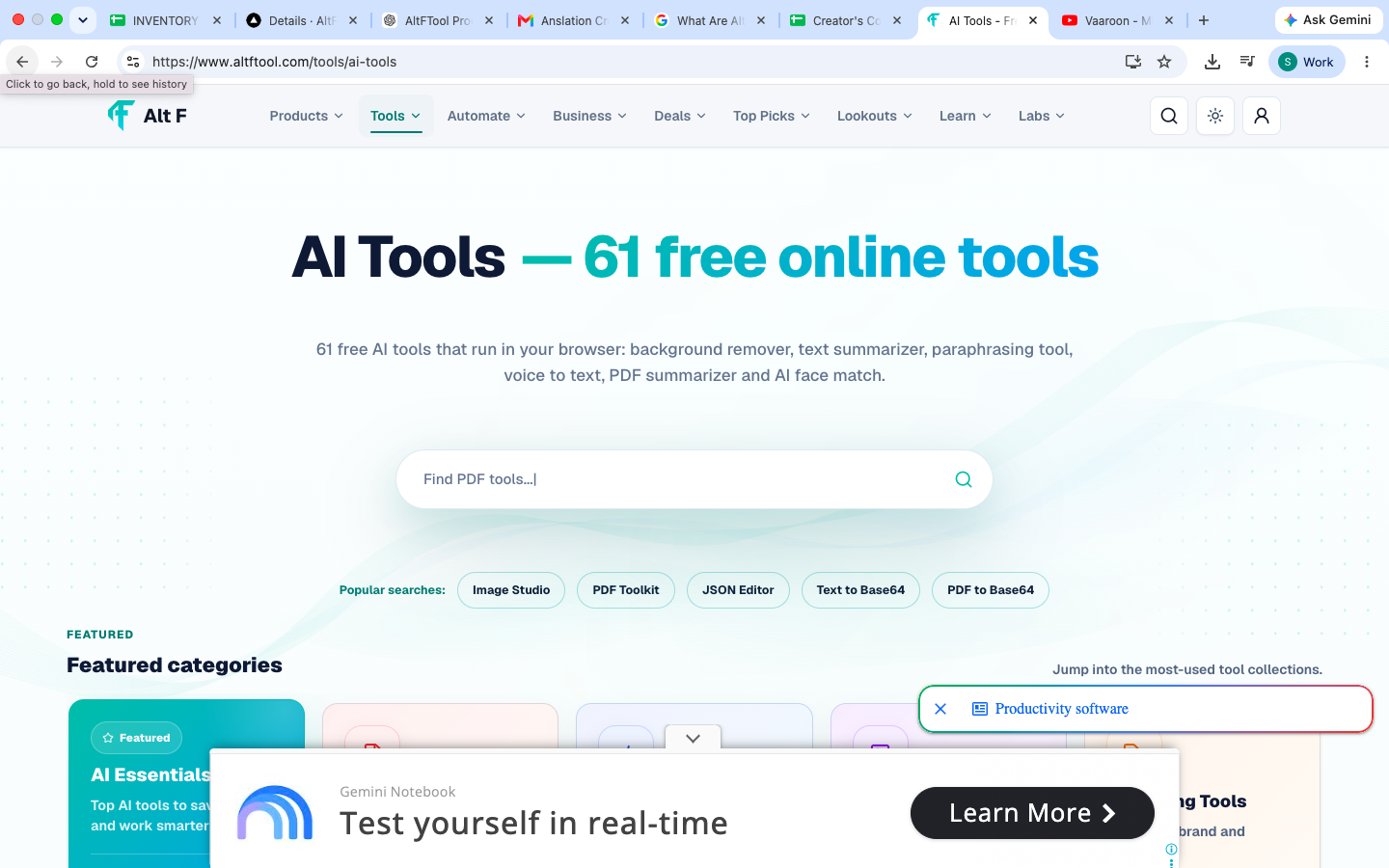
AltFTool product workspaces are purpose-built areas that bring related digital utilities together. Rather than searching through unrelated tools, users can start with a specific goal and move toward the utility they need.
For example, someone working on a website can explore domain, security, developer, or network-related tools. A student can use Campus for study and document workflows, while a content creator can move to Creator for transcripts, captions, thumbnails, and publishing tasks.
The workspace approach is particularly useful when a person has a larger task involving several smaller steps.
Workspace type | Useful for |
|---|---|
Productivity | Meetings, documents, workflows and everyday tasks |
Business | Ideas, operations, research and business planning |
Security | Passwords, authentication and security checks |
Career | Resumes, interviews, skills and applications |
Creator | Captions, transcripts, thumbnails and publishing |
Developer | JSON, APIs, regex, metadata and debugging |
Student | Study, attendance, grades and document work |
Digital utilities | PDFs, images, network and domain checks |
AltF Tools: A Directory of Focused Online Utilities
AltF Tools is the broader directory for browser-based utilities. It is designed for people who want to search for a specific tool without moving between multiple websites.
The directory covers different categories of digital tasks, making it useful for students, professionals, creators, marketers, developers, and everyday users.
The main advantage is straightforward: instead of remembering several different tool websites, users can begin with the task they want to complete and find a suitable utility from the AltFTool ecosystem.
AltF IdeaLab for Turning Ideas Into Plans
Starting a project with an idea is easy. Knowing whether that idea is practical is usually harder.
AltF IdeaLab focuses on idea validation, market research, MVP planning, positioning, and launch preparation. Its workspace is designed to help turn a rough concept into a more structured validation process.
This can be useful for entrepreneurs, creators, students working on projects, or anyone considering a new online product.
The workspace focuses on evidence-led evaluation rather than simply treating every idea as a good one. Users can work through potential risks and practical considerations before investing significant time into development.
AltF DomainOps for Domain Intelligence
Managing a website involves more than purchasing a domain name. DNS records, email authentication, ownership information, SSL, and other technical details can all affect how a domain operates.
AltF DomainOps brings domain-related checks into one workspace. It covers areas such as DNS, email authentication, ownership, and policy records, with findings presented in a more accessible format.
For website owners and developers, having these checks organized in one place can make routine domain investigation easier.
AltF Minutes for Meeting Productivity
Meetings often produce useful information, but important decisions and action items can easily get lost in a long transcript.
AltF Minutes focuses on turning meeting transcripts into practical information. It can help identify summaries, decisions, action items, and open questions.
This makes the workspace useful for teams that need to turn conversations into follow-up tasks without manually reviewing every line of a transcript.
For a typical meeting, the useful output is not necessarily the full conversation. It is knowing what was decided, who needs to do what, and what still needs clarification.
AltF Verdict for Product Comparisons
Choosing between products can become confusing when specifications, features, pricing, and use cases all need to be considered.
AltF Verdict focuses on product comparisons, ratings, decision tools, and buying guides. The workspace is designed to make comparison-based research easier by organizing information around the decision a user is trying to make.
Instead of simply looking at individual product pages, users can approach a purchase or comparison through a more structured research process.
AltFTool Products: Explore Smart Digital Tools for 2026 is easier when the workflow is broken into clear steps. This guide explains what to check first, how to avoid common mistakes, and where AltFTool can speed up the task.
Before you start
Define the result you want from altftool products: explore smart digital tools for 2026.
Collect the files, links, or details you need before using a tool.
Check the final output before downloading, sharing, or publishing it.
Step-by-step workflow
Choose the right method. Match the tool or process to the exact task.
Review the settings. Look for quality, format, privacy, and output options.
Save the result. Keep the final file or link in a place you can find later.
Final thoughts
Use this process when you need a fast but careful way to handle altftool products: explore smart digital tools for 2026. Keep the steps simple, check the source details, and use related AltFTool resources when the task needs a dedicated utility.
AltF Security and AltF Authenticator
Online security is another major area within the AltFTool ecosystem.
AltF Security provides tools related to password checks, breach-related checks, SSL, security headers, and security readiness. These types of utilities can help users identify areas that deserve attention when reviewing online security.
AltF Authenticator takes a more specific approach by providing local-first TOTP and two-factor authentication utilities. According to the product information, verification codes can be generated locally without storing or transmitting the shared secret.
Together, these workspaces address different parts of everyday account and website security.
AltF NetCheck for Internet Performance
A slow internet connection is not always caused by download speed alone. Latency, jitter, upload performance, and packet loss can also affect the experience.
AltF NetCheck is designed to measure connection performance across these areas. It covers download, upload, latency, jitter, packet loss, and connection history.
This can be useful when troubleshooting an unstable connection or trying to understand why an internet connection feels slow even when the advertised download speed looks good.
AltF PDF Studio and AltF Image Studio
PDF and image tasks are common parts of digital work.
AltF PDF Studio focuses on browser-based PDF editing, conversion, signing, and optimization. This can be useful for people who regularly work with documents and need quick PDF-related utilities.
AltF Image Studio covers image editing, conversion, compression, generation, and enhancement.
Having these tools grouped into dedicated workspaces can be helpful for students, marketers, designers, content teams, and business users who regularly work with visual or document files.
AltF Career for Job Seekers and Professionals
Searching for a job often involves much more than sending a resume.
AltF Career brings together tools related to resumes, ATS preparation, cover letters, salary information, skills, interviews, and career planning.
For someone actively applying for jobs, these tasks are closely connected. A resume may need to be optimized for applicant tracking systems, while interview preparation and skill research can help with the next stages of the application process.
The workspace therefore focuses on the broader career journey rather than only one document.
AltF Creator for Content Workflows
Content creators often move through several steps before publishing a finished piece of content.
AltF Creator focuses on transcripts, captions, thumbnails, publishing, video optimization, and channel research. These tools are organized around the creator workflow, from preparing content to improving its presentation and publishing process.
For creators who regularly produce videos or other digital content, having related utilities in one workspace can reduce the need to jump between multiple websites.
AltF Developer for Technical Tasks
Developers frequently need small utilities for tasks that may only take a few minutes but still interrupt their workflow.
AltF Developer brings together tools for JSON, regex, APIs, webhooks, code, metadata, and web debugging.
These are the kinds of utilities that can be useful during testing, troubleshooting, development, and technical research. Instead of searching the web for a separate tool every time a small technical problem appears, developers can start with a dedicated workspace.
AltF Flow for Workflow Automation
Repetitive digital tasks can become time-consuming when the same actions have to be performed again and again.
AltF Flow focuses on trigger-action workflow automation, connectors, logs, retries, and templates. It is designed around repeatable transformations involving text and data.
The workspace is currently presented as a public beta, so users should treat it as a developing product rather than assuming every feature represents a final release.
AltF Impact and AltF Campus
AltFTool also has workspaces designed around broader user needs.
AltF Impact focuses on benefits, education, skills, sustainability, and public-service resources. It allows users to select a country edition and discover relevant official resources.
AltF Campus is designed for students, bringing together productivity, discovery, collaboration, and marketplace experiences. Its listed use cases include citations, attendance, grades, study materials, quizzes, and document workflows.
These workspaces show how the AltFTool ecosystem extends beyond traditional online utilities into more specific everyday workflows.
AltF API & Widgets for Developers
Developers who want to integrate tools into other experiences can explore AltF API & Widgets.
This workspace covers embeddable reports, badges, calculators, and documented developer APIs. It also provides a place to explore public read APIs and test responses.
For developers, this type of workspace can be useful when evaluating how AltFTool functionality could fit into another website, application, or workflow.
What About AltF Vault?
Security-sensitive products require a different level of caution.
AltF Vault is listed as security gated rather than being presented as a finished password-management product. The product information states that its zero-knowledge password management system will remain unavailable until areas such as cryptography, recovery, telemetry, and the extension model pass independent security review.
That distinction matters. A product being listed on a platform does not automatically mean it is available for everyday use.
AltFTool's product directory makes this status visible so users can distinguish between available products, beta projects, and security-gated work.
AltFTool Product Release States
One useful part of the product directory is that it does not treat every workspace as if it has the same level of availability.
Release state | What it means |
|---|---|
Working | Available as an active workspace |
Public beta | Available for testing while still being developed |
Partial | Some functionality or areas may still be incomplete |
Security gated | Intentionally unavailable until required security review is completed |
This approach gives users more context before they choose a product.
Why AltFTool's Workspace Approach Is Useful
The biggest benefit of a workspace-based platform is organization.
Someone looking for a PDF converter does not necessarily need a large collection of unrelated utilities. A developer may want JSON or API tools without browsing through image or lifestyle tools. A student may care more about citations, quizzes, attendance, and study materials.
By grouping utilities according to real-world tasks, AltFTool makes the discovery process more straightforward.
It also gives the platform room to expand. New utilities can be added to an existing workspace without forcing users to learn an entirely new platform structure every time.
Who Can Use AltFTool Products?
AltFTool's product ecosystem covers a wide range of users.
Students can explore Campus, PDF, image, and productivity-related utilities.
Content creators can use Creator, Image Studio, and other content-focused tools.
Developers can explore Developer, API & Widgets, DomainOps, Security, and NetCheck.
Professionals and job seekers can use Career, Minutes, PDF Studio, and other productivity workspaces.
Entrepreneurs can explore IdeaLab, Business Ops, Verdict, and other business-oriented products.
The result is a platform that is not limited to one type of digital task or one type of user.
AltFTool Products at a Glance
Product | Main purpose | Listed state |
|---|---|---|
AltF IdeaLab | Idea validation and planning | Working |
AltF DomainOps | Domain and DNS intelligence | Public beta |
AltF Minutes | Meeting summaries and action items | Working |
AltF Security | Security and readiness checks | Working |
AltF Authenticator | Local-first authentication utilities | Working |
AltF NetCheck | Internet performance testing | Working |
AltF Career | Career and application tools | Working |
AltF Creator | Creator workflow utilities | Working |
AltF Flow | Workflow automation | Public beta |
AltF Impact | Public-service and resource discovery | Public beta |
AltF Campus | Student productivity tools | Working |
AltF API & Widgets | APIs and embeddable utilities | Working |
AltF Vault | Password management | Security gated |
Quick checklist
Confirm the main goal for altftool products: explore smart digital tools for 2026.
Compare the available options before choosing one workflow.
Use the related AltFTool utilities to finish the task faster.
AltFTool is a digital tools platform that organizes online utilities into focused product workspaces covering productivity, business, security, career, creators, students, developers, and other use cases.
The supplied AltFTool Products page presents 24 product workspaces across different areas and release states.
AltF Vault is currently listed as security gated. Its password-management functionality is intended to remain unavailable until independent security review is completed.
No. The product directory distinguishes between working, public beta, partial, and security-gated products, so availability can vary between workspaces.
AltFTool has products designed for students, creators, developers, professionals, entrepreneurs, job seekers, and everyday users looking for browser-based digital utilities.
Who should use Technology & Gadgets
AltFTool Products: Explore Smart Digital Tools for 2026 is built for readers who want a faster way to finish everyday web tasks. The main goal is shorter workflows, clearer outputs, and reusable tool habits, so the guide focuses on practical choices instead of broad theory.
Use it when you need one of these outcomes:
- testing a task before choosing a heavier app
- saving time on a repeated browser workflow
- combining a guide with a related AltFTool utility
How to get a better result
- Read the core use case and decide what output you need.
- Open the related AltFTool utility and test it with a small sample.
- Review the result, adjust settings, and repeat only if needed.
- Continue with related tools or guides for the next step in the workflow.
Start small, check the first output, and only then repeat the workflow with the full file, text, media, or game session. That gives you a quick quality check before you spend more time.
Quality checks before you trust the output
- the input is clean before running the tool
- the output matches the format you need
- private details are removed before sharing or downloading
Do not overcomplicate a simple task. Start with the smallest sample that proves the workflow, then scale up once the output looks right.
Continue your workflow
If you want to try the workflow now, open the related AltFTool tool area. For more reading, continue through the Technology & Gadgets archive or the AltFTool tools directory.
This creates a cleaner path from explanation to action: read the guide, test the tool, compare the output, and move into the next related AltFTool resource only when it helps the task.
Sources and review notes
References used to check facts, freshness, and reader-safe recommendations in this guide.
Source: AltFTool official Products page, which provides information on the platform’s product workspaces, features, and current release states.
- 1AltFTool
altftool.com
Discussion
0 comments
No comments yet
Discussion will appear here once it loads.