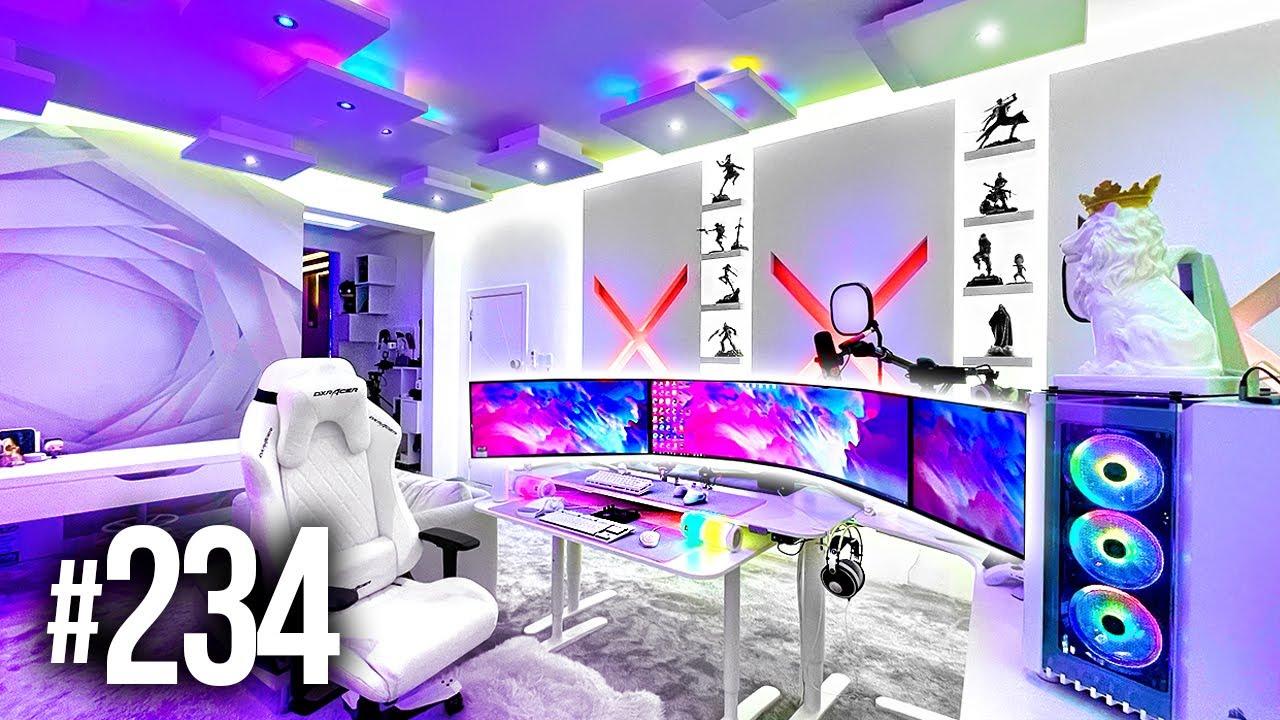
A few months ago, I sat down on a Saturday evening to play a game I had been looking forward to all week. Within an hour, my neck was stiff, my eyes were burning, the sound was too quiet to hear the story and I had already lost count of how many times I had restarted a level out of frustration. My snack was cold, my phone kept buzzing and a friend I had promised to play with was waiting for me in a lobby that wouldn’t load. I closed the game feeling more tired than entertained.
I used to think a better gaming experience simply meant better hardware or a better game. Every advertisement showed expensive screens, flashy controllers and perfect moments of victory, so I assumed enjoyment came from spending more. In reality, most of the fun depends on small, everyday things: comfort, settings, mood, company and how you choose what to play. If you’ve ever finished a gaming session wondering why it didn’t feel as good as you expected, you know exactly what I mean.
So I started paying attention to the details around the game, not only the game itself. My evenings became more relaxed, my sessions more satisfying and my frustration far lower. This guide shares how to make your gaming experience more enjoyable, and none of it needs expensive equipment or professional skills.
Why Some Gaming Sessions Feel Flat
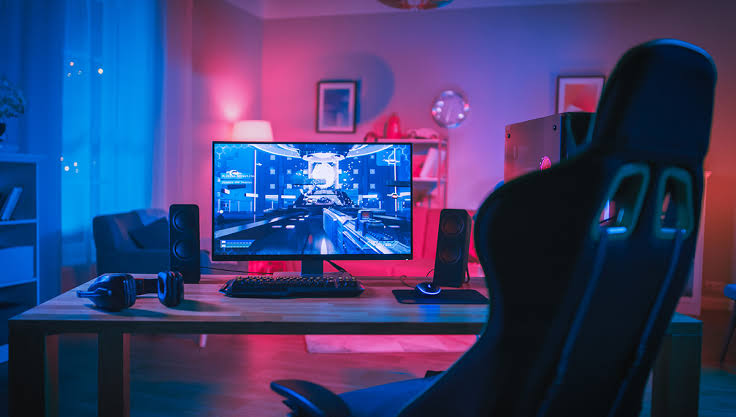
A game can be excellent and still feel disappointing if the conditions around it aren’t right. Physical discomfort, poor audio, laggy connections, bad timing and unrealistic expectations all take away from the fun. Sometimes the problem is mood: playing when you’re tired, stressed or angry rarely ends well. Other times it’s choice, because picking a game that doesn’t match your energy can feel like a chore. Once you recognise these quiet factors, you can fix many of them without spending anything.
Physical discomfort makes it hard to enjoy long sessions
Poor sound, lag or screen settings reduce immersion
Playing when tired or stressed increases frustration
A mismatch between the game and your mood can feel like work
Too many distractions break your focus
Choose Games That Fit You
The most important decision is what you play. A good match between you and the game does more for enjoyment than any upgrade.
Match the Game to Your Mood and Time
Think about how much time and energy you have. After a long day, a relaxed, low-pressure game may feel better than a demanding competitive one. On a free weekend, a long story or a complex strategy game can be perfect. Matching the game to the moment helps you avoid starting something that isn’t right for you.
Choose calm games when you’re tired
Save challenging games for when you have energy and focus
Pick shorter games for busy weeks
Check how long a typical session lasts before starting
Keep a mix of light and deep games available
Read About a Game Before You Commit
Reviews, gameplay videos and community discussions can show you what a game feels like, beyond the marketing. Look for comments about pacing, difficulty, bugs and how the game changes after the first few hours. Take reviews as a guide, not a rule, since taste differs from person to person.
Watch a bit of real gameplay before buying
Read both positive and critical reviews
Look for comments about difficulty and pacing
Check whether the game is still being supported and updated
Consider free demos or trials where available
Set Up Your Space for Comfort
Comfortable Seating
Choose a supportive chair that helps you enjoy longer gaming sessions comfortably.
✨ Tap to Reveal
Adjust your chair height and support your lower back.
Perfect Room Lighting
Create a pleasant atmosphere with balanced lighting around your gaming setup.
✨ Tap to Reveal
Use soft lighting and reduce glare on your screen.
Enjoy Clear Audio
Pick comfortable headphones to hear game sounds and communicate with teammates.
✨ Tap to Reveal
Take headphone breaks and keep the volume moderate.
Set Screen Position
Place your monitor at a comfortable distance and suitable viewing height.
✨ Tap to Reveal
Keep the top of your screen around eye level.
Arrange Your Accessories
Keep your keyboard, mouse, controller, and other essentials organized.
✨ Tap to Reveal
Place frequently used accessories within easy reach.
Add a Relaxing Touch
Make your gaming corner inviting with a small plant or personal decoration.
✨ Tap to Reveal
Choose simple decorations that keep your desk neat and inspiring.
A comfortable setup makes long sessions far more enjoyable, and it protects your body too.
Sit Well and Move Often
Choose a chair or position that supports your back, with your feet resting comfortably and your screen at a reasonable height. Keep your wrists relaxed and your shoulders loose. Take short breaks to stand, stretch and look away from the screen. Small adjustments can prevent the stiffness that ruins a good session.
Support your back and keep your feet flat or resting comfortably
Place the screen at a comfortable height and distance
Keep your wrists and shoulders relaxed
Stand and stretch regularly
Take short breaks, even during exciting moments
Look After Your Eyes
Long hours on a screen can cause tired, dry or irritated eyes. Adjust the brightness so it matches the room, reduce glare and blink often. Follow a simple habit: every so often, look at something far away for a short while. If you notice persistent discomfort, headaches or blurred vision, consider speaking to an eye care professional.
Match screen brightness to your surroundings
Reduce glare from windows and lights
Look at something distant at regular intervals
Blink often and stay hydrated
See a professional if discomfort continues
Improve What You See and Hear
Good visuals and sound make games more immersive, and many improvements cost nothing.
Adjust Your Settings
Most games let you change brightness, contrast, text size, subtitles and control sensitivity. Spend a few minutes in the settings before you start, since default options aren’t always right for you. Turn on subtitles if dialogue is hard to hear, increase text size if it’s hard to read and adjust sensitivity until aiming or movement feels natural.
Adjust brightness and contrast for your screen and room
Turn on subtitles and increase text size if needed
Tune control sensitivity for comfort
Check graphics options, and balance quality and smooth performance
Explore accessibility settings, which help many players
Get Better Sound
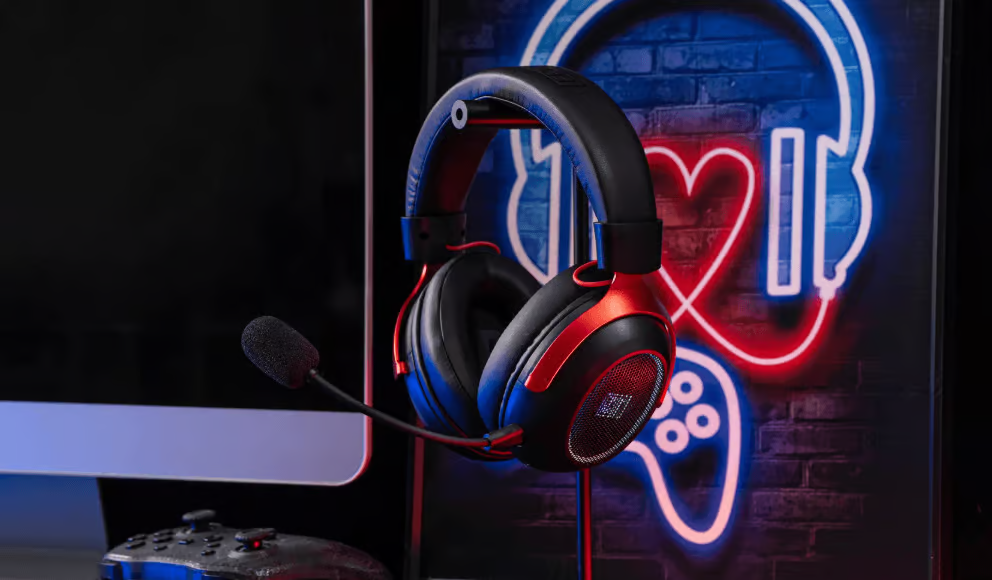
Audio shapes mood, from the music to the footsteps that warn you of danger. A decent pair of headphones or speakers can make a game feel richer. Balance the volume between dialogue, music and effects if the game allows, and protect your hearing by keeping the volume at a comfortable level.
Use headphones or speakers that you find comfortable
Balance dialogue, music and effects in the audio settings
Keep the volume at a safe level
Use headphones if others are sleeping or working nearby
Take breaks to rest your ears
Keep Your Connection and Performance Smooth
Lag, freezing and long loading times kill enjoyment faster than almost anything. A few simple fixes can help.
Use a wired connection if you can, since it’s often more stable
Move closer to your router if you rely on Wi-Fi
Close other apps and downloads before playing
Keep your system and game updated
Restart your device now and then to clear temporary problems
Check storage space, since a full drive can slow things down
Compare Common Gaming Problems and Easy Fixes
Here is a quick guide to frequent issues and simple ways to improve each.
Problem | Why It Hurts Enjoyment | Simple Fix | Cost | When to Try It |
|---|---|---|---|---|
Stiff neck and back | Pain makes you rush or quit sessions | Adjust your chair, screen height and take stretch breaks | Free or very low | Before every long session |
Tired or dry eyes | Discomfort reduces focus and mood | Lower glare, match brightness and look away regularly | Free | Whenever your eyes feel strained |
Laggy or unstable connection | Causes frustration and unfair losses | Use a wired connection or move closer to the router | Free to low | Before online play |
Hard-to-hear dialogue or effects | Breaks immersion and causes missed cues | Use subtitles and adjust audio balance | Free | At the start of a new game |
Frustration and tilt | Spoils both the game and your mood | Take a short break, change games or stop for the day | Free | As soon as you feel irritated |
Play With and Around People
Games are often better together, and a good community can turn an average game into a great one.
Find Friendly Company
Playing with friends or kind strangers can add warmth and laughter. Look for groups with a positive tone, and avoid those that thrive on insults or pressure. If you play online with others, agree on simple expectations, such as supportive communication and breaks when needed.
Play with friends or communities that feel welcoming
Mute or leave toxic players without guilt
Agree on a relaxed tone with your group
Share tips and celebrate each other’s wins
Try cooperative games if competitive ones feel stressful
Be a Good Teammate
You can improve everyone’s experience, including your own, by being patient and encouraging. Keep communication clear and calm, apologise for mistakes and avoid blaming others. If someone is new, offer help instead of criticism. A friendly attitude makes games enjoyable even when the result isn’t a win.
Communicate calmly and clearly
Avoid blaming teammates
Help newer players instead of mocking them
Report abusive behaviour using the game’s tools
Remember that most players are there to have fun
Manage Frustration and Expectations
Everyone gets frustrated sometimes. How you handle it decides whether the session is fun or exhausting.
Know When to Pause
If you notice your jaw tightening, your hands getting tense or your thoughts turning angry, take a break. Stand up, drink some water and step away for a few minutes. Returning with a calmer mind often solves the problem that seemed impossible a moment ago. If a game consistently makes you miserable, it’s fine to stop playing it.
Notice early signs of irritation
Step away for a few minutes
Drink water and stretch
Change to a lighter game if needed
Give yourself permission to quit a game you don’t enjoy
Aim for Progress, Not Perfection
Not every game needs to be completed, mastered or won. Enjoy the story, the exploration or the small improvements you make. Set small goals, such as trying a new strategy or finishing a chapter, instead of chasing perfection. Be kind to yourself when you make mistakes.
Set small, realistic goals
Enjoy the experience, not only the result
Don’t compare yourself to professional players
Accept that losing is part of learning
Celebrate small improvements
Balance Gaming With Life
Create a Daily Schedule
Balance gaming with work, studies, and everyday responsibilities.
👆 Tap to Unlock
Set specific gaming hours and stick to your daily routine.
Make Time for Exercise
Keep your body active with simple workouts and outdoor activities.
👆 Tap to Unlock
Try a short walk or stretching session after playing.
Connect With Loved Ones
Spend quality time with family and friends beyond gaming.
👆 Tap to Unlock
Enjoy meals, conversations, and fun activities together.
Protect Your Sleep Time
Avoid late-night gaming and maintain a healthy sleep routine.
👆 Tap to Unlock
Switch off your devices before bedtime and relax your mind.
Games are most enjoyable when they fit comfortably within your life. A balanced routine keeps them fun and prevents burnout.
Set a time to start and stop playing
Keep regular sleep, meals and movement
Make time for friends and family offline
Avoid gaming late at night if it disturbs your sleep
Pause if gaming starts to interfere with work, study or relationships
Talk to someone you trust or a professional if you feel unable to cut back
Spend Wisely and Stay Safe
Games can tempt you to spend more than you intended, and online spaces carry risks. A few habits protect your wallet and your accounts.
Control Spending
Set a monthly gaming budget, and stick to it. Be careful with in-game purchases, loot boxes and limited-time offers designed to create pressure. Wait a day before buying anything impulsive, and check whether a game is free to play before assuming it’s cheap. If children play, use parental controls to prevent accidental spending.
Set a monthly gaming budget
Be careful with in-game purchases and loot boxes
Wait a day before impulsive purchases
Use parental controls and password protection
Review your payment history regularly
Protect Your Accounts
Use strong, unique passwords and enable two-step verification where possible. Be wary of messages offering free items, hacks or cheats, since they are often scams or malware. Never share your password or verification codes, and download games and updates only from official sources. Be careful about sharing personal information with strangers online.
Use strong, unique passwords with two-step verification
Avoid links offering free currency, hacks or cheats
Download games only from official stores
Never share passwords or verification codes
Keep personal details private when playing with strangers
Little Touches That Make Sessions Better
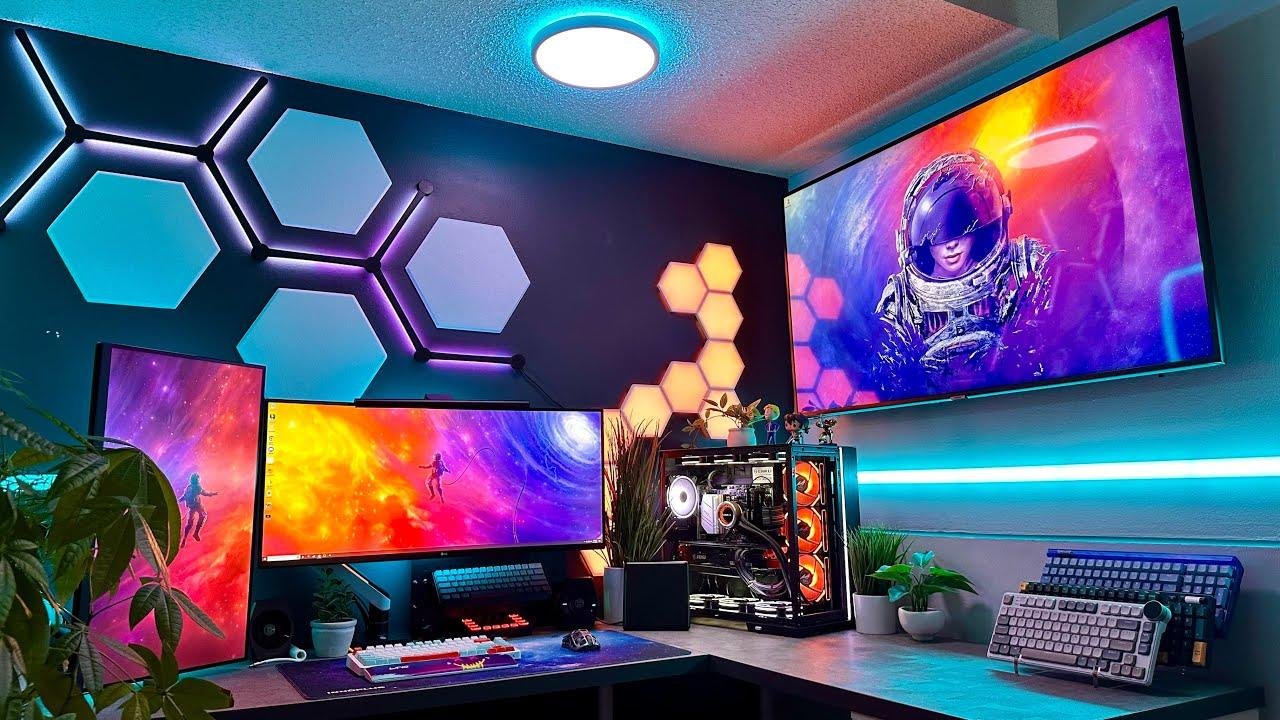
A few small habits turn an ordinary session into a pleasant one. They cost almost nothing.
Keep water and a light snack nearby
Dim the room lights slightly for immersion, without straining your eyes
Put your phone on silent
Start with a short warm-up game or a favourite level
Keep a notebook for secrets, goals or ideas
End the session with a short stretch
When to Try Something New
If a favourite game feels stale, a change can bring back the joy. Try a different genre, a smaller indie game or a cooperative experience. Replay an old favourite with new settings, or share a game you love with a friend. The best gaming experience isn’t about the biggest screen, the fastest connection or the highest score. It is about feeling comfortable, curious and relaxed enough to enjoy the moment, then stepping away when it’s time, still smiling.
FAQ's
Choose favourite games, improve your setup, and play with friends.
Headphones, a comfortable chair, and a suitable controller can help.
Practise regularly and learn basic game controls.
It can make gaming more social and entertaining.
Regular breaks help reduce eye strain and physical discomfort.
Sources and notes
Links the author listed for this post.
nformation is based on general gaming practices, player experiences, and gaming recommendations.
- 1
Games
More on AltFTool
- altftool.com (opens in a new tab)
altftool.com
Discussion
0 comments
No comments yet
Discussion will appear here once it loads.