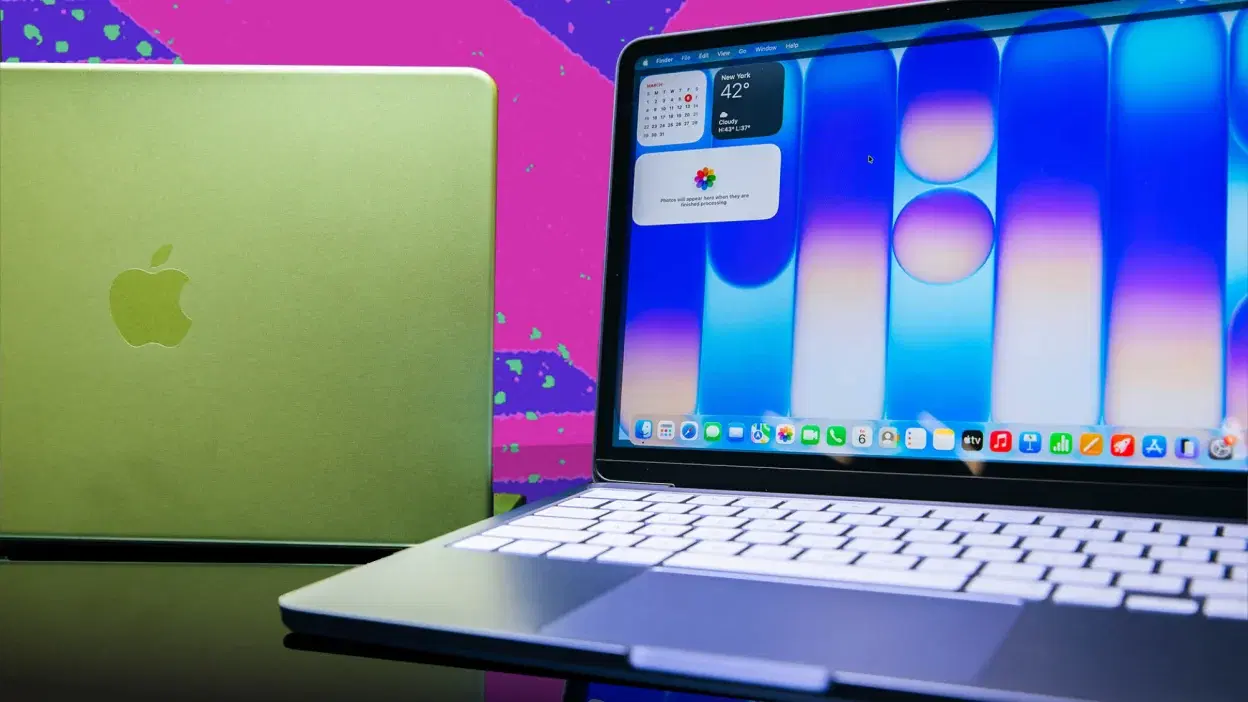
If you have been putting off buying a new computer all year, the final week of November is usually when patience pays off. Cyber Monday 2026 falls on November 30, arriving right on the heels of Black Friday, and it remains one of the sharpest windows to pick up a capable machine without paying full retail price. Whether you need a lightweight laptop for college lectures, a dependable workhorse for spreadsheets and video calls, or a high-refresh-rate rig for evening gaming sessions, retailers tend to push aggressive online-only markdowns during this stretch.
That said, shopping for a laptop during a massive sale is very different from tossing a pair of wireless earbuds or a phone charger into your cart. A laptop is something you will likely use every single day for the next three to five years. Buying one simply because a banner screams "45% Off" is one of the fastest ways to end up with buyer's remorse. The smartest approach is to go in with a clear checklist, a realistic budget, and a good sense of which hardware specs actually matter for your daily routine.
Let’s walk through the best brands to keep on your radar, how to shop smart across different price tiers, what specs you shouldn't compromise on, and a few practical tricks to make sure you are getting a genuine bargain.
Why Cyber Monday Is a Smart Window for Laptop Shopping

While Black Friday started as a brick-and-mortar frenzy, Cyber Monday has always belonged to online shoppers—and tech is its biggest category. Retailers use the day to clear out warehouse inventory before the new year's hardware announcements hit in January, resulting in limited-time flash deals, software bundles, and instant bank or card discounts.
You also do not have to wait until the clock strikes midnight on November 30 to start looking. Most major platforms stretch their sales across a full ten-to-twelve-day window. For instance, Amazon has scheduled its 2026 Black Friday Week and Cyber Monday event to run continuously from November 19 through November 30. Many other retailers follow a similar rhythm, rolling over their top Black Friday offers while dropping fresh online-exclusive doorbusters on Monday morning.
One habit worth building right now: treat big percentage discounts with healthy skepticism. Retailers often calculate discounts based on an inflated launch price from two years ago rather than what the laptop actually sold for last month. Checking the core specifications and tracking price history a week or two early will tell you immediately whether a deal is real or just clever marketing.
Top Laptop Brands and Models to Watch on Cyber Monday 2026
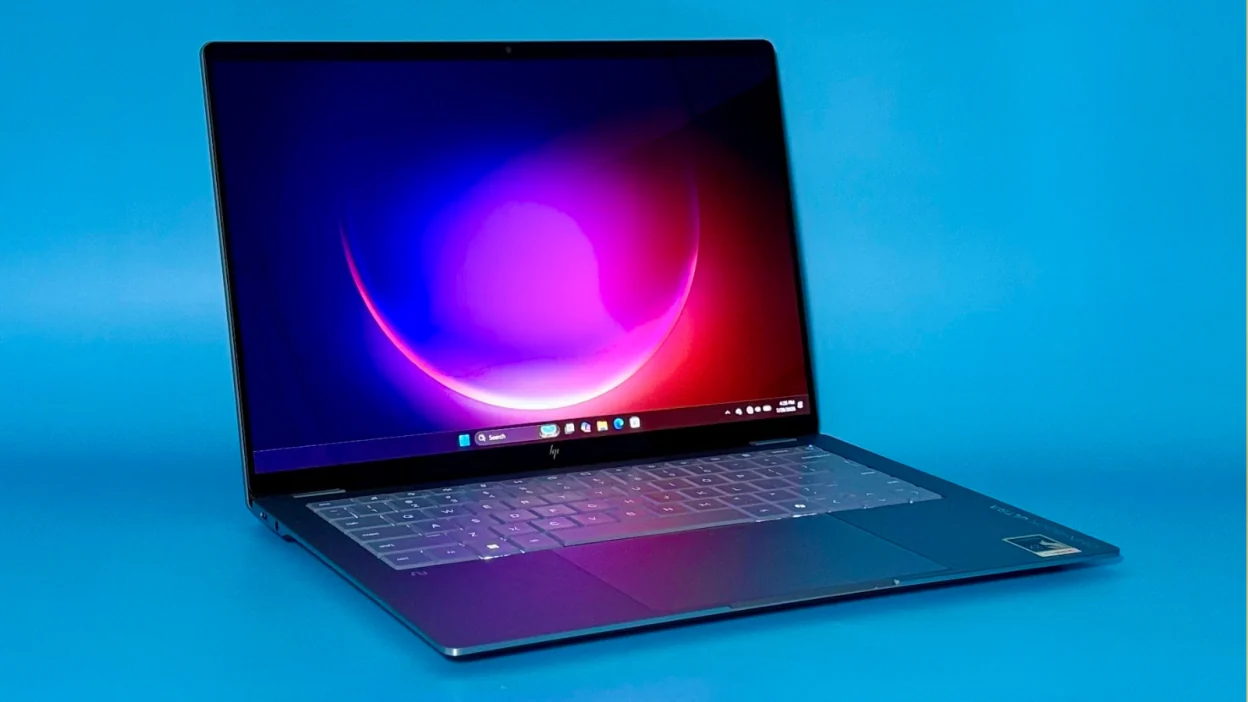
Every major manufacturer has a few standout lines that routinely see meaningful price drops during late November. Here is what to look out for across the top brands, along with current benchmark pricing to give you a realistic baseline.
1. Apple MacBook Deals
Apple rarely slashes prices directly on its own website, except through gift card promotions, so third-party authorized retailers are where the real action happens. If you want a quiet, well-built machine with stellar battery life for writing, research, everyday office tasks, or creative editing, keep your eyes on the MacBook Air and MacBook Pro lineups.
What to watch: Previous-generation Apple silicon configurations (such as M2 or M3 models alongside newer M4 variants) often get the steepest markdowns as stores clear older stock.
Price benchmark: High-spec configurations like the Apple MacBook Air currently sit around ₹1,70,990 at major retailers like Croma, making any Cyber Monday bundle or card cashback a welcome cushion.
Buyer tip: A base MacBook Air is an effortless daily driver for students and professionals, but if you edit 4K video or work with heavy design files, do not skimp on unified memory—aim for at least 16GB so the machine stays snappy years from now.
2. Lenovo Laptop Deals
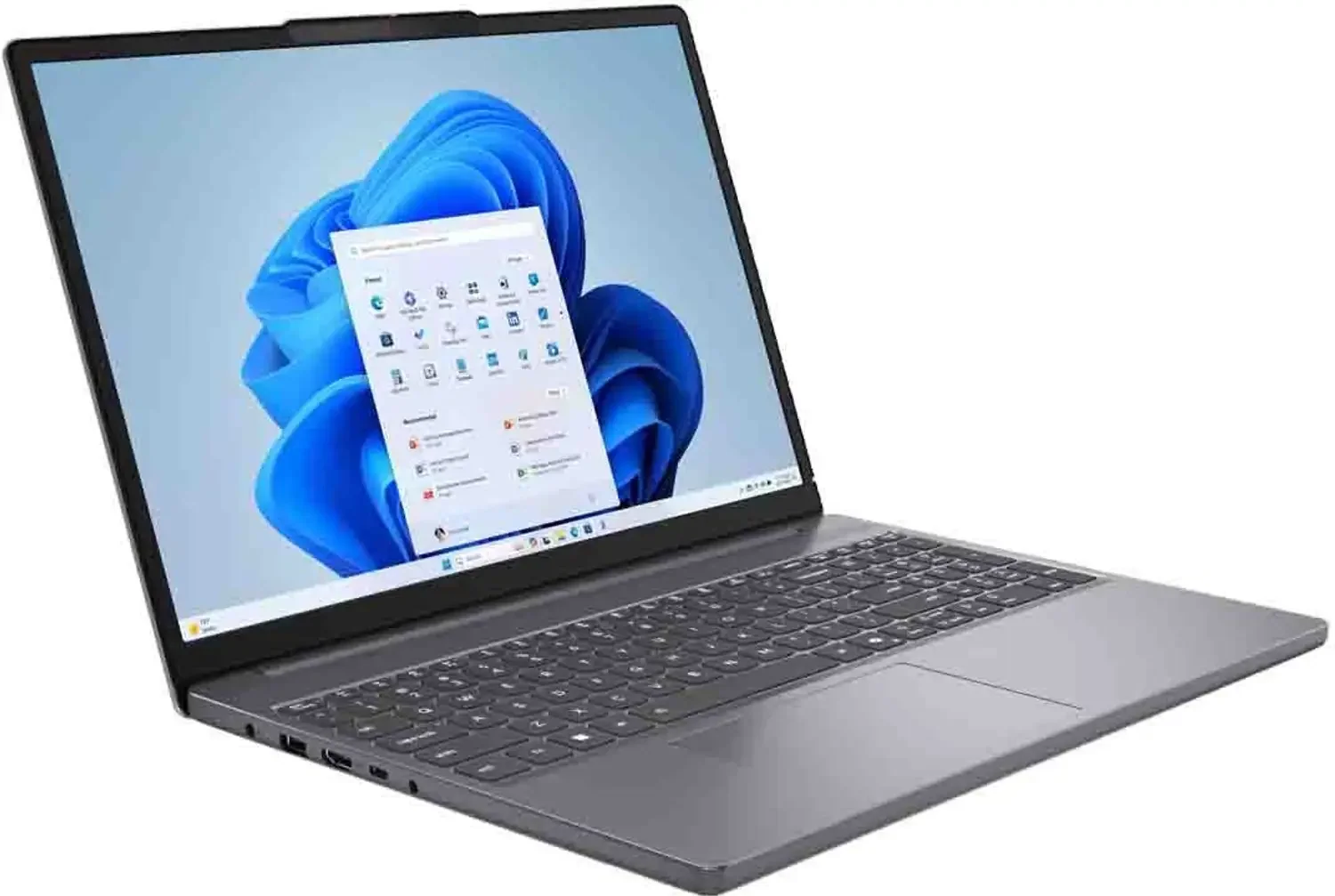
Lenovo casts one of the widest nets in the laptop market, offering everything from budget-friendly student machines to rugged business notebooks and convertible 2-in-1s.
What to watch: Look at the IdeaPad series for everyday home and student use, ThinkPad and ThinkBook models for reliable office productivity, and Yoga laptops if you want a sleek touchscreen that folds into a tablet.
Price benchmark: Models worth bookmarking include the ThinkBook 14 Gen 9 (AMD), listed around ₹97,991, and the sleek Lenovo Yoga Slim 7, priced near ₹1,46,499.
Buyer tip: Lenovo frequently discounts custom and mid-tier configurations on its official store during Cyber Monday. Prioritize 16GB RAM models—Windows 11 and modern web browsers eat up memory quickly, and 16GB keeps multitasking smooth.
3. Dell Laptop Deals
Dell remains a go-to choice for professionals, small business owners, and students who want dependable build quality and straightforward after-sales support.
What to watch: The Inspiron lineup covers everyday home and school needs, Latitude caters to corporate environments that prioritize ports and durability, and XPS models deliver razor-thin bezels and premium aluminum builds.
Price benchmark: Keep an eye on older-generation Dell XPS configurations and 16GB Inspiron models, which regularly see noticeable price cuts during holiday clearance events.
Buyer tip: Pay close attention to the screen specs when comparing Dell models. Two laptops with identical processors can have wildly different displays—one might feature a dim, washed-out panel while the other offers a crisp, color-accurate screen that is much easier on your eyes during eight-hour workdays.
4. HP Laptop Deals
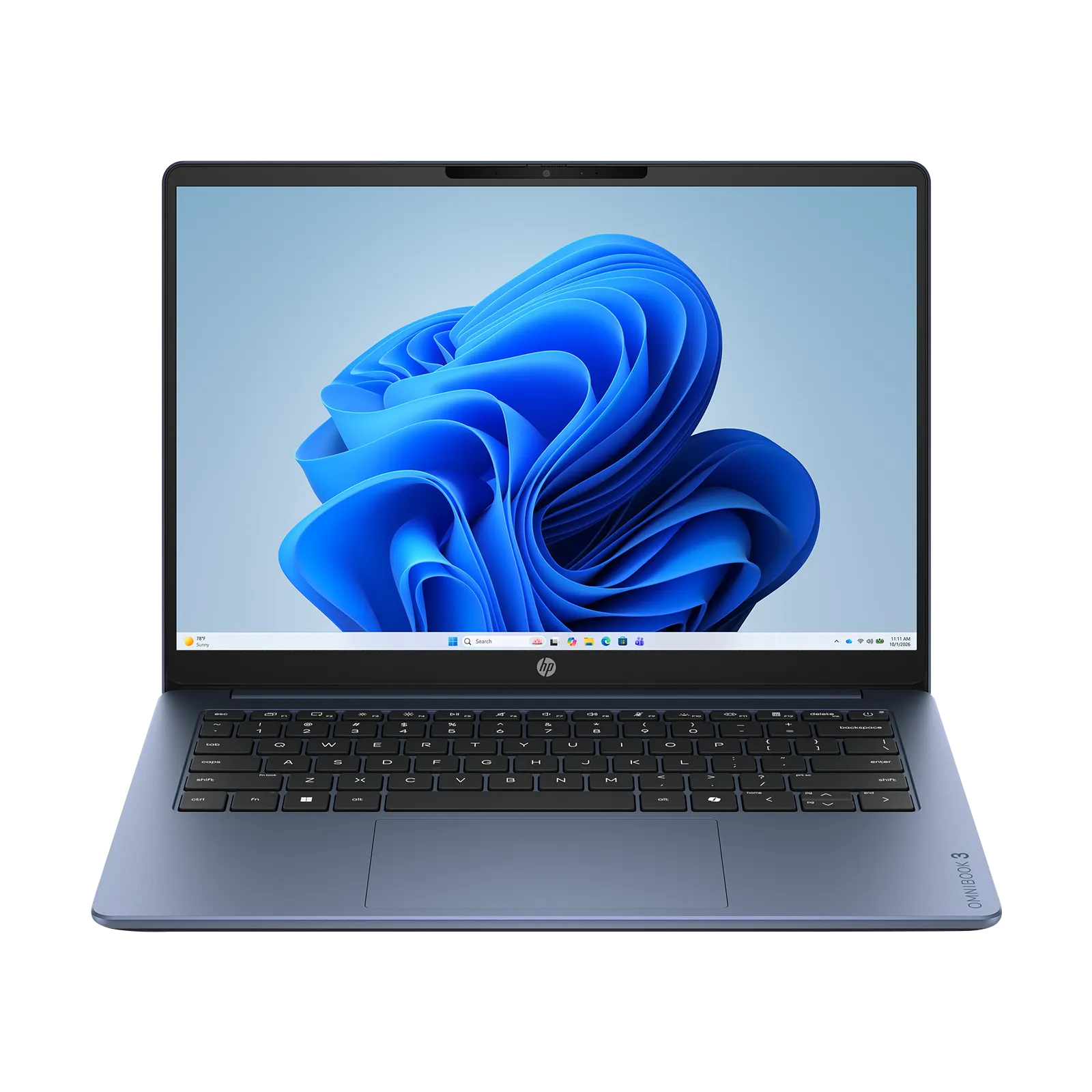
HP’s catalog spans from affordable everyday notebooks to sleek AI-ready ultrabooks and entry-level gaming rigs, giving bargain hunters plenty of room to compare.
What to watch: Check out the modern OmniBook series for thin-and-light productivity, Pavilion models for balanced family or student use, and HP Victus if you want solid 1080p gaming without spending a fortune.
Price benchmark: The HP OmniBook X 14 (Qualcomm Snapdragon X Plus) is currently listed around ₹87,990, making it a strong contender if long battery life and portability top your wish list.
Buyer tip: Do not judge an HP laptop solely by its CPU sticker. Check the webcam resolution, keyboard travel, and port selection—having an extra USB-C or full-size HDMI port saves you from carrying dongles everywhere.
5. ASUS Laptop Deals
ASUS has earned a strong reputation for packing vibrant OLED screens and creative hardware features into competitive price brackets.
What to watch: Zenbook models are ideal for professionals who want something ultra-portable and stylish, Vivobook offers strong everyday value, and the TUF Gaming series delivers durable, high-wattage gaming performance.
Price benchmark: The ultra-thin ASUS Zenbook S 14 sits near ₹1,45,990, while the ASUS TUF A16 Gaming Laptop is a prime target to watch for holiday markdowns.
Buyer tip: If you are eyeing a performance or gaming ASUS machine, check reviews for thermal performance and fan noise. A laptop with great cooling maintains higher speeds during long sessions without turning your desk into a wind tunnel.
Choosing the Right Laptop by Budget Tier

Setting a firm budget before you open a single shopping tab protects you from feature creep—paying extra for graphics power or ultra-thin carbon fiber you don't actually need.
Category | Best For | Minimum Specs to Target | Models to Watch |
Budget Laptops | Web browsing, emails, streaming, Google Docs, online classes | 8GB RAM (16GB if possible), 256GB–512GB SSD, modern Intel Core i3/Core 3, Ryzen 3/5, or Chromebook | Lenovo IdeaPad, HP Pavilion, Acer Aspire, entry-level Chromebooks |
Mid-Range Laptops | Remote work, heavy multitasking, spreadsheets, light photo editing | 16GB RAM, 512GB SSD, Full HD+ IPS/OLED display, recent Intel Core Ultra, Ryzen 7, or Snapdragon X | Lenovo ThinkBook 14, HP OmniBook X, ASUS Vivobook, Dell Inspiron |
Premium Ultrabooks | Frequent travelers, executives, writers, creative professionals | 16GB–32GB RAM, 512GB–1TB SSD, high-brightness OLED/Retina screen, all-day battery | Apple MacBook Air/Pro, Dell XPS, ASUS Zenbook S 14, Lenovo Yoga Slim 7 |
Gaming & Creator Rigs | AAA gaming, 3D rendering, 4K video editing, heavy engineering apps | 16GB–32GB RAM, 1TB SSD, dedicated NVIDIA RTX or AMD Radeon GPU, 144Hz+ display | ASUS TUF A16, ASUS ROG, Lenovo Legion, HP Victus, Acer Predator, MSI |
A Quick Note on Gaming Laptops
Gaming laptops play by different rules than standard ultrabooks. A dedicated graphics card (like an NVIDIA GeForce RTX 4060 or 4070) is essential, and not all RTX laptops perform the same. A thin laptop with a low-wattage GPU will trail behind a slightly thicker machine that feeds full power to the exact same graphics chip. Always check the GPU wattage (TGP) and cooling reviews before hitting buy.
7 Hardware Specs You Should Always Check Before Ordering

Specs sheets can look like alphabet soup, so focus on the seven pillars that actually shape how your laptop feels day to day:
Processor (CPU): This is the brain of your laptop. Intel Core Ultra, AMD Ryzen, Apple M-series, and Qualcomm Snapdragon chips each shine in different areas. Apple and Snapdragon chips lead in battery efficiency, while Intel and AMD offer broad software compatibility and strong raw performance.
Memory (RAM): Treat 16GB of RAM as the modern sweet spot. While 8GB works for light browsing and basic documents, it fills up fast once you open a dozen browser tabs alongside Zoom and Spotify. Remember that most thin laptops solder their RAM onto the motherboard, meaning you cannot upgrade it later.
Storage (SSD): Skip anything with slow eMMC storage or old mechanical hard drives. Look for at least a 512GB NVMe SSD so Windows, apps, and large files load in seconds.
Display Quality: You will stare at this screen for thousands of hours. Look for at least Full HD (1920x1080) or 1920x1200 resolution, 300 nits or higher brightness (so you can actually see the screen near a sunny window), and an IPS or OLED panel rather than a washed-out TN display.
Battery Life: Ignore the manufacturer's "up to 18 hours" claim—those numbers are measured in dim labs playing looped local video. Look up independent real-world battery tests if you work from cafés, libraries, or flights.
Keyboard, Trackpad, and Build: A mushy keyboard or tiny, finicky trackpad will frustrate you every single day. Check whether the keyboard is backlit and whether the chassis feels solid without excessive screen wobble.
Ports and Wireless Connectivity: Make sure the laptop has the ports you actually use—USB-C (ideally with charging support), USB-A for older flash drives or mice, HDMI for external monitors, and a headphone jack. Wi-Fi 6E or Wi-Fi 7 support is also a smart plus for future-proofing.
Practical Ways to Squeeze Extra Savings Out of Cyber Monday

Getting the lowest price takes a little strategy beyond just refreshing a deal page on November 30:
Track prices two weeks early: Screenshot or bookmark your top three models around mid-November. Seeing the baseline price makes it effortless to spot genuine discounts versus fake markdowns.
Compare across multiple stores: Never buy from the first tab you open. Depending on where you live, compare prices across Amazon, Best Buy, Walmart, and official brand stores (Apple, Dell, Lenovo, HP, ASUS). If you are shopping in India, cross-check Amazon India, Flipkart, Croma, Reliance Digital, and Vijay Sales, as bank offers and stock vary wildly between platforms.
Stack bank offers and exchange deals: Instant credit card discounts, no-cost EMI cashbacks, and old-laptop trade-in bonuses can easily shave another 10% to 15% off the checkout price. Read the fine print for minimum cart values and eligible card networks.
Verify the seller and return policy: Stick to authorized retailers or direct brand storefronts. Double-check the return window, dead-pixel policy, and whether the manufacturer's standard warranty applies cleanly to your serial number.
4 Common Cyber Monday Mistakes to Avoid
Even experienced shoppers get caught out during big holiday sales. Keep an eye out for these four traps:
Chasing the discount percentage instead of the specs: A 40% discount on a sluggish, outdated laptop with 8GB RAM and a dim screen is still a bad deal compared to 15% off a crisp, modern machine you will enjoy using.
Forgetting about weight and charger size: A powerhouse 17-inch gaming laptop looks thrilling on a spec sheet, until you have to lug six pounds of laptop and a brick-sized power adapter in your backpack every morning.
Buying an older generation without checking support timelines: An older budget laptop might save you money upfront, but check when the processor was released so you aren't stuck with sluggish performance on newer operating system updates.
Not checking the exact model number: Brands routinely sell five nearly identical versions of the same laptop under one family name—one with a bright OLED screen and 1TB SSD, and another with a dim panel and 256GB storage. Always match the exact alphanumeric model code before comparing prices across two websites.
Take an afternoon before November 30 to narrow your wish list down to two or three specific configurations. When the Cyber Monday deals go live, you will know immediately when a genuine bargain drops—and you can check out with confidence before the best stock sells out.
Sources and notes
Links the author listed for this post.
Information is based on laptop specifications, manufacturer product details, retail pricing trends, and seasonal shopping research. Prices and promotional offers may change during the Cyber Monday sale.
More on AltFTool
- AltFTool (opens in a new tab)
altftool.com


Discussion
0 comments
No comments yet
Discussion will appear here once it loads.