
Symmetrical fiber.Built for whatcomes next.
Compare verified symmetrical fiber plans up to 5,000 Mbps with matching upload speeds, zero data caps, and transparent pricing.
Compare verified symmetrical fiber plans up to 5,000 Mbps with matching upload speeds, zero data caps, and transparent pricing.
Symmetrical Upload Speeds · 01
Your video calls, cloud photo syncs, security cameras, and live streams all travel upstream. On legacy cable plans with 20 Mbps up, three people on calls is a coin flip. Symmetrical fiber delivers the exact same speed in both directions.
True symmetrical parity: 1,000 Mbps down matches 1,000 Mbps up on listed gigabit plans.
All listed fiber tiers feature symmetrical upload and download bandwidth. Real-world throughput depends on hardware and in-home wiring.
Speed Tiers · 02
From small apartments streaming 4K to multi-camera production studios pushing 40 GB video archives over lunch. Pick the exact bandwidth tier that matches your household devices.
Up to 10X faster upload bandwidth compared to standard residential cable connections.
03 · Gaming & 4K Streaming
Competitive gaming demands stable, single-digit latency with zero jitter. On fiber, patch days mean a 100 GB game update lands in 15 minutes instead of consuming your entire evening.
04 · Zero Data Caps & Throttling
Every plan listed on this page is shown without monthly data allowances or overage penalties. Stream, backup your entire NAS, and work without watching a usage meter.
Zero data caps or overage billing on all featured symmetrical fiber tiers.
05 · Address Verification First
Fiber is built street by street. Two houses on opposite sides of the block can receive different answers. Our free guide helps you verify address-level serviceability before you order.
Step one: Confirm wired address serviceability before scheduling an installation.
Compare verified symmetrical fiber plans up to 5,000 Mbps with matching upload speeds, zero data caps, and transparent pricing.
Symmetrical Upload Speeds · 01
Your video calls, cloud photo syncs, security cameras, and live streams all travel upstream. On legacy cable plans with 20 Mbps up, three people on calls is a coin flip. Symmetrical fiber delivers the exact same speed in both directions.

True symmetrical parity: 1,000 Mbps down matches 1,000 Mbps up on listed gigabit plans.
All listed fiber tiers feature symmetrical upload and download bandwidth. Real-world throughput depends on hardware and in-home wiring.
Speed Tiers · 02
From small apartments streaming 4K to multi-camera production studios pushing 40 GB video archives over lunch. Pick the exact bandwidth tier that matches your household devices.

Up to 10X faster upload bandwidth compared to standard residential cable connections.

03 · Gaming & 4K Streaming
Competitive gaming demands stable, single-digit latency with zero jitter. On fiber, patch days mean a 100 GB game update lands in 15 minutes instead of consuming your entire evening.



04 · Zero Data Caps & Throttling
Every plan listed on this page is shown without monthly data allowances or overage penalties. Stream, backup your entire NAS, and work without watching a usage meter.
Zero data caps or overage billing on all featured symmetrical fiber tiers.
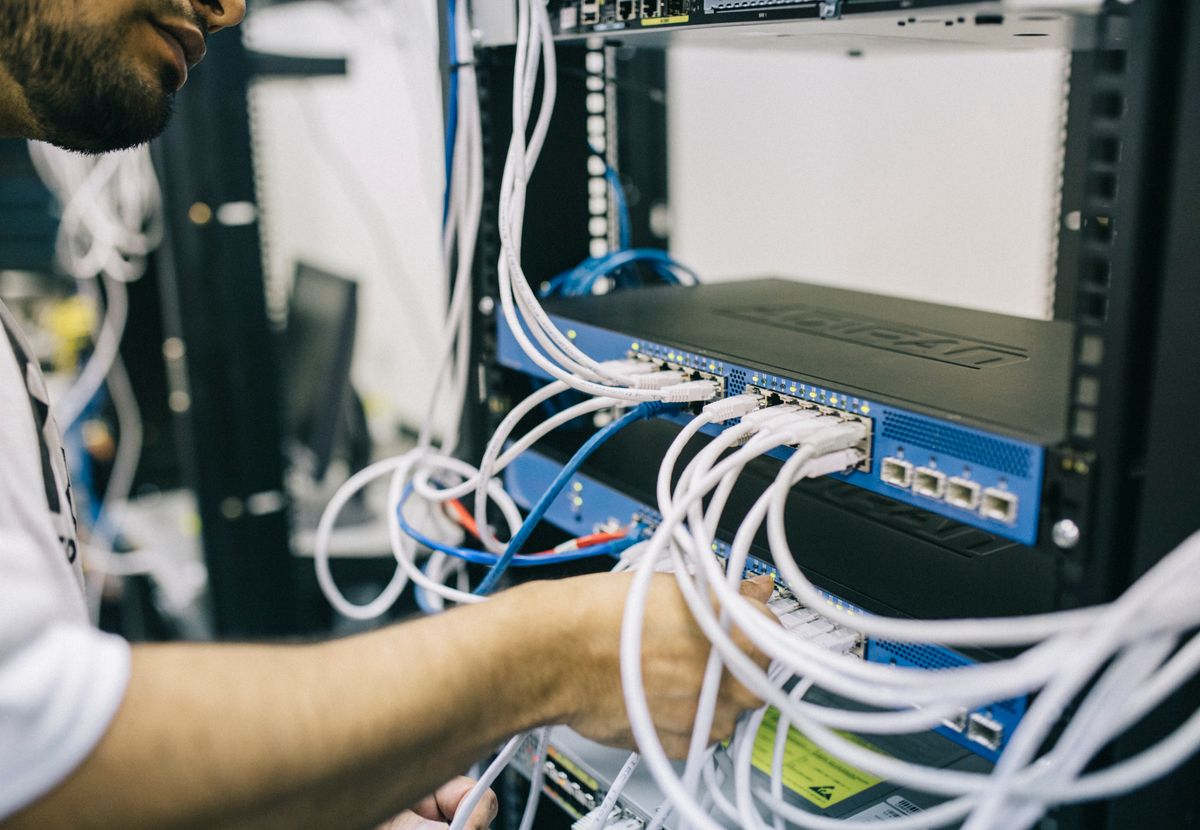
05 · Address Verification First
Fiber is built street by street. Two houses on opposite sides of the block can receive different answers. Our free guide helps you verify address-level serviceability before you order.
Step one: Confirm wired address serviceability before scheduling an installation.
Transparent Pricing & Bandwidth
All tiers include matching download and upload rates, zero data caps, and transparent equipment terms.
300 Mbps ↓ / 300 Mbps ↑
8–12 connected devices
1,000 Mbps ↓ / 1,000 Mbps ↑
15–25 connected devices
2,000 Mbps ↓ / 2,000 Mbps ↑
25–40 connected devices
5,000 Mbps ↓ / 5,000 Mbps ↑
40+ connected devices
Transparent broadband comparisons. Zero hidden equipment surprises.

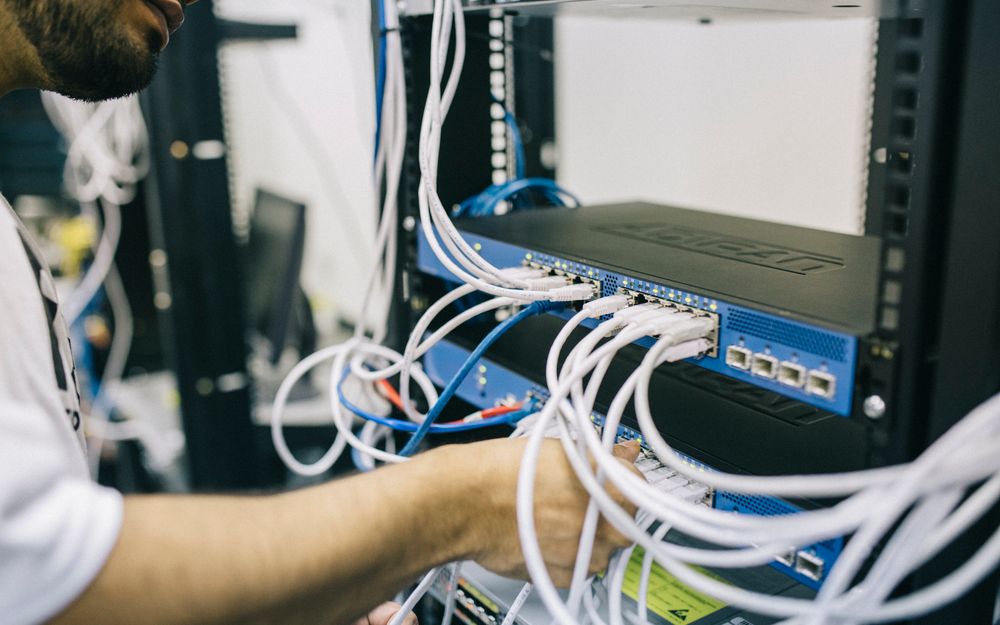
Installation Workflow
From street-level line verification to full gigabit delivery at your devices.



01 / 04
A clearer starting point for households comparing broadband options. We break down speeds, real costs, and serviceability without sales spin.
Matching download and upload speeds eliminate upload bottlenecks on video calls and cloud syncs.
Unlimited data usage across all featured plans so you never worry about overage charges or throttling.
Gateway rentals, installation costs, and promo periods are clearly disclosed upfront.
Objective guidance helping you choose the right speed tier and provider without high-pressure sales.
Illustrative composite experiences from verified fiber households across the United States.
The guide told me to test on a wired cable, not Wi-Fi. I did, saw the gigabit speed was full strength, moved the router out of the closet, and the dead zones disappeared.
Objective broadband information designed to help you compare real speeds and fees before ordering.
We advocate for transparent broadband labels displaying all-in monthly costs, speeds, and fees.
Receive our complete Speed and Plan Guide with just an email. No sensitive financial information required.
We never sell your email. Every communication includes an instant one-click unsubscribe.

Got Questions?
Everything you need to know about symmetrical fiber plans, hardware, and service verification.
Availability varies by address and is never guaranteed — fiber is constructed street by street, and two homes on the same block can get different answers. FiberStream is an independent comparison and referral service, not an internet service provider. Our free guide provides a step-by-step method to check serviceability at your exact address.
It means the plan provides the exact same upload speed as its download speed — for instance, up to 1,000 Mbps down and 1,000 Mbps up on a 1 Gig tier. Most cable plans are asymmetrical with upload speeds limited to 10-35 Mbps. Symmetry is why video calls, game streaming, and cloud backups perform seamlessly on fiber.
Speeds are framed as 'up to'. Actual throughput depends on whether you are connected via Ethernet or Wi-Fi, the age of your router, device Wi-Fi cards, and in-home wiring. A laptop on older 2.4 GHz Wi-Fi will not show gigabit speeds regardless of line delivery, which is why we recommend testing wired Ethernet first.
The plans featured on FiberStream are listed without monthly data caps, and several tiers are offered month-to-month without annual contracts. Terms differ by provider and market, so always confirm early-termination language on the provider's checkout page.
Typically a router or gateway rental ($0–$15/mo), a one-time professional installation charge ($0–$100 depending on promos), and local regulatory fees and taxes. Promotional pricing is illustrative and may step up after 12 or 24 months.
We send the Free Speed and Plan Guide, plus occasional notices when new fiber expansions or plan shifts occur in areas we track. We never sell your data, and you can unsubscribe anytime with one click.
Stay Informed
Understand your true speed needs and address serviceability before you order.


